STATUS AND LOGS
78 MultiConnect
®
rCell 100 MTR-LTE User Guide
Service Statistics
On the Web Management interface side menu, click Status & Logs > Services to display the Service Statistics
window. (If you use PPP-IP Passthrough mode, go to Status menu and follow the remaining instructions.) This
window shows the configuration (enabled or disabled) and the status of the following services:
DDNS
SNTP
Cellular RTC
TCP/ICMP Keep Alive
Dial-on-Demand
SMTP
SMS
Failover
Statistics Configuration Fields
The device saves the statistics periodically depending on the configured timeout and data limit. By default, the
Save Timeout is set to 300 seconds and the Data Limit is set to 5 MB. For the default scenario, the device saves the
data if more than 5 minutes has elapsed, or if more than 5 MB has been sent or received from the last check. The
device checks these conditions every minute, but the data is saved only if one of the conditions is met.
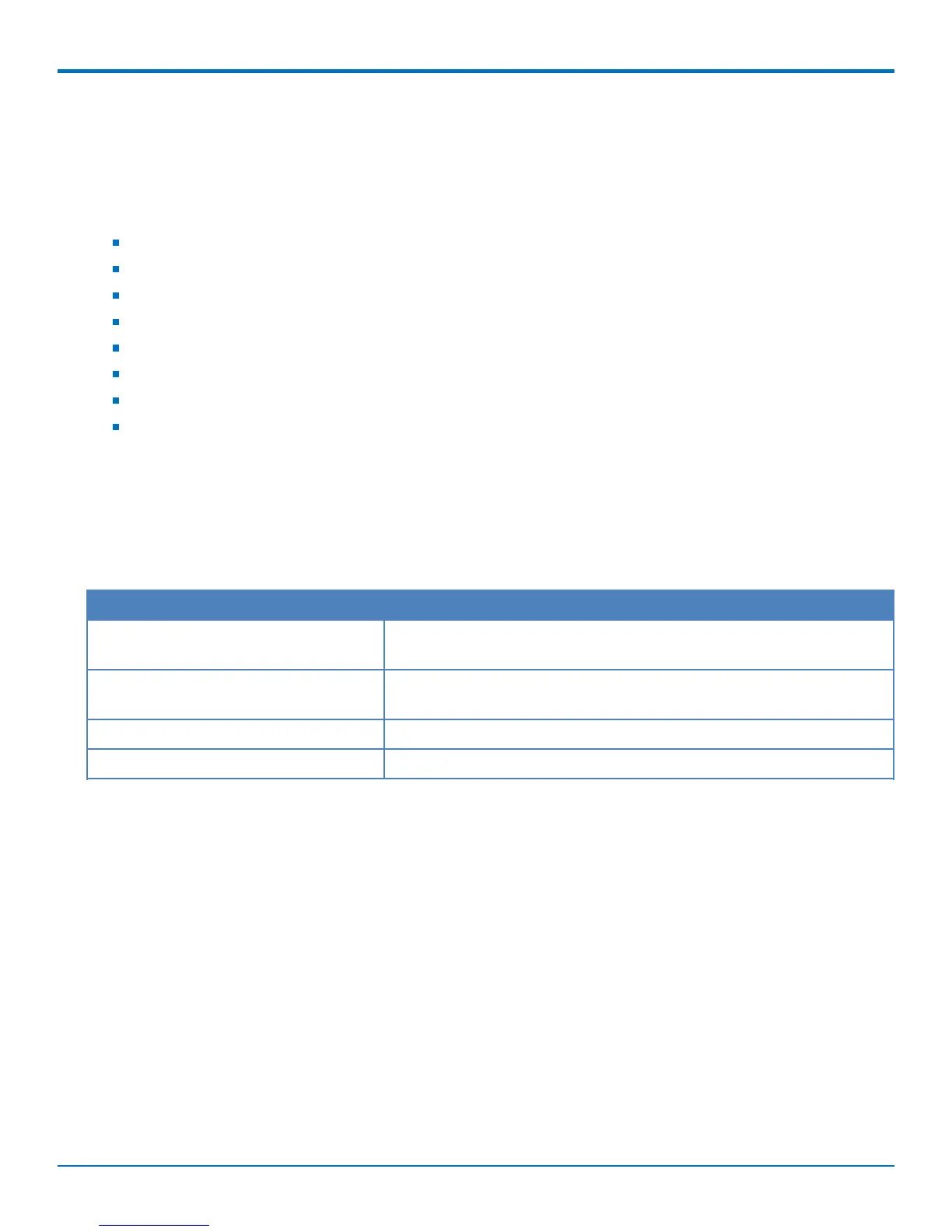
Field Description
Save Timeout The device saves the statistical data when the desired timeout period
has elapsed. Default is 300 seconds (5 minutes).
Save Data Limit The device saves the statistical data if the data limit is reached. Default
is 5 MB.
Delete Cellular History Deletes all Cellular history on the device.
Delete Ethernet History Deletes all Ethernet history on the device.
Mail Log
Mail Log shows the recent email delivery attempts and the mail log details. Mail log entries are sorted by date with
the most recent on top. (This function is not available if you use PPP-IP Passthrough or Serial Modem mode). You
can select the number of emails to display in the queue. Possible values are 5, 10, 25, 50, or All emails.
1. Go to Status & Logs > Mail Log to display the Mail Log window.
2. To see the delivery details, click the eye icon under Options for the desired email entry.
3. To delete all mail log entries, click Purge Log.
Note: Logs do not persist through power cycles.
Mail Queue
Mail Queue shows the emails that are waiting to be sent. The most recent email delivery attempts are on top. You
can select the number of emails to display in the queue. Possible values are 5, 10, 25, 50, and All emails. (This
function is not available if you use PPP-IP Passthrough or Serial Modem mode).



 To Next Page