Chapter 2 – Activation and Installation
14 Multi-Tech Systems, Inc. MultiModem GPRS Wireless Modem User Guide
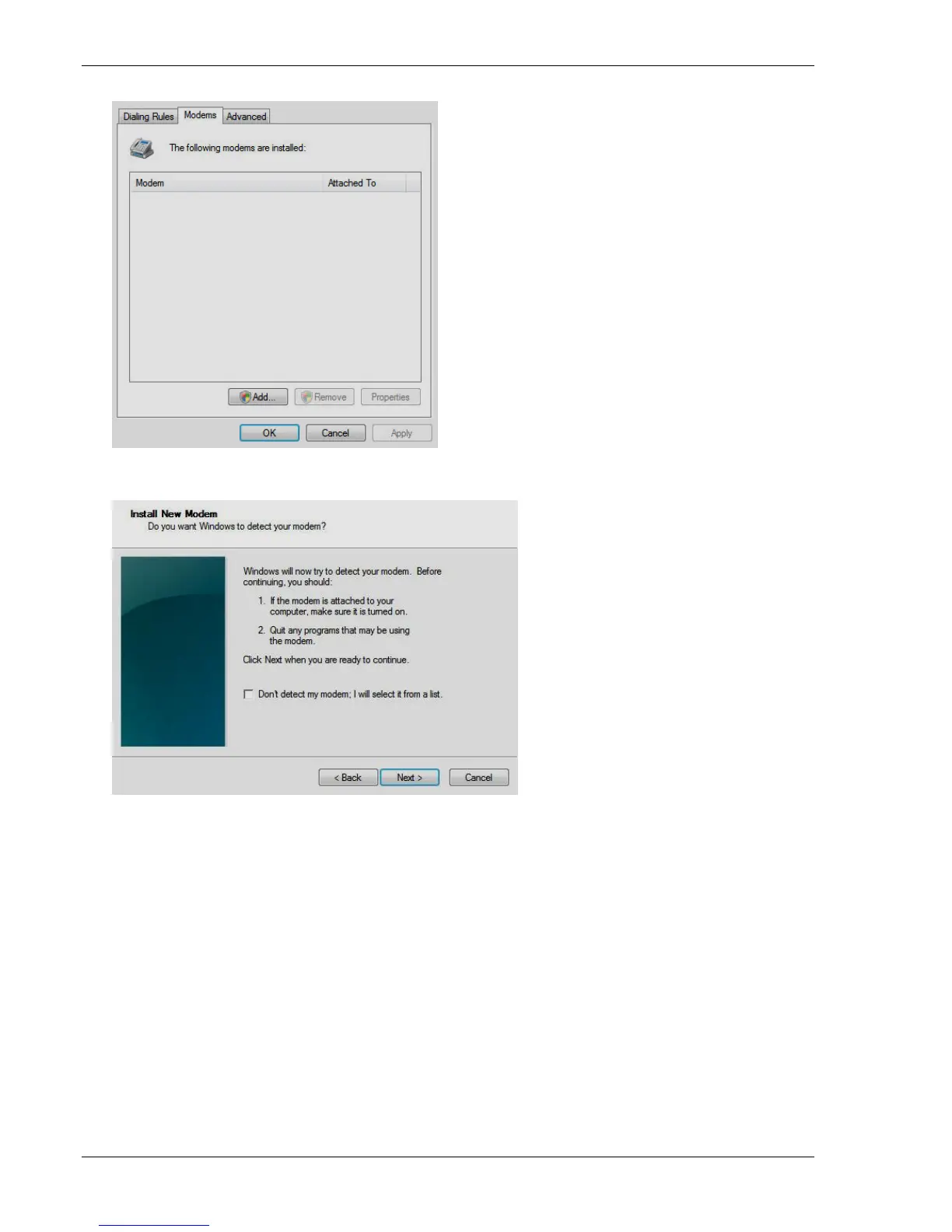
3. In the Phone and Modem Options window, click the Modems tab.
4. To add a new modem, click Add.
The Add New Hardware wizard window opens, and steps you through the installation.
5. On the Install New Modem panel, click Don’t detect my modem, I will select it from a list.
6. Click Next. Another installation wizard panel appears.














 To Next Page