Chapter 2 – Activation and Installation
Multi-Tech Systems, Inc. MultiModem GPRS Wireless Modem User Guide 15
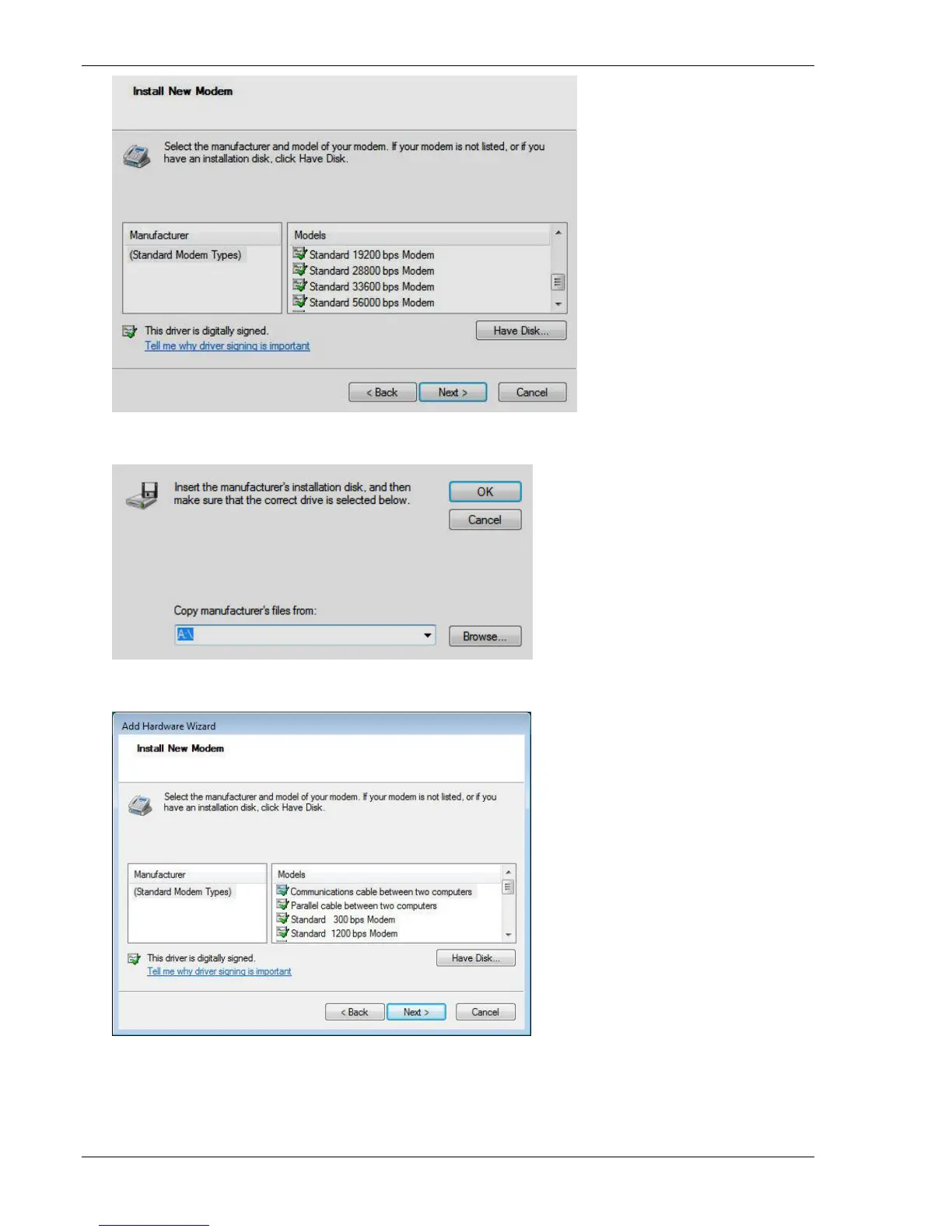
7. To browse for the driver file on your PC, click Have Disk. Click Next.
8. In the next panel, click Browse.
9. Browse to the location where you placed the driver that you downloaded from the Multi-Tech website.
10. Select the driver for your modem and click Next.
11. The next installation wizard panel asks you to select the com port to which the MultiModem is connected.
● If you know which port your modem is on, click that port
● If you don’t know the port, select COM1 (most common).














 To Next Page