Verify a few items…
Cellular signal
• HOME >
The Device Information screen gives an overview of the cellular modem state.
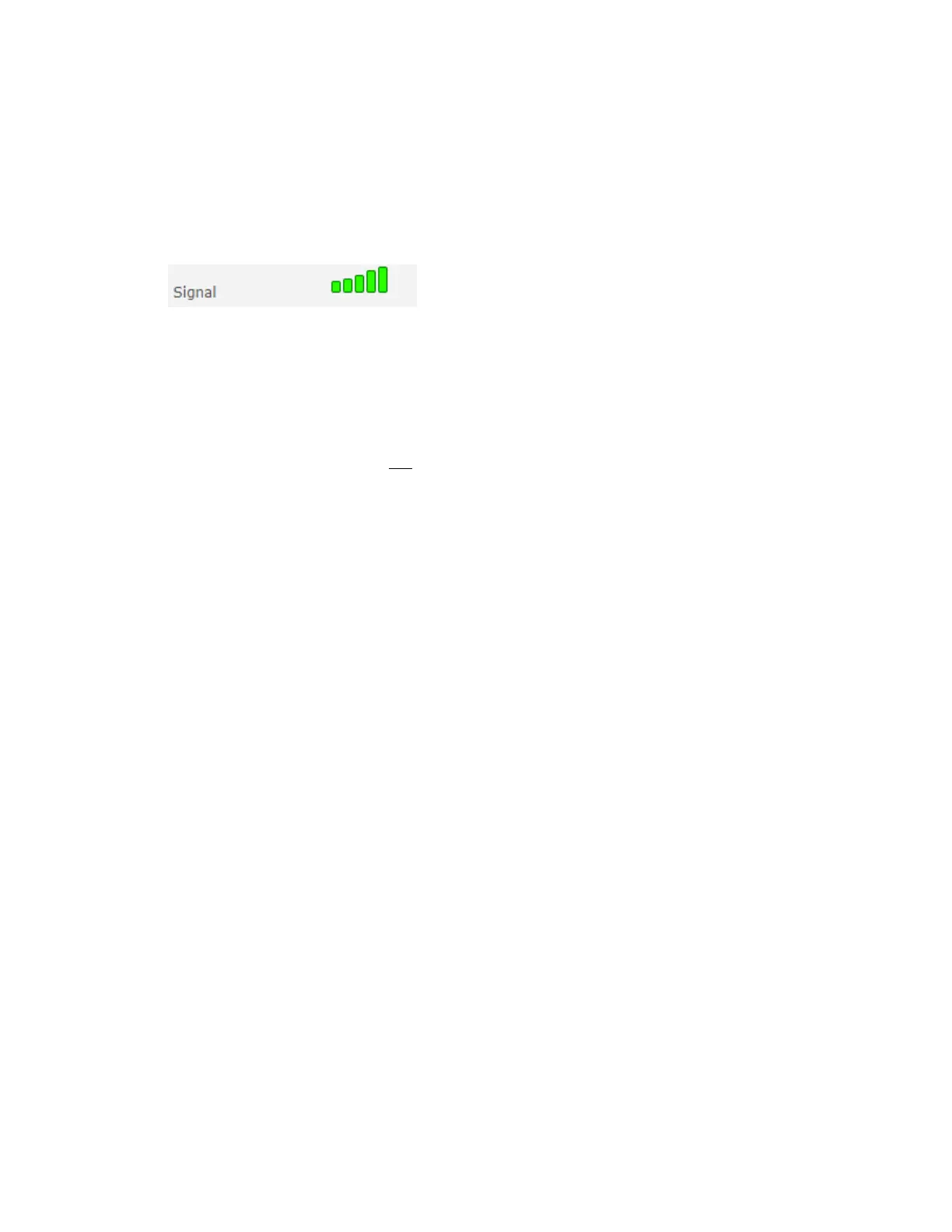
Verify that you have a cellular signal:
There are a few default settings that must be correct before you can enable SMS. Please verify the
following settings are correct:
Cellular > Wake Up On Call
• Verify that “Wake up on call” is not checked
Enabling SMS (below) will not be possible with this option checked
DNS:
Ensure you have the proper DNS address set for your LAN.
You should have one of the following options depending on your firmware:
SETUP > IP CONFIGURATION > DNS
or
SETUP > GLOBAL DNS
• Enable Forwarding Server
• Primary Server: enter the IP address of your DNS
• Submit
SETUP > TIME CONFIGURATION
• Current: verify that the current date/time/zone are set correctly
• SNTP: enabled or disabled based on your selected option in “Time Sync Options”
• Submit















 To Next Page