Page33of78
ITPP047 Thermal Printer Windows Software Manual
Version 2.00
3.0. Wi-Fi Setting (Wi-Fi Function Printers)
3.1. STA Mode
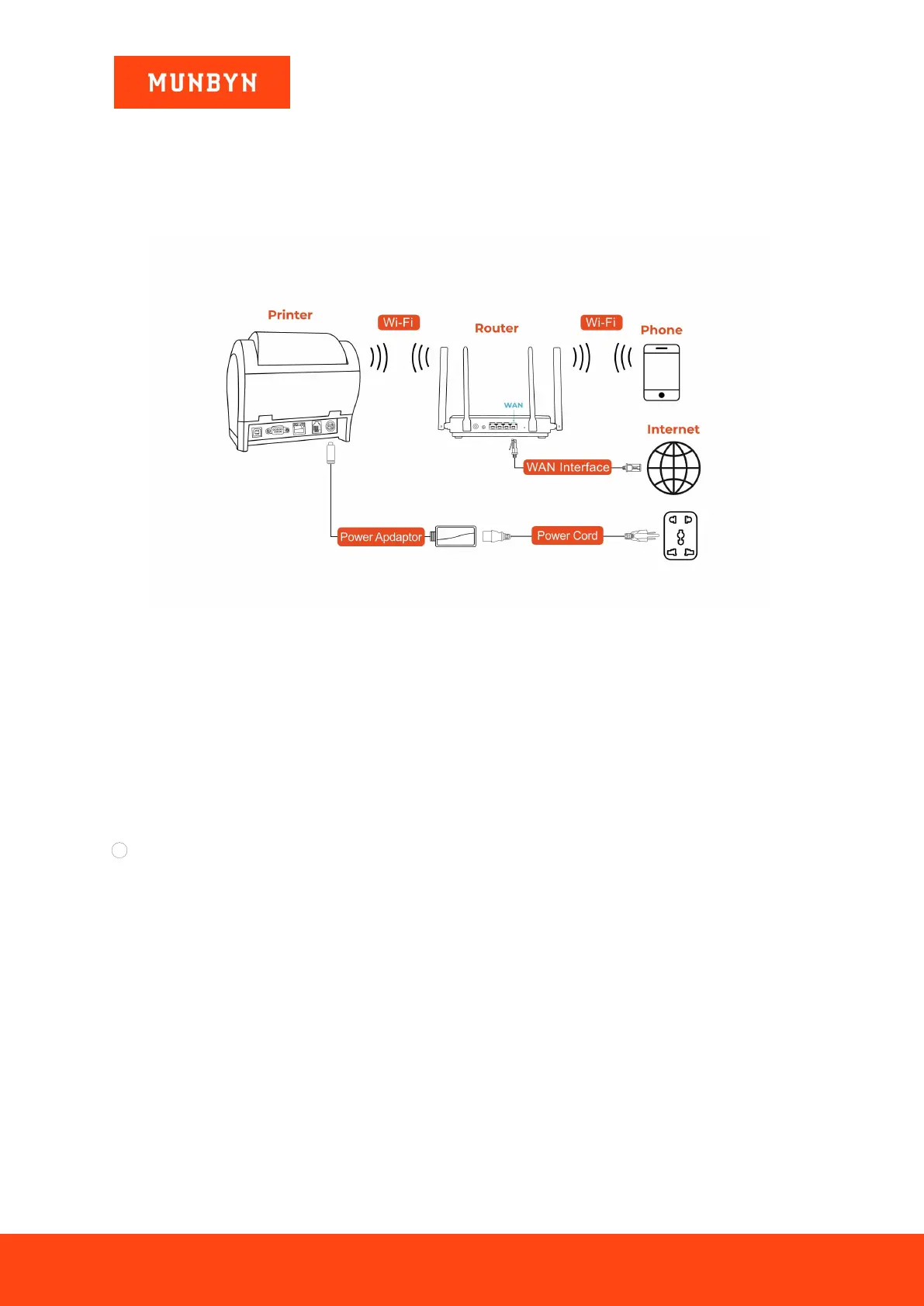
Note: Prepare a router and a network cable, and connect the network cable to the router.
Figure 3- 1 Connection diagram
3.1.1. IP Address Automatic Setting Mode
Note: The setup steps are simple. After the setup is completed, the wireless network IP address obtained by the
printer is not fixed but dynamic.
Before connecting the device to the printer Wi-Fi, turn off the device's data and Wi-Fi auto-connect features. If
these two features are not turned off, the device may automatically switch to another network after connecting to
the printer Wi-Fi, causing the printer to fail to connect.
The operation is as follows:
1 Close device data.



 To Next Page