Page25of78
ITPP047 Thermal Printer Windows Software Manual
Version 2.00
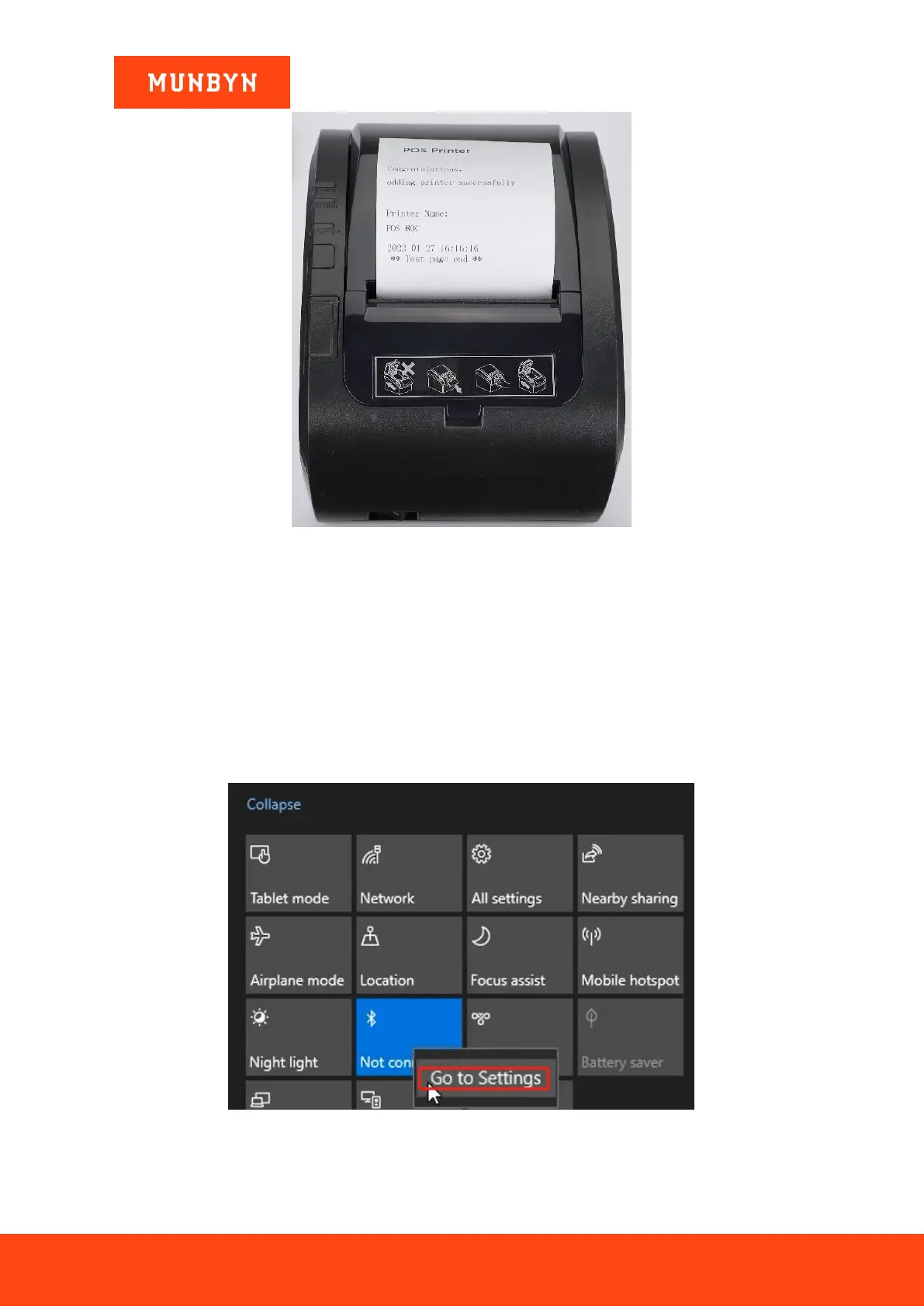
Figure 2- 38 "POS Printer" Test Page
Demo video:
http://u.pc.cd/VTyrtalK
2.4. Install Printer via Bluetooth (Bluetooth Function Printers)
2.4.1. Before Installing Bluetooth Printer
1) Connect the printer to the power outlet through the power cord, put the thermal paper into the printer, and
turn on the printer and the computer.
2) Connect the printer Bluetooth to your computer.
a. Click the Bluetooth icon and go to Settings.
Figure 2- 39 Bluetooth Settings
b. Click "+" and choose Bluetooth.



 To Next Page