Page36of78
ITPP047 Thermal Printer Windows Software Manual
Version 2.00
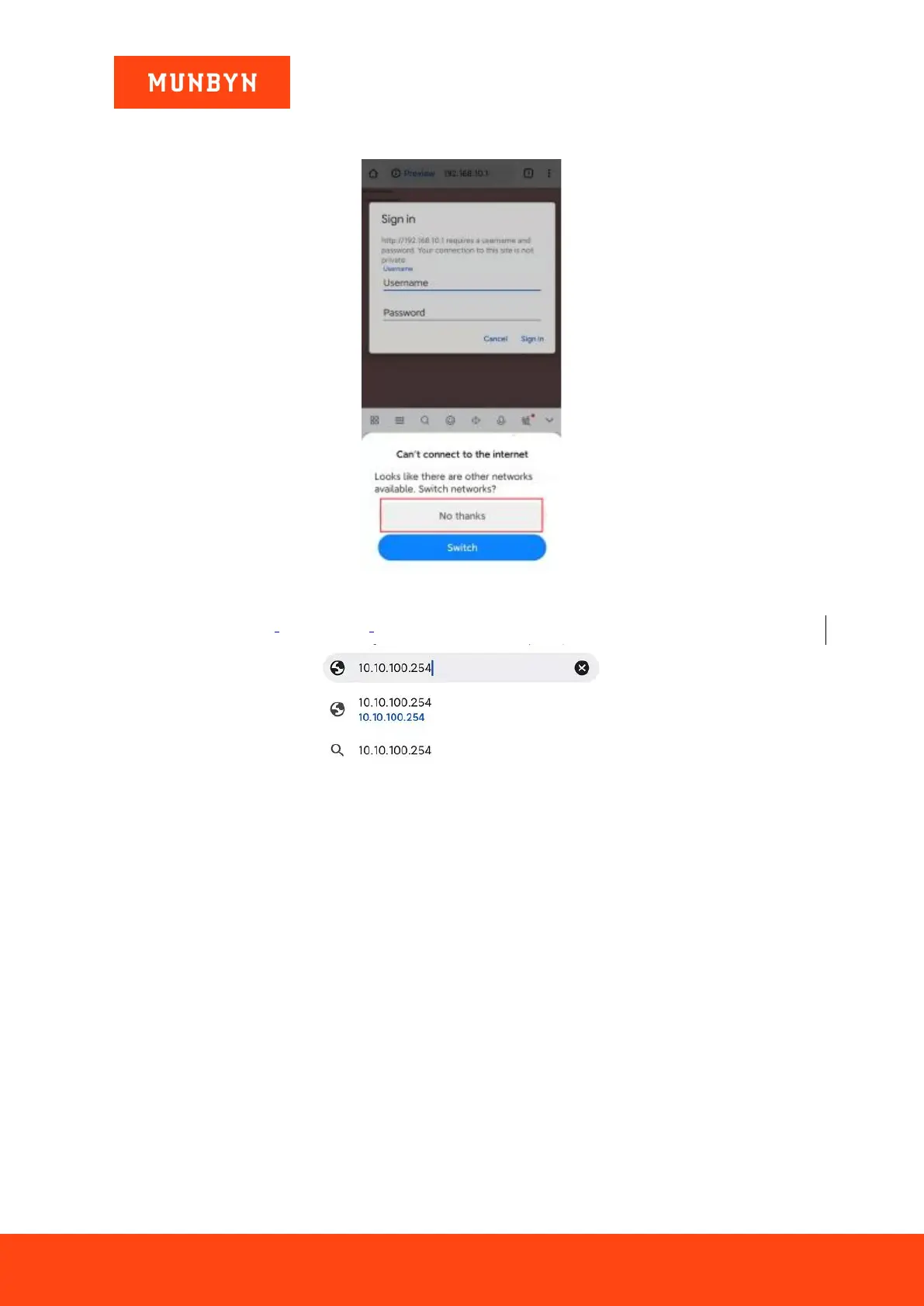
Notes: After connecting to the printer Wi-Fi, if the device prompts whether to switch to another network, select
No.
Figure 3- 7 Network Switching Prompt
2) Open a browser, enter [10.10.100.254].
Figure 3- 8 Enter the IP Address
3) The "Sign in" interface will pop up automatically. Enter your username and password, click "Sign in". Your
browser will automatically jump to the printer's Wi-Fi setting.
Username: admin Password: admin



 To Next Page