Page54of78
ITPP047 Thermal Printer Windows Software Manual
Version 2.00
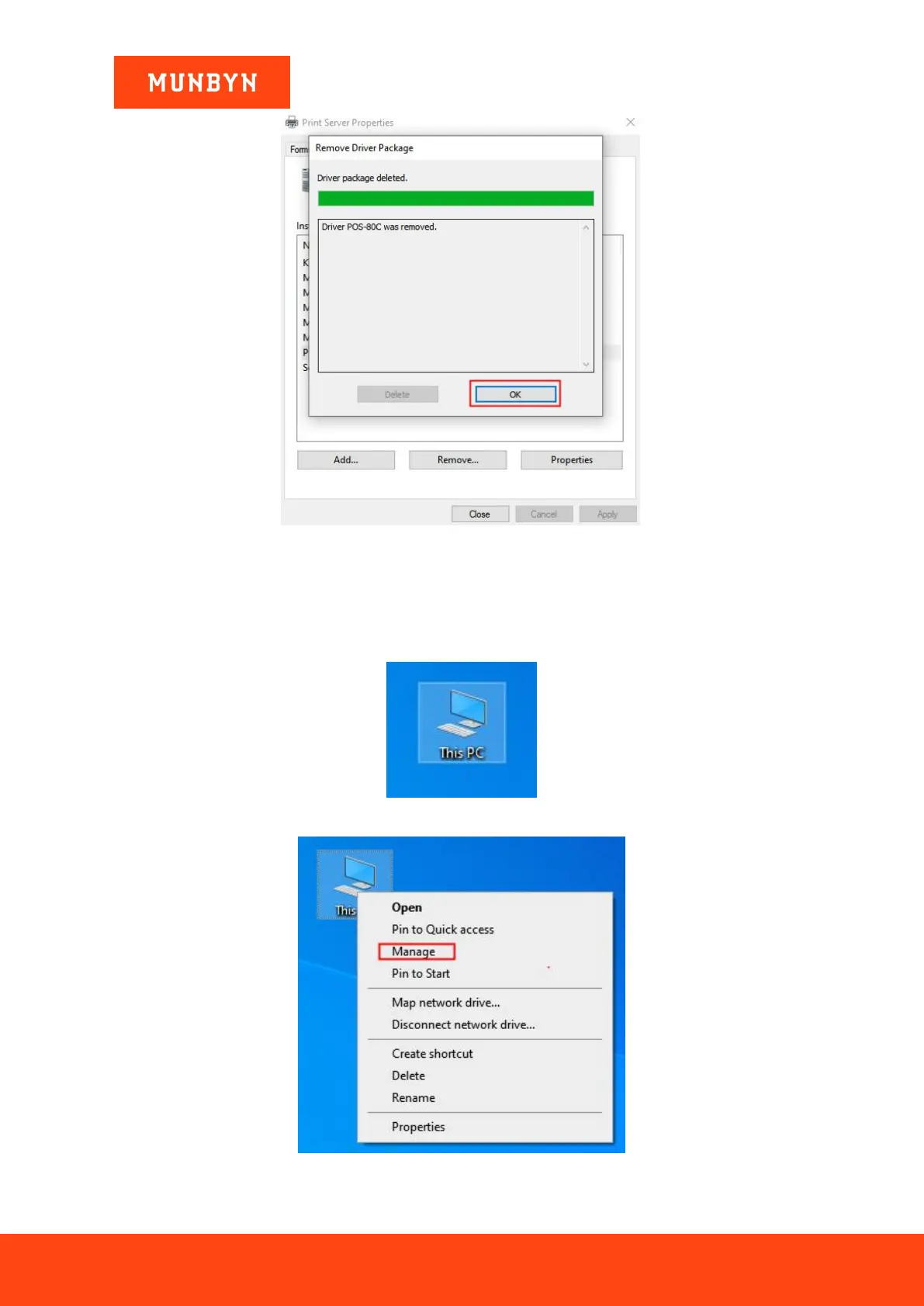
Figure 4- 9
Print Server Properties
Note: If you encounter the prompt of "The driver is in use and cannot be uninstalled" when uninstalling the
driver, please check whether the printer has been deleted. Then restart the printer service according to the
following steps. And then uninstall the driver again.
a. Right click the PC icon and select the "Manage".
Figure 4- 10 PC Icon
Figure 4- 11 Choose Manage



 To Next Page