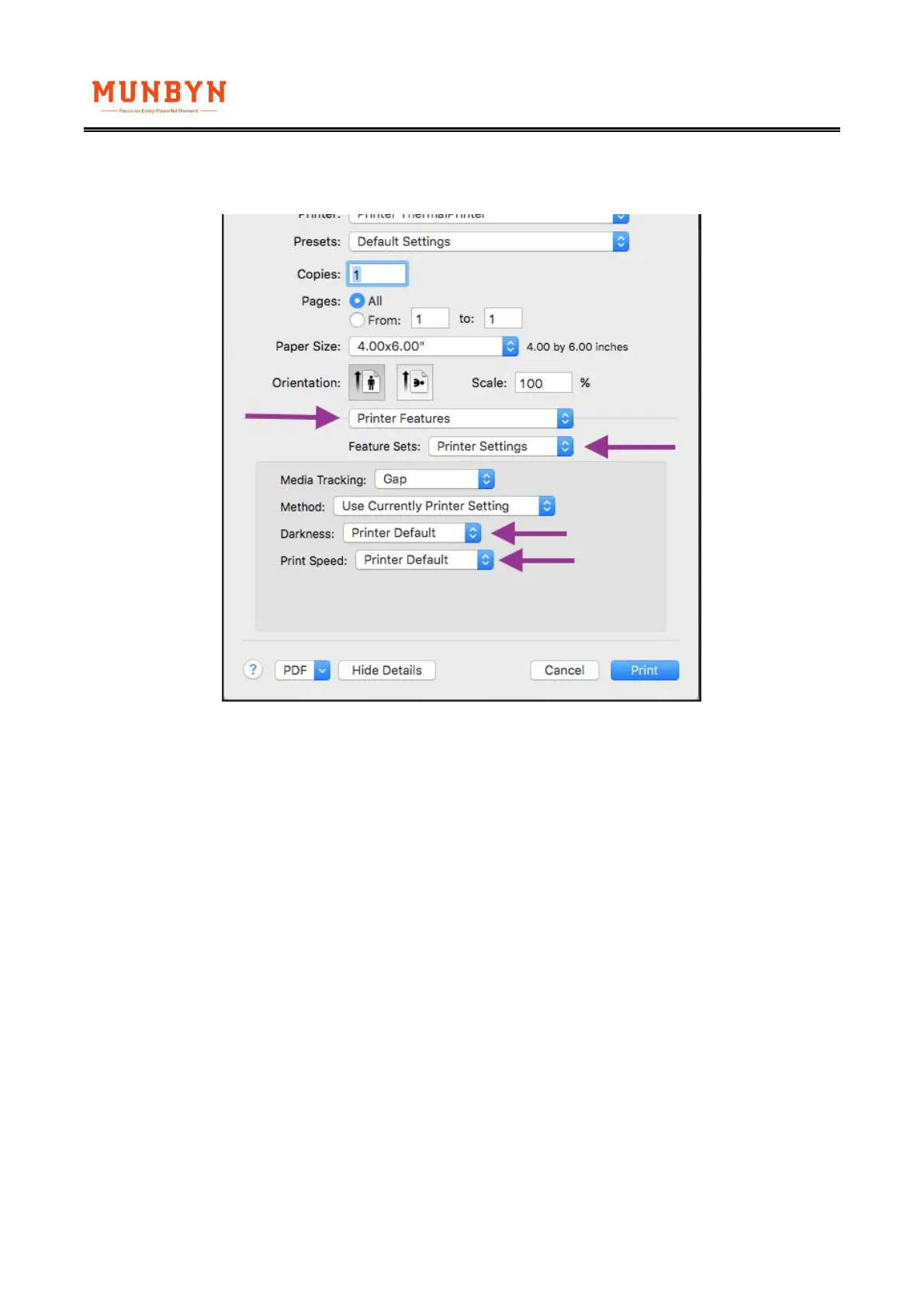
For Mac:
Look for drop down menu under "Printer Features".
2. Q: Why are there some white spots in the printed labels?
A: It is likely that the printer head has gotten dirty.
(1)Please turn ITPP941 off and allow it to cool down
(2)Please use the provided alcohol pads to wipe the printer head clean. Any 70% Isopropyl Alcohol
pad would work. These are commonly available in pharmacies and grocery stores as well as on
Amazon. Image below shows the highlighted areas that could cause this fade / dead zone.
(3)Allow 2-3 minutes for components to dry, then turn ITPP941 back on.



 To Next Page