Finally, it is possible that something has interfered with ITPP941's driver. Please uninstall
ITPP941, restart your computer, and install the driver: http://bit.ly/ITPP941-drivers
3. Q:Why I printed many blank labels?
A: (1)The most common reason is that your labels are loaded in upside down. Please ensure your
labels are properly loaded. The label that you peel off should be facing the ceiling when it comes out
of the printer
(2) Ensure your labels are "Direct Thermal" labels.
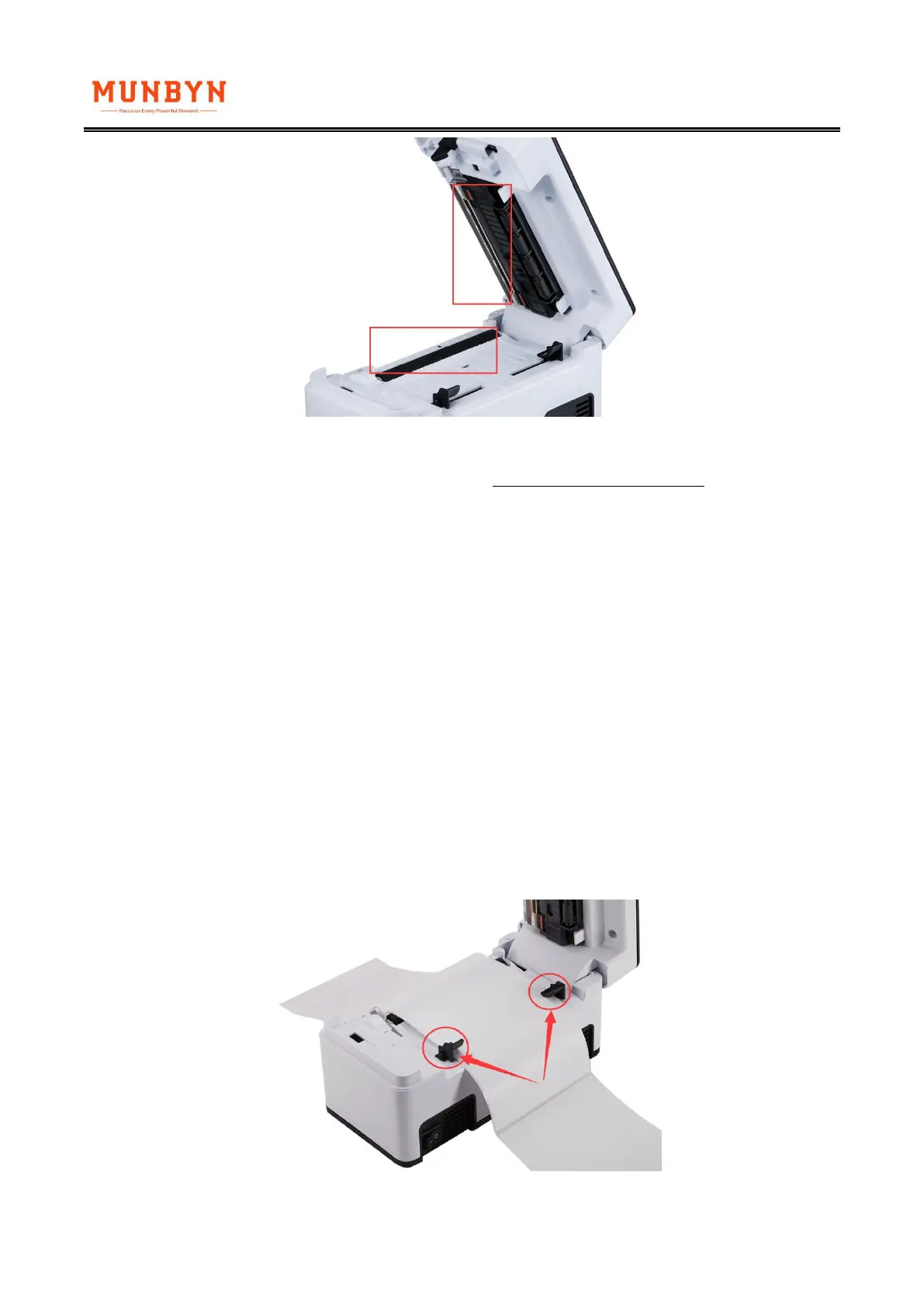
4. Q: Why the position of the print content is offset when printing continuously?
A: Please check whether the black guide has fixed the label



 To Next Page