7. Q: Why the label is getting stuck or half-printed?
A: ITPP941 prints by heating your label in very specific areas.
If your label is getting stuck (usually during printing something really dark like barcode or a thick
straight line), this is most likely due to your print density being set too high for your label.
This causes the label to get too hot and get stuck to the print head. Various labels respond to the same
level of heat differently.
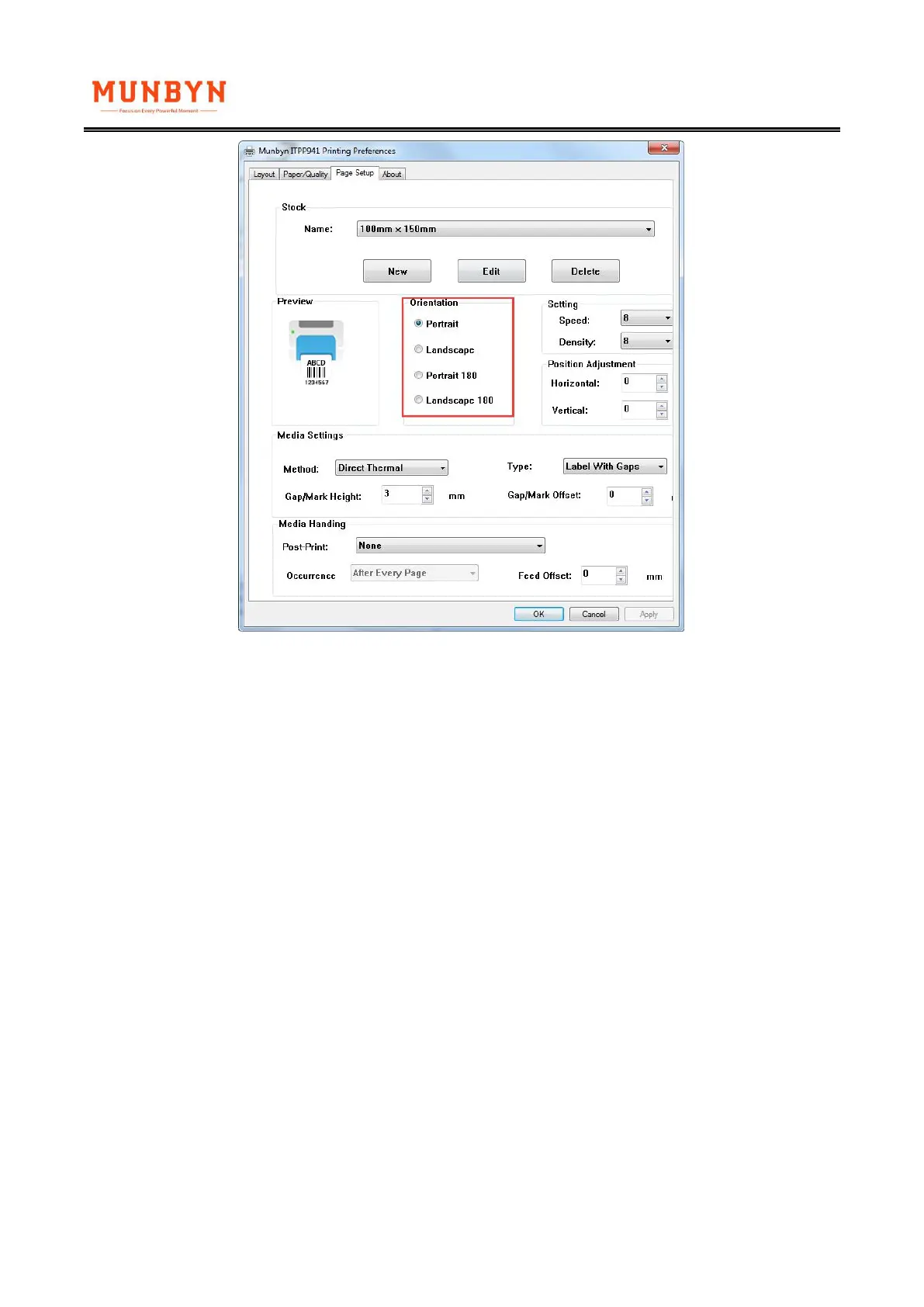
Please set your print speed to "4" and density to "2" and try your print again. If your label is too light
now, please increase the density by 1.
(1)On PC:
Go to Control Panel > Devices and Printers > Right click on Munbyn ITPP941 > Printer
Preferences > Page Setup
Adjust Speed / Density and click on OK.



 To Next Page