Windows Driver
1. Please download the Windows Driver for ITPP941 at link below:
http://bit.ly/ITPP941Driver
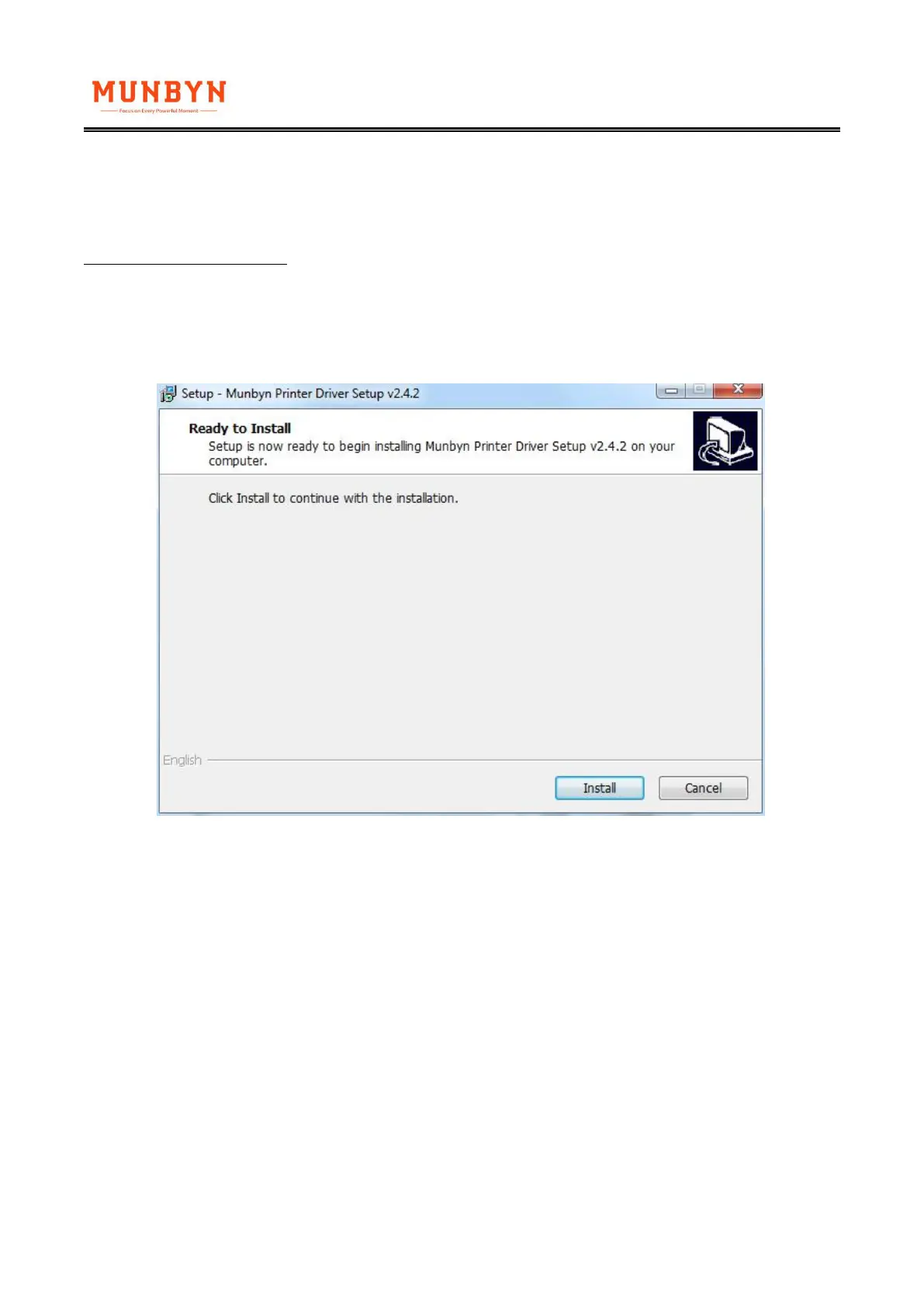
2. For security reasons, the driver file is placed within zip file. Please extract/ open/ run the installer
within this zip file and follow the installer steps.
3. After installation, please go to "Setting" -> "Devices" -> "Printer and Scanners" for windows 10.
You should now see "Label Printer". Also, you can reach this page in windows 7 by going to Control
Panel -> Devices and Printers. Right click on "Munbyn ITPP941" and choose Printing
Preferences.Under Layout tab, click on "Advanced..."



 To Next Page