3) Click Orders & Shipping.
4) Click View shipping labels.
5) Click Options.
6) Select Format my labels for 4x6 Label printers.
Please note that after you change the label format to 4 x 6, only new labels will be generated
correctly. Kindly void any previously generated labels and create new ones.
Article content source: https://help.etsy.com/hc/en-us/articles/360001968348?segment=selling
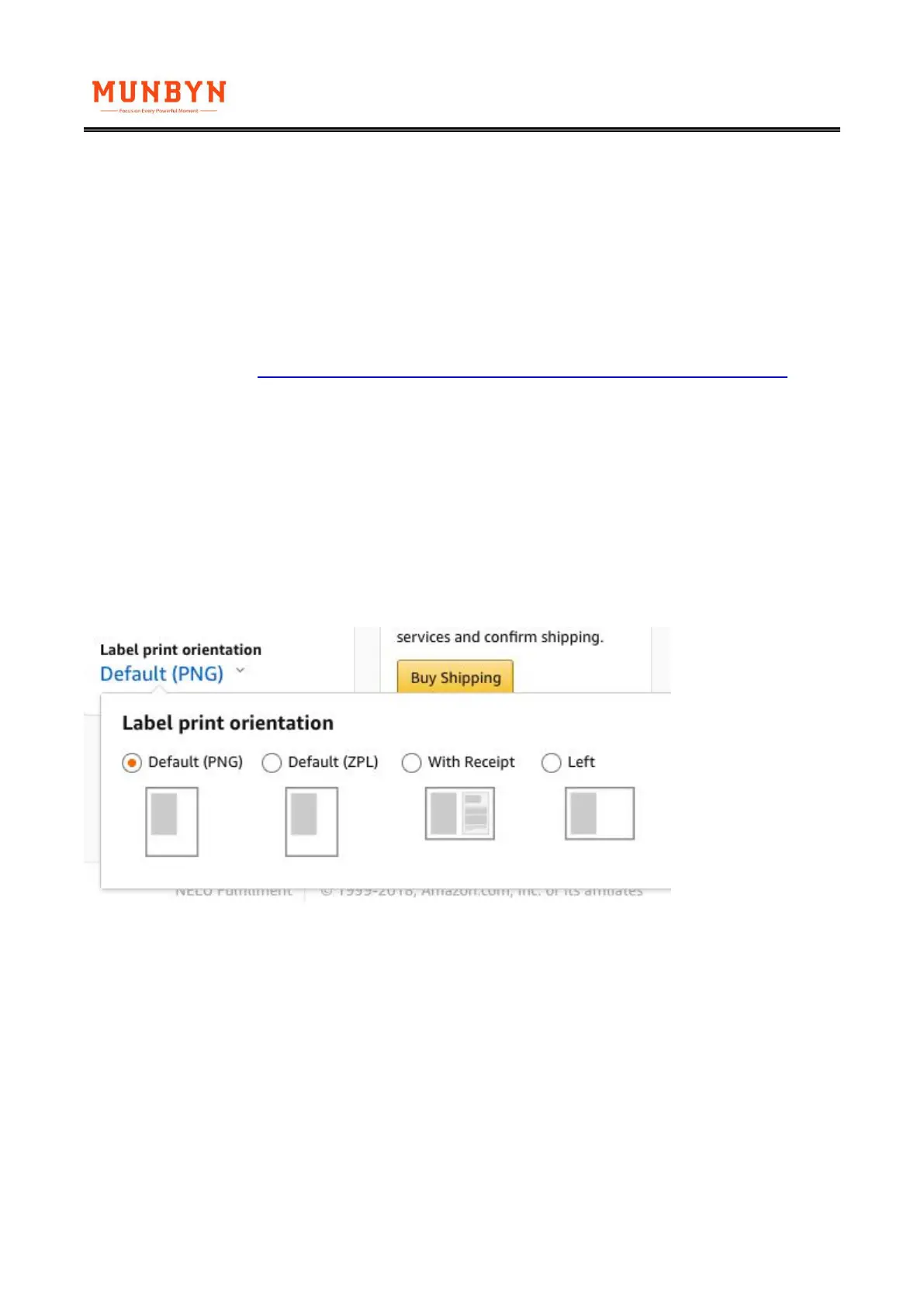
5. Amazon.com Customer Orders Setup
These are orders to fulfill customer orders. You may simply leave the layout as "default" and this
will produce a label in 4x6 size in the proper format for ITPP941 and other thermal printers.



 To Next Page