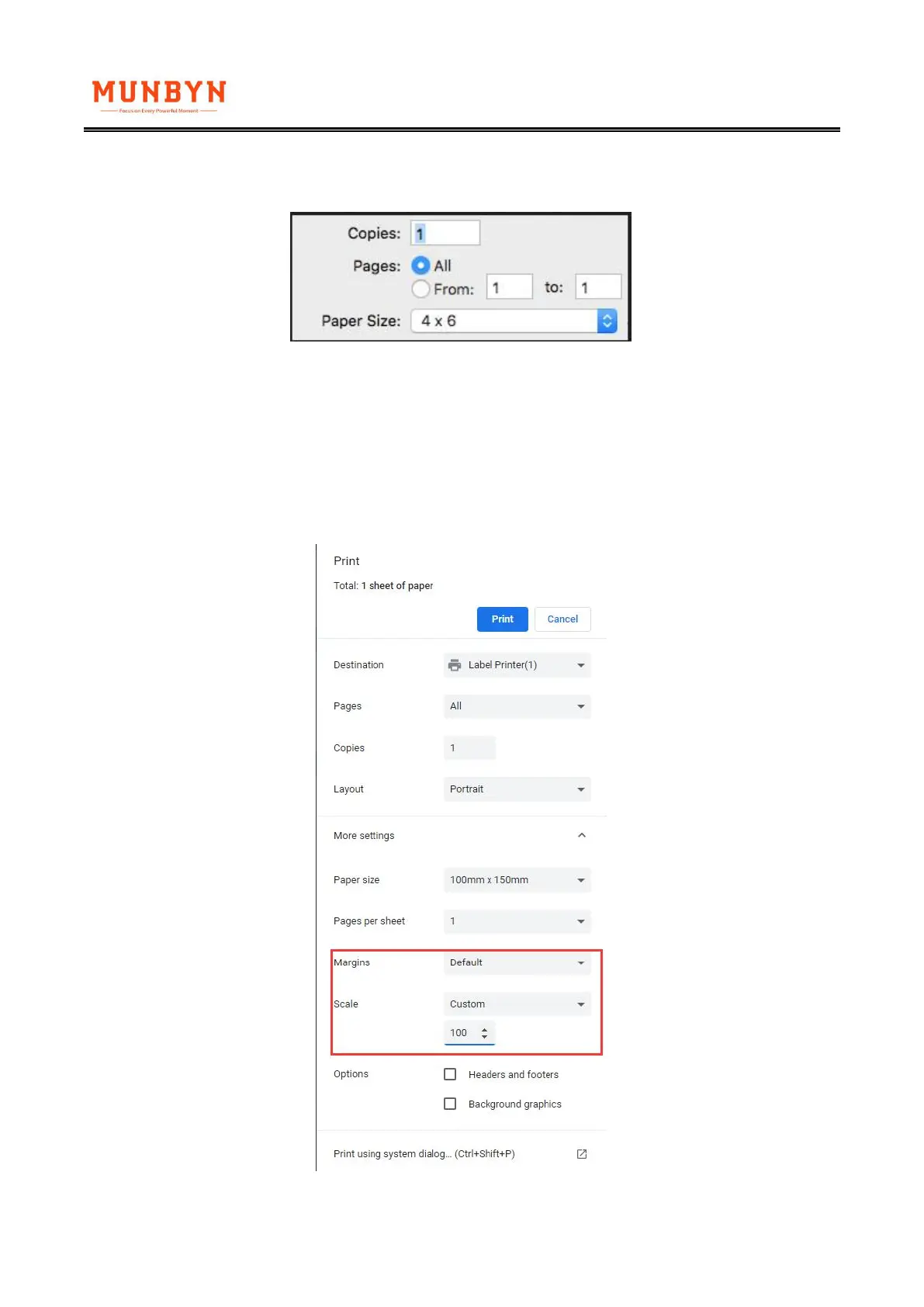
②MacOS: If you print a 4x6 size page. In the print dialogue, please be sure to select your "Paper
Size" appropriately (for example 4 x 6).
2. The size of loaded paper is smaller than the label file’s(For example, when printing the
100*190mm file but using the 4x6 (100*150) size paper).
For this situation, you can adjust the scales, margins in the page setup in the using browser.
①Chrome: set the scales and margin in printing preview



 To Next Page