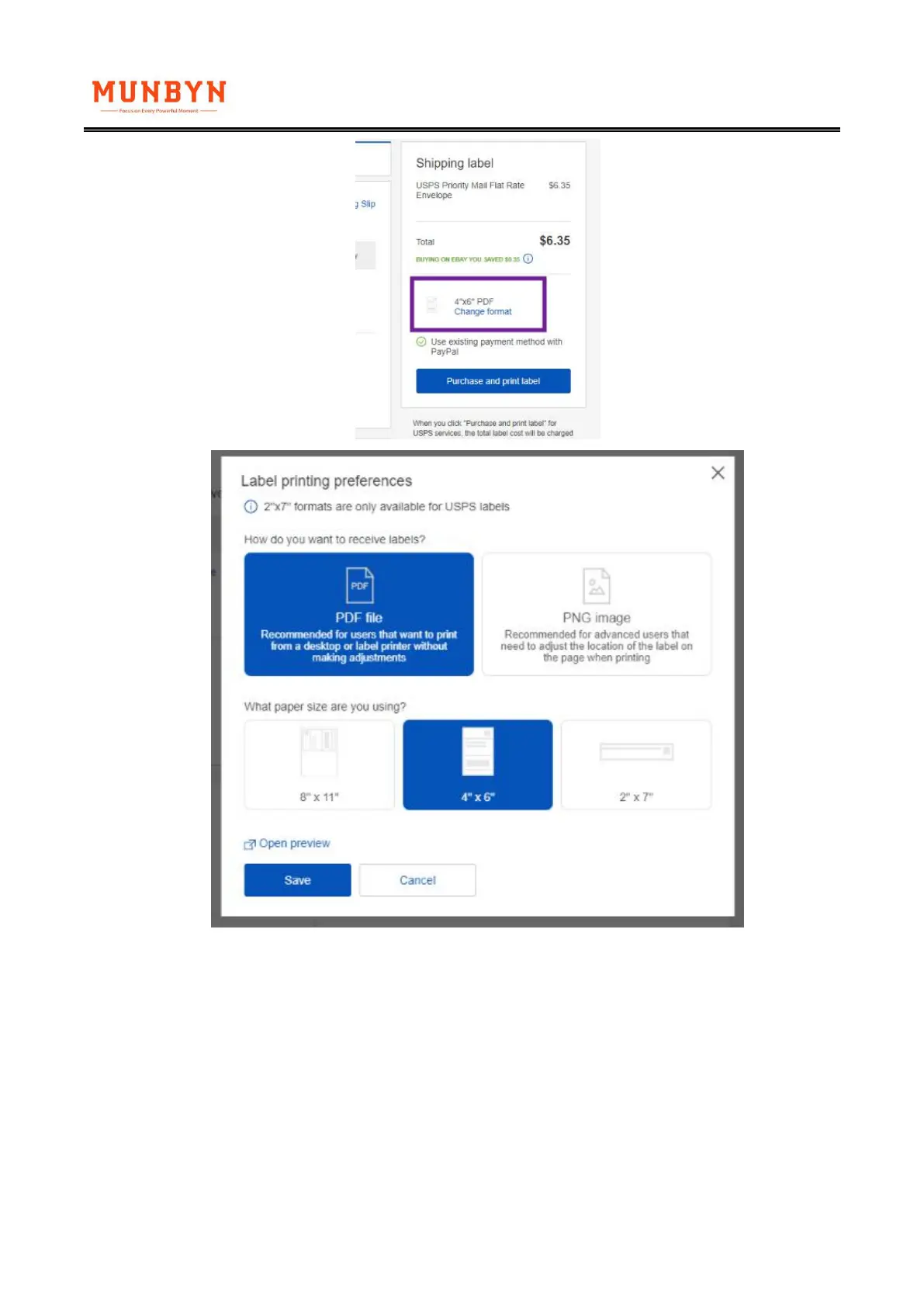
On the "Classic" Interface:
1.During your label creation process, please click on [Printer and label receipt preferences]
2.On the following pop up, you may pick any of the 4x6 label sized printers. For example, you
may pick the "Zebra TLP3842 4x6"
3.Click "Save" and continue with the purchasing of your label.



 To Next Page