3-65
3.10.1 Life Monitor
The life monitor displays the current software version, the total number of pages scanned, printed, and
transmitted, the number of drums replaced and the total page count on the current drum.
Note: The All RAM Clear setting does not clear the life monitor. To clear, see below.
1. Press Program key, *, 9, ENTER.
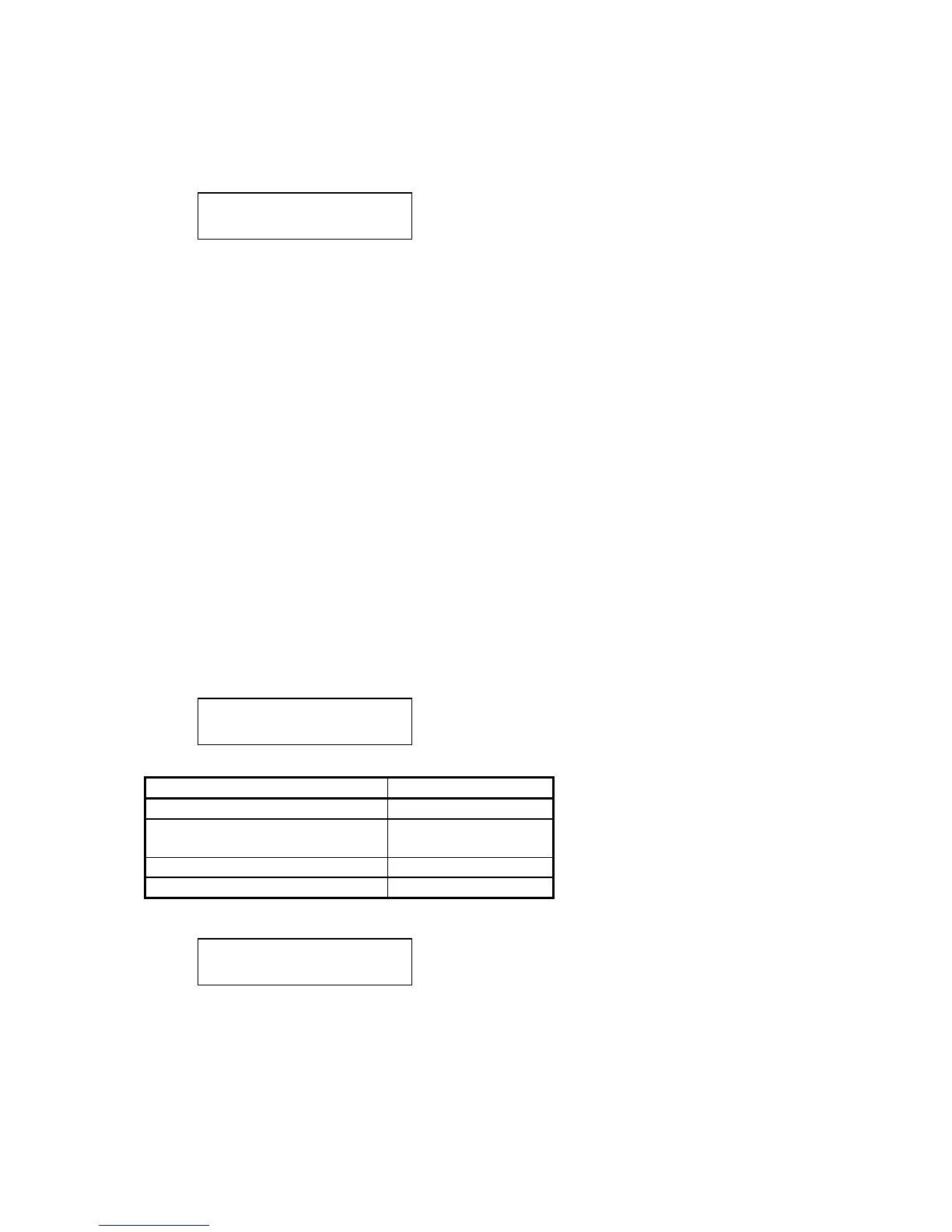
Life Monitor
2. Press One-touch A-P to select the desired display. Press STOP to exit the test mode.
The following options are available:
• One-touch A = displays software version
• One-touch B = displays machine’s serial number
• One-touch C = displays date of installation
• One-touch D = displays total pages scanned
• One-touch E = displays total pages printed
• One-touch F = displays total pages transmitted
• One-touch G = displays drum replaced
• One-touch H = displays total pages printed on current drum
• One-touch I = displays toner replaced count
• One-touch J = displays toner life
• One-touch K = displays fuser replaced count
• One-touch L = displays fuser life
• One-touch M = displays transfer roller replaced count
• One-touch N = displays transfer roller life
• One-touch O = displays drum operation time (sec)
• One-touch P = displays printer operation time (sec)
If One-touch A is selected, you’ll see the following message on the LCD.
Board Number?
Use the numeric keypad to select the optional board number as shown in the following table.
ROM Numeric keypad
Flash ROM on Main control PCB 0
Version of Optional module’s
ROM
1 - 8
Version of Modem #
Built-in CPU ROM * (asterisk)
The software version of each board will be shown on the LCD.
Board Number?
0:D88L USA A0A0A0
The most left character on the lower line shows the board number selected.
Press STOP to exit the test mode







 To Next Page