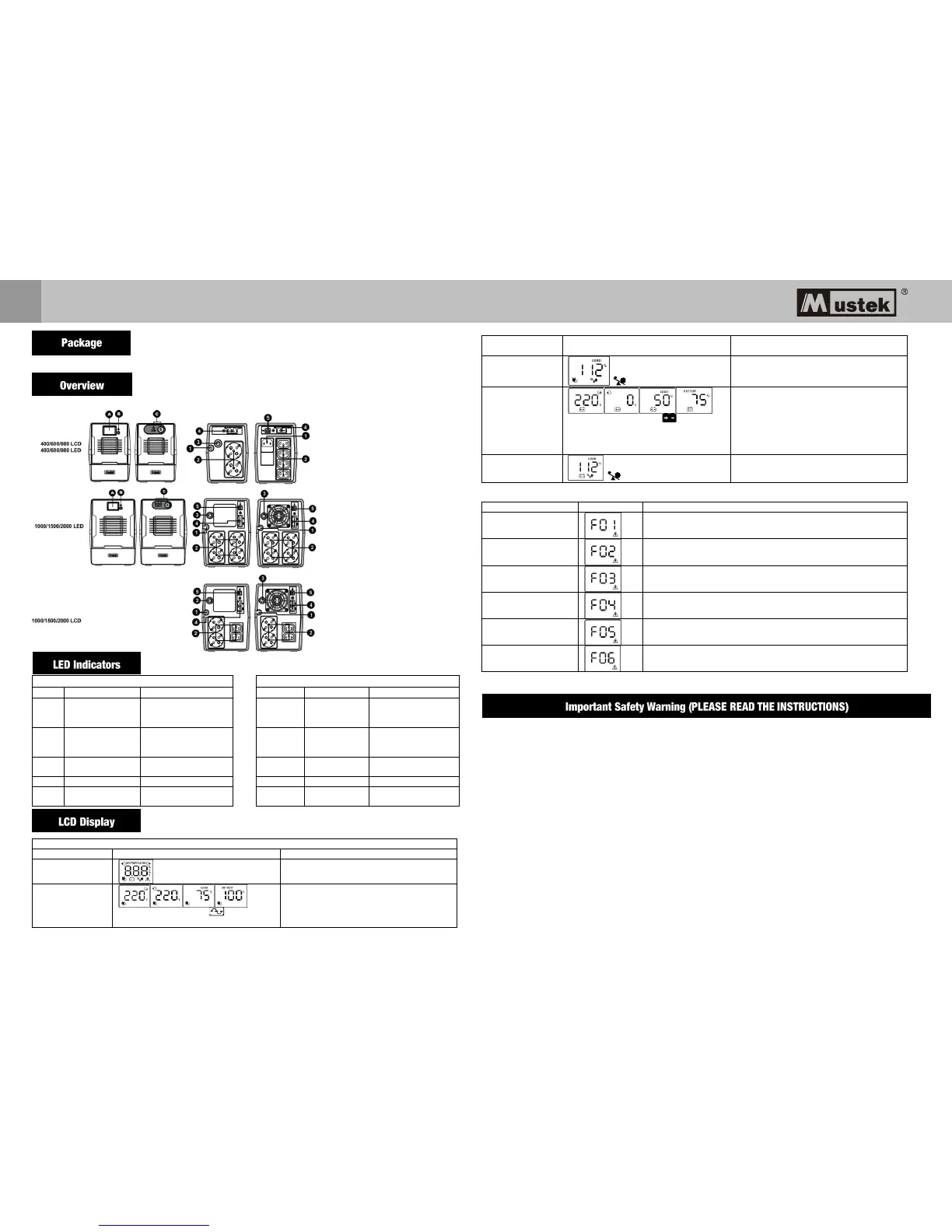
You should have received the following items inside of package:
- UPS Unit - Quick Guide - Warranty card
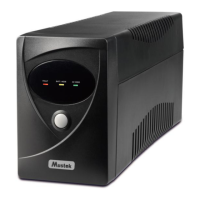
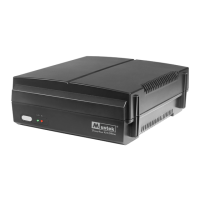
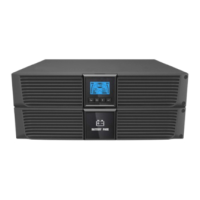
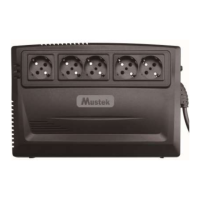
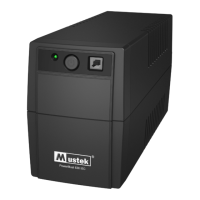
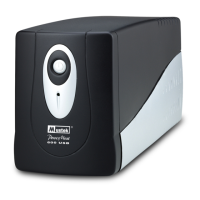
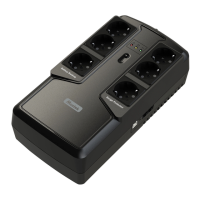
Front Panel Overview: Rear Panel Overview:
The mains is normal
and UPS is operated
normally.
The mains is normal
and UPS is operated
normally.
Sounding every
10 seconds
Power failure occurs
and UPS is on battery
mode.
Sounding
every 10
seconds
Power failure occurs
and UPS is on battery
mode.
●LED on ○ LED Off ★ LED flashing
When UPS is powered on, it will enter this
mode for 4 seconds.
When AVR is functioning, icon will flash
every second.
LCD information will be displayed in the
following order when LCD is touched.
1. Output voltage
2. Input voltage
3. Load level
4. Battery capacity
When overload occurs, alarm will beep every
0.5 second.
When battery level is low, icon will
flash.
Alarm will beep every 10 seconds and LCD
information will be displayed in the following
order when LCD is touched.
1. Output voltage
2. Input voltage
3. Load level
4. Battery capacity
When overload occurs, alarm will beep every
0.5 second.
NOTE: If backlight shuts off, you may activate it by touching the screen.
Fault Code Table:
Disconnect short-circuited loads and restart the UPS again.
Disconnect all output loads and restart the UPS again.
Call for service immediately.
Bad or severely
discharged battery
Please replace the battery.
High output voltage
fault
Call for service immediately.
1. Turn off the unit and wait for cooling.
2. Or remove excessive loads and wait for cooling.
If fault alarm occurs, please call for service immediately.
CAUTION! To prevent the risk of fire or electric shock, install in a temperature and humidity controlled
indoor area free of conductive contaminants. (See the specifications for the acceptable temperature and
humidity range.)
CAUTION! To reduce the risk of overheating the UPS, do not cover the UPS's cooling vents and avoid
exposing the unit to direct sunlight or installing the unit near heat emitting appliances such as space
heaters or furnaces.
CAUTION! Do not attach non-computer-related items, such as medical equipment, life-support equipment,
microwave ovens, or vacuum cleaners to UPS.
CAUTION! Do not plug the UPS input into its own output.
CAUTION! Do not allow liquids or any foreign object to enter the UPS. Do not place beverages or any other
liquid-containing vessels on or near the unit.
CAUTION! In the event of an emergency, press the OFF button and disconnect the power cord from the AC
power supply to properly disable the UPS.
CAUTION! Do not attach a power strip or surge suppressor to the UPS.
CAUTION! With the installation of this equipment, it should be prevented that the sum of the leakage current
of the UPS to the connected consumer exceeds 3.5mA.
LCD Display
Power switch
Power switch with LED
indicator
AC input
Output receptacles
Circuit breaker
RJ-11
USB (optional)
RJ-45 (optional)



 To Next Page