VJ-1324 OPERATION MANUAL 3 Before using
3-25
NOTE
• When loading the new roll media, cut the front edge of the media if it is not straight.
4.4.3 Cutting media
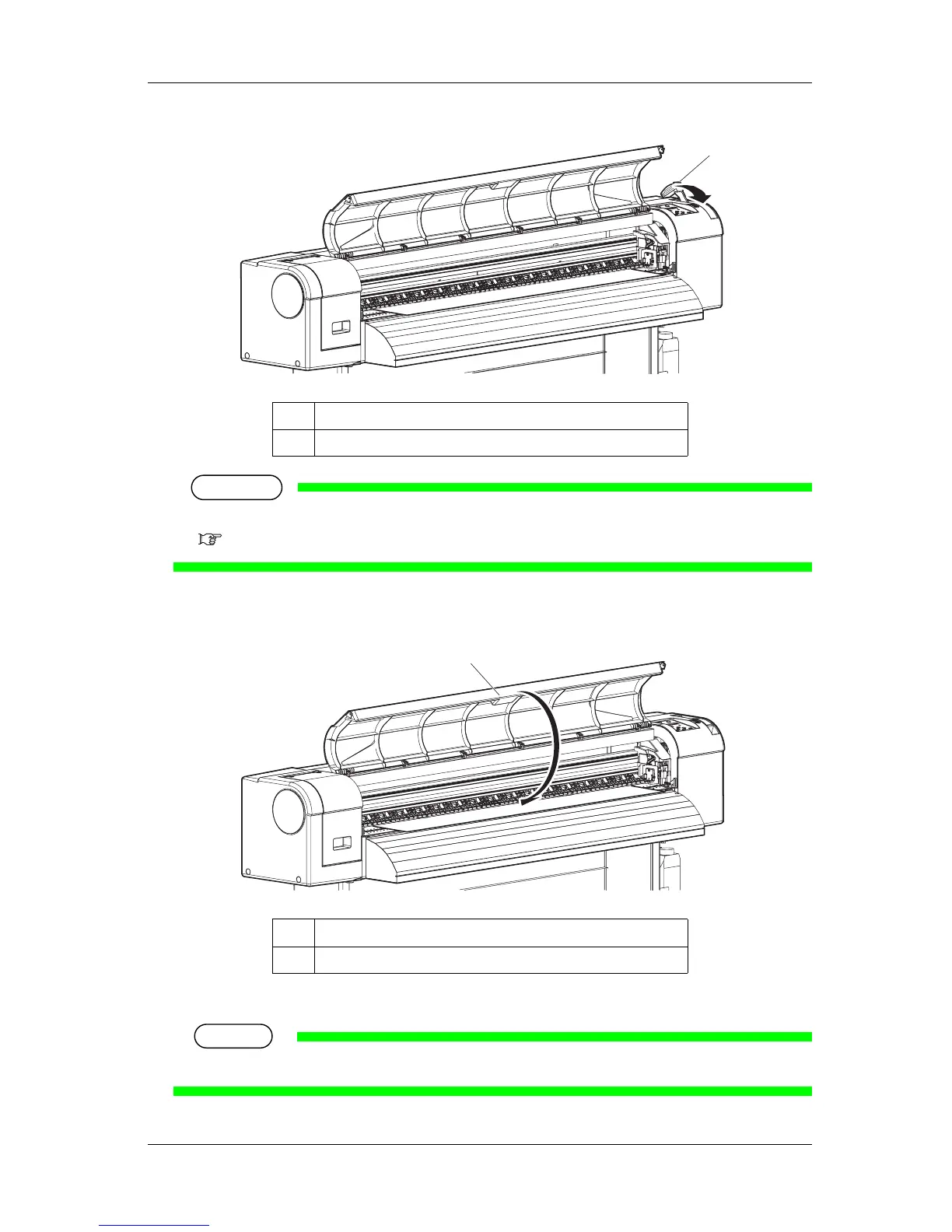
7. Close the front cover.
• The User type setup menu is displayed on the operation panel.
TIP
• To change the media type, follow "3.4.3 Setting the User Type Setting" and set the media type.
No. Name
1 Media loading lever
No. Name
1 Front cover
1
1


 To Next Page
 Loading...












