EasyManua.ls Logo

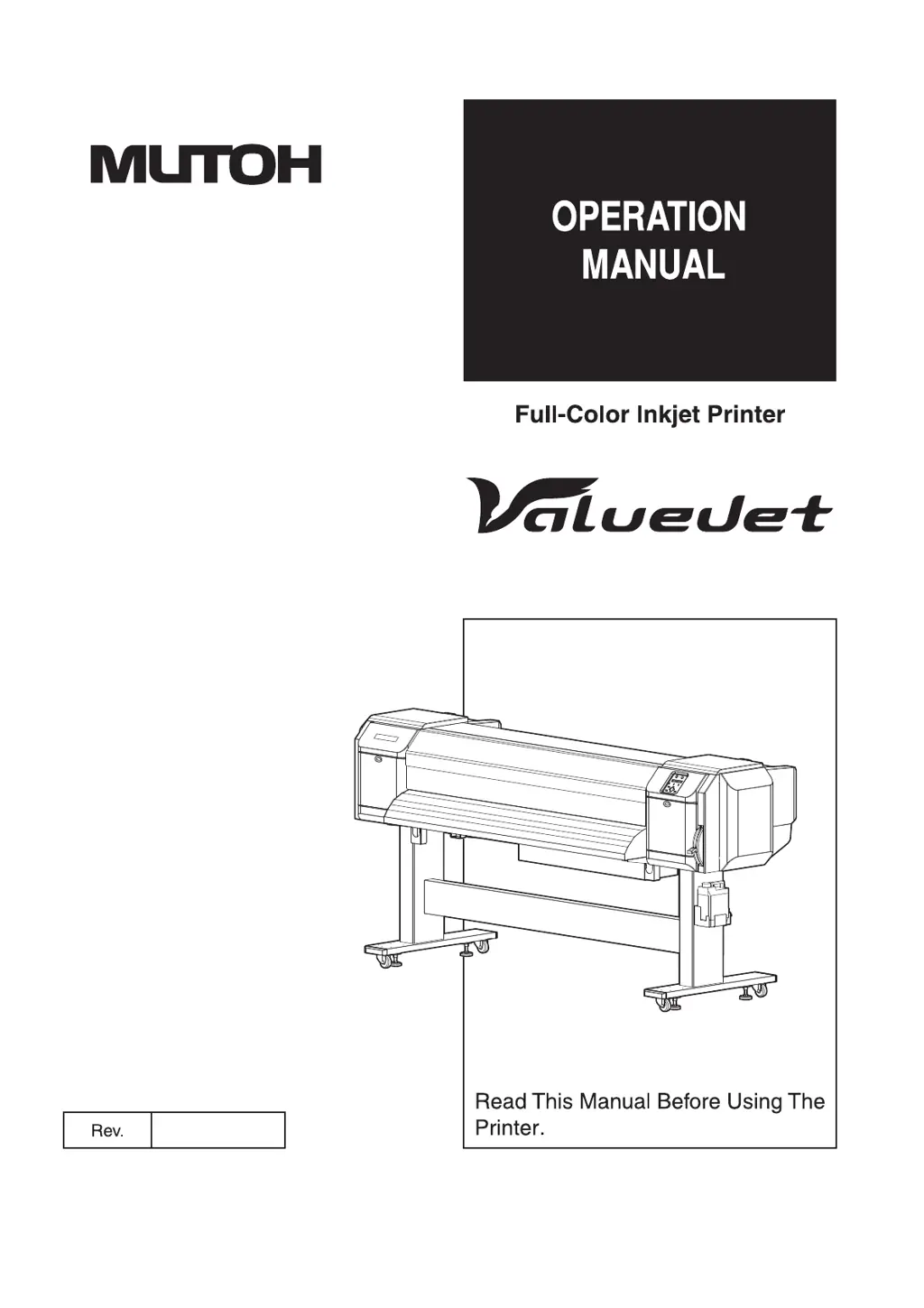
MUTOH VJ-1638WX - User Manual

MUTOH VJ-1638WX
378 pages
Print Icon
To Next Page IconTo Next Page
Loading...
VJ-2638 VJ-1638X
VJ-1938WX VJ-1638WX
VJx638xE-A-05

Table of Contents

Other manuals for MUTOH VJ-1638WX

Questions and Answers

  • B
    Benjamin MayAug 7, 2025
    Why is my MUTOH VJ-1638WX Printer not printing at all?
    • F
      Francisco CooperAug 7, 2025
      If your MUTOH Printer isn't printing, ensure the power cord is properly connected and the AC power supply provides the correct voltage. Try a different outlet. Also, check that the front cover and maintenance covers are closed, and the media loading lever is lowered.
  • T
    tsandovalAug 11, 2025
    What to do if my MUTOH VJ-1638WX does not work after loading the media?
    • R
      richardphillipsAug 11, 2025
      If your MUTOH Printer isn't working after loading the media, make sure the front cover is closed and the media loading lever is lowered. Also, ensure the maintenance cover is closed and the ink cartridge is inserted. Verify that you're using the recommended media and that the printer is used in the specified environment.
  • A
    aobrienAug 17, 2025
    Why does the media slip or tear during initialization on my MUTOH Printer?
    • G
      Gary TaylorAug 17, 2025
      If the media slips or tears during initialization on your MUTOH Printer, ensure you are using the recommended media and that it's loaded correctly. Check the pressurizing roller for foreign materials and clean it if necessary. Also, make sure the printer is used in the specified environment and that you are not using creased, damaged, torn, or curled media. If the media bends, consider using the recommended media or adjusting the Vacuum Fan menu.
  • F
    Francisco MillerAug 22, 2025
    What to do if ink doesn't come out after initial ink charge on MUTOH VJ-1638WX Printer?
    • J
      Jessica MooreAug 22, 2025
      If ink doesn't come out after the initial ink charge on your MUTOH Printer, and the ink cartridge might be cold or frozen, leave the ink bag at room temperature for at least three hours and perform cleaning several times. If the power was turned off during the initial ink charge, turn it on again and continue the process. If normal printing cannot be performed after the initial ink charge, perform cleaning several times and check it each time.
  • R
    Rebecca MooreAug 27, 2025
    Why can't I use my MUTOH VJ-1638WX online using LAN?
    • S
      Sierra DavisAug 27, 2025
      If you cannot use the computer online with your MUTOH Printer via LAN, check that the network interface cable is correctly connected, ensuring you're using the correct type of cable (cross or straight). Also, verify that the network settings are configured correctly and that the printer's network settings match the computer's settings.
  • C
    Corey GrantSep 1, 2025
    What to do if data sent to MUTOH VJ-1638WX causes an error and nothing prints?
    • D
      Dominique NormanSep 1, 2025
      If an error occurs at the printer and nothing is printed when data is sent from the computer to your MUTOH Printer, check that the printer type selected on the computer matches the printer type settings on the printer itself.

Summary

Safety Instructions

Types and Meanings of Warnings

Explains warning symbols and their significance for safety.

Important Safety Instructions

Provides critical cautions for safe printer installation and operation.

Before Using

Filling Ink

Provides instructions for installing ink cartridges for the first time.

Loading Media

Details the steps for loading various types of media into the printer.

Handling the Printer

Maintenance

Replacing Ink Cartridges

Details when and how to replace ink cartridges due to low or empty status.

Head Cleaning

Details how to clean the print head and nozzles to resolve print quality issues.

Troubleshooting

Malfunctions and Failures

Lists common printer malfunctions, their causes, and remedies.

Cannot Print at All

Provides solutions for when the printer fails to print after power activation or media loading.

Error Messages

Explains status messages and error codes displayed on the operation panel.

Message Type Error Display and Remedies

Lists specific error messages and their corresponding solutions.

MUTOH VJ-1638WX Specifications

General IconGeneral
BrandMUTOH
ModelVJ-1638WX
CategoryPrinter
LanguageEnglish

Related product manuals