EasyManua.ls Logo

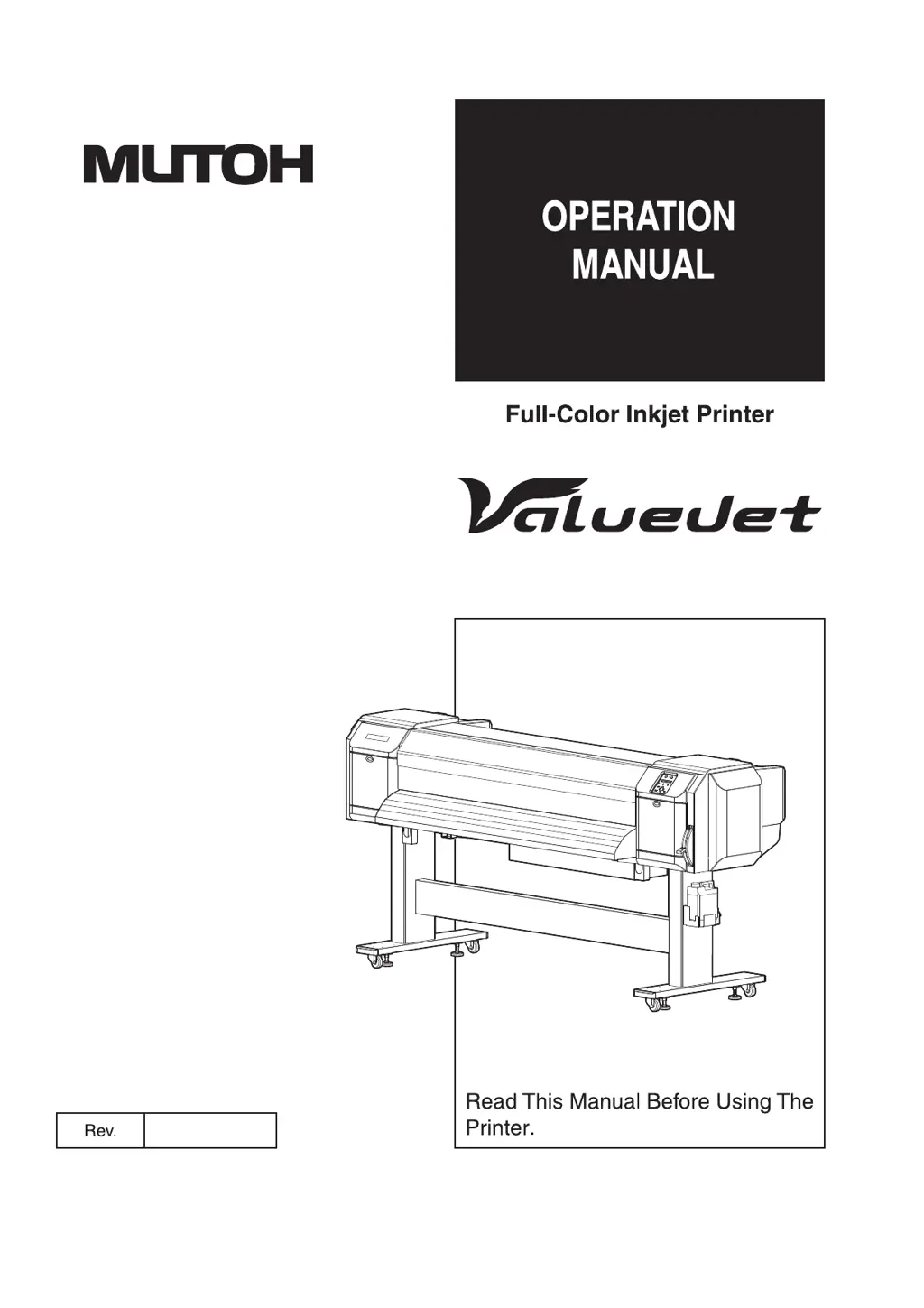
MUTOH ValueJet VJ-1628X - User Manual

MUTOH ValueJet VJ-1628X
358 pages
Print Icon
To Next Page IconTo Next Page
Loading...
VJ1628XE-A-00
VJ-1628X

Table of Contents

Questions and Answers

  • E
    Ebony HarperSep 3, 2025
    Why is the wrong media size set during initialization on my MUTOH Printer?
    • T
      tiffany64Sep 4, 2025
      If the wrong media size is set during initialization of your MUTOH Printer, make sure you are using the recommended media and that it is loaded straight. If the media curls upward when set, straighten it or use new media. Ensure the printer is used in its specified environment. Also, make sure you are using a new media.
  • L
    Lisa JohnsonSep 18, 2025
    How to troubleshoot computer online using LAN issues with MUTOH Printer?
    • S
      stevensrogerSep 18, 2025
      To troubleshoot computer online using LAN issues with your MUTOH Printer, confirm that the network interface cable is connected correctly, ensuring you use the correct types of cross and straight cables. Configure the network settings correctly so that the printer's network settings match the computer's environment. If the power lamp on the operation panel does not blink after sending printing data from the computer, contact the computer manufacturer.
  • P
    patricia57Sep 16, 2025
    What to do if an error occurs when sending data to my MUTOH ValueJet VJ-1628X Printer?
    • M
      Mallory RobinsonSep 16, 2025
      If an error occurs at the printer when data is sent from the computer and nothing is printed, check that the printer type settings on the computer and printer are the same.
  • A
    Adam AdkinsSep 14, 2025
    What to do if the printing position is incorrect on my MUTOH Printer?
    • B
      Brenda ReillySep 14, 2025
      If the printing position is incorrect on your MUTOH Printer, ensure that the media is loaded correctly. Additionally, cancel or reset the settings of the origin and print position.
  • S
    Shelly StanleySep 12, 2025
    Why does the media veer during printing on my MUTOH Printer?
    • M
      Marie CopelandSep 12, 2025
      If the media veers during printing on your MUTOH Printer, make sure you are using the recommended media and that the media and roll media are loaded correctly.
  • A
    Allison AcostaSep 12, 2025
    Why are printing lines duplicated or patchy on my MUTOH Printer?
    • H
      Howard BaileySep 12, 2025
      If printing lines are duplicated or patchy on your MUTOH Printer, perform head cleaning to ensure the nozzles are in good condition. Additionally, ensure the head height is not set to “High” or “Mid”; if it is, return it to “Low”.
  • E
    Ethan JosephSep 9, 2025
    Why is printing partially stained or incomplete on my MUTOH Printer?
    • M
      Miss Sandra SchwartzSep 9, 2025
      If printing is partially stained or incomplete on your MUTOH Printer, it could be due to moisture in the media; replace it with new media. If the media bends, use the recommended media or adjust the Vacuum Fan menu if you're using alternative media.
  • H
    Hayley TaylorSep 7, 2025
    How to troubleshoot if I cannot perform the initial ink charge on my MUTOH ValueJet VJ-1628X Printer?
    • G
      Glenda MoranSep 7, 2025
      If you cannot perform the initial ink charge on your MUTOH Printer, check if the front cover is open or the media loading lever is raised; if so, close the front cover and lower the media loading lever. Also, ensure the maintenance cover is closed and that all 8 ink cartridges are fully inserted.
  • A
    Anita ThompsonSep 5, 2025
    What to do if my MUTOH ValueJet VJ-1628X Printer does not work after loading the media?
    • R
      Robert AlexanderSep 6, 2025
      If your MUTOH Printer does not work after loading the media, ensure that the front cover and maintenance cover are closed, and the media loading lever is lowered. Make sure the media is loaded straight and that an ink cartridge is inserted. Verify that you are using the recommended media and that the printer is being used in the specified environment.
  • K
    Kevin FoxAug 20, 2025
    How to fix white or black lines on MUTOH ValueJet VJ-1628X printed media?
    • C
      Christopher FletcherAug 20, 2025
      White or black lines on printed media from your MUTOH Printer can be due to several reasons. Ensure you are using the recommended media and that the roll media is loaded correctly. Perform head cleaning to ensure the nozzles are in good condition. Additionally, perform Adjust print and Media feed compensation. Check if the temperature setting of each heater is appropriate, and ensure the head height is not set to “High” or “Mid”; if it is, return it to “Low”.

MUTOH ValueJet VJ-1628X Specifications

General IconGeneral
BrandMUTOH
ModelValueJet VJ-1628X
CategoryPrinter
LanguageEnglish

Related product manuals