EasyManua.ls Logo

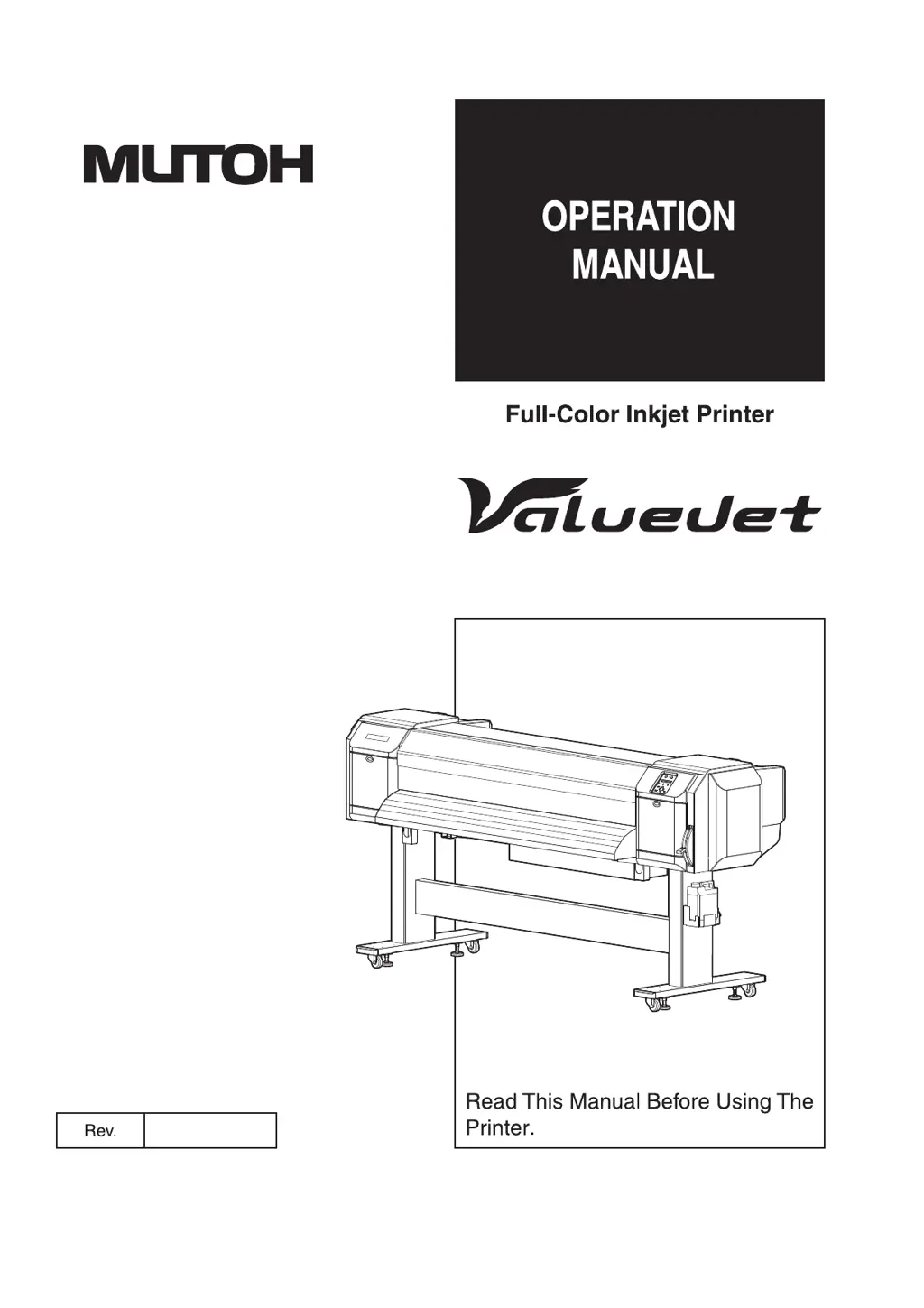
MUTOH ValueJet VJ-1628X - User Manual

MUTOH ValueJet VJ-1628X
358 pages
Print Icon
To Next Page IconTo Next Page
Loading...
VJ1628XE-A-00
VJ-1628X

Table of Contents

Questions and Answers

  • J
    Juan MontgomerySep 2, 2025
    What to do if ink does not come out after the initial ink charge on MUTOH ValueJet VJ-1628X Printer?
    • R
      Ronald GarciaSep 2, 2025
      If ink does not come out after the initial ink charge on your MUTOH Printer, ensure the ink cartridge is not cold or frozen by leaving it at room temperature for at least three hours and perform cleaning several times. If the power was turned off during the initial ink charge, turn it on again and continue the process. If normal printing cannot be performed after the initial ink charge, perform cleaning several times, checking after each attempt.
  • J
    Justin ButlerAug 31, 2025
    What to do if my MUTOH ValueJet VJ-1628X Printer does not work after power activation?
    • R
      Rebecca VargasAug 31, 2025
      If your MUTOH Printer does not work after turning it on, check if the power cord is properly connected to the plug and ensure the AC power supply provides the specified voltage by trying another outlet. Also, make sure that the front cover and maintenance cover are closed, and the media loading lever is lowered.
  • L
    Lisa SmithAug 29, 2025
    How to troubleshoot printing lines that are not straight on my MUTOH ValueJet VJ-1628X Printer?
    • P
      Patricia BrownAug 29, 2025
      If the printing lines are not straight on your MUTOH Printer, ensure the ink cartridge is within its validity period and that you are using the recommended media. Perform Adjust print and Media feed compensation.
  • E
    Evan LeAug 27, 2025
    Why is the media crumpled during initialization of my MUTOH Printer?
    • M
      Matthew BanksAug 27, 2025
      If the media is crumpling during initialization of your MUTOH Printer, ensure you are using the recommended media and that it is loaded correctly and straight. Check the pressurizing roller for any foreign materials such as torn paper, and clean it if necessary. Only use the printer in its specified environment. Replace the media if it is creased, damaged, torn, or curled.
  • L
    Latoya PattersonAug 26, 2025
    What to do if the media slips or tears during MUTOH Printer initialization?
    • C
      cfletcherAug 27, 2025
      If the media slips or tears during initialization of your MUTOH Printer, it could be due to several reasons. Make sure you are using the recommended media and that it is loaded correctly. Ensure the roll media is loaded correctly, and check the pressurizing roller for any foreign materials like torn paper; if found, clean the roller. The printer should be used in the specified environment. Replace the media if it is creased, damaged, torn, or curled. If the media bends, use the recommended media or set the Vacuum Fan menu.
  • T
    Tiffany OwensAug 25, 2025
    Why is the printing blurred on my MUTOH Printer?
    • T
      Tammy SanchezAug 25, 2025
      Blurred printing on your MUTOH Printer can occur if you are not using the recommended media, or if you are using thick or thin media. Ensure the media is set with the correct printing surface. Perform Adjust print and Media feed compensation. Verify that the temperature setting of each heater is appropriate and that the head height is set to “Low”.
  • A
    Alan HarperAug 22, 2025
    Why does my MUTOH ValueJet VJ-1628X Printer have frequent media jams?
    • K
      Kevin WongAug 22, 2025
      Frequent media jams in your MUTOH Printer can occur if you are not using the recommended media or if the media is being used in an environment that is not specified for its use. Also, using old, creased, or wrinkled media can cause this issue. If the media bends, use the recommended media or adjust the Vacuum Fan menu if you're using alternative media.

MUTOH ValueJet VJ-1628X Specifications

General IconGeneral
BrandMUTOH
ModelValueJet VJ-1628X
CategoryPrinter
LanguageEnglish

Related product manuals