3 Before using VJ-1324 OPERATION MANUAL
3-26
3.4.3 Setting the User Type Setting
This section explains how to set the user type setting.
Follow the procedure below to set the user type setting.
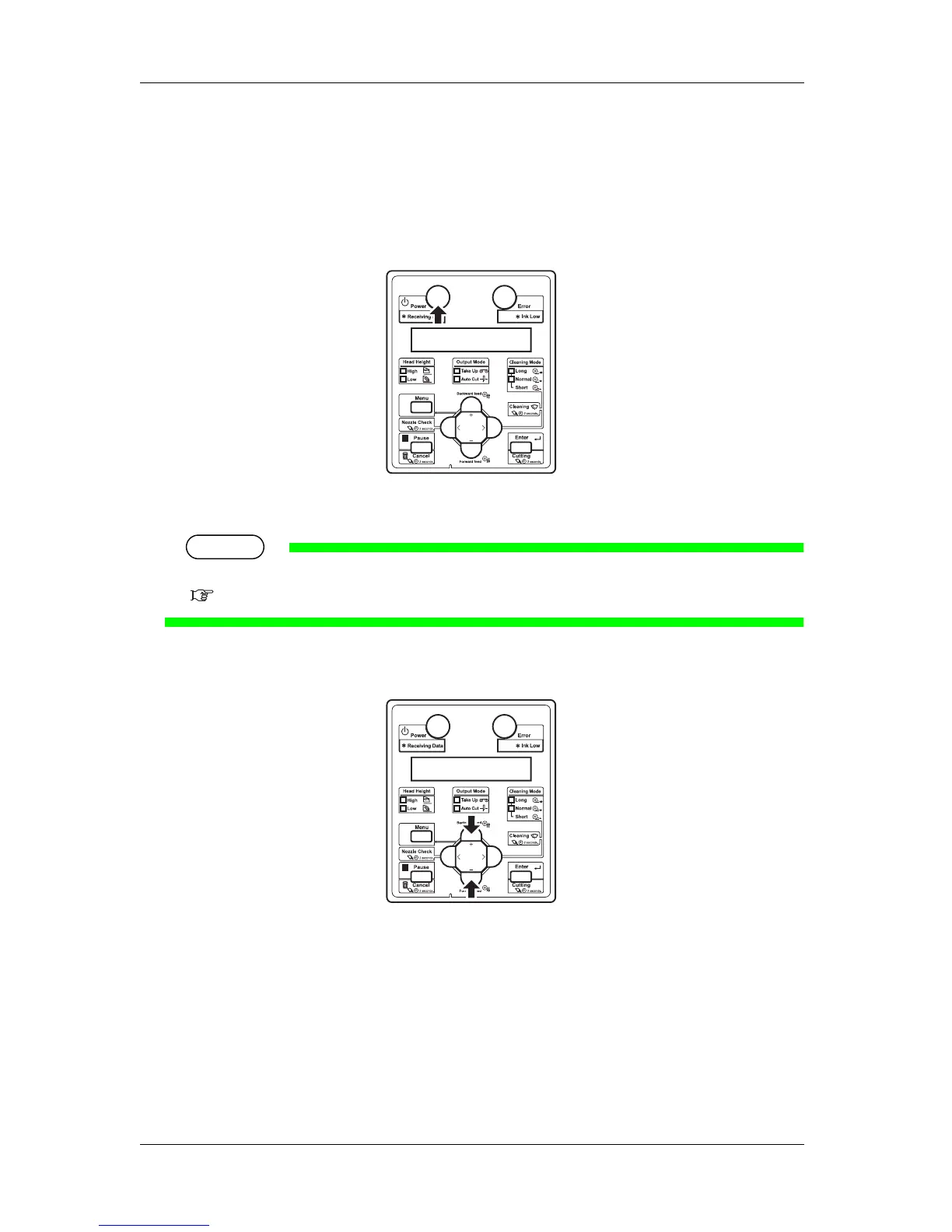
1. Turn ON the printer and load media.
• After loading the media, the printer enters the user type setting menu.
TIP
• Refer to the following for setting media.
3.4.2 Setting Roll Media
2. Press the [+] key or [-] key to select the user type setting.
3. Press the [Enter] key on the operation panel.















 To Next Page