VJ-1324 OPERATION MANUAL 3 Before using
3-27
• The user type setting is set.
• "Media initial" is displayed on the operation panel and media initialization starts.
NOTE
• If the following operations are performed in the user type setting menu, the printer starts media
initial operation without specifying a user-defined setting.
• Pressing the [Cancel] key on the operation panel.
• No keys on the operation panel are pressed for ten seconds.
• After media initial operation is complete, "Ready to Print" is displayed on the operation panel
and the display shifts to Normal.
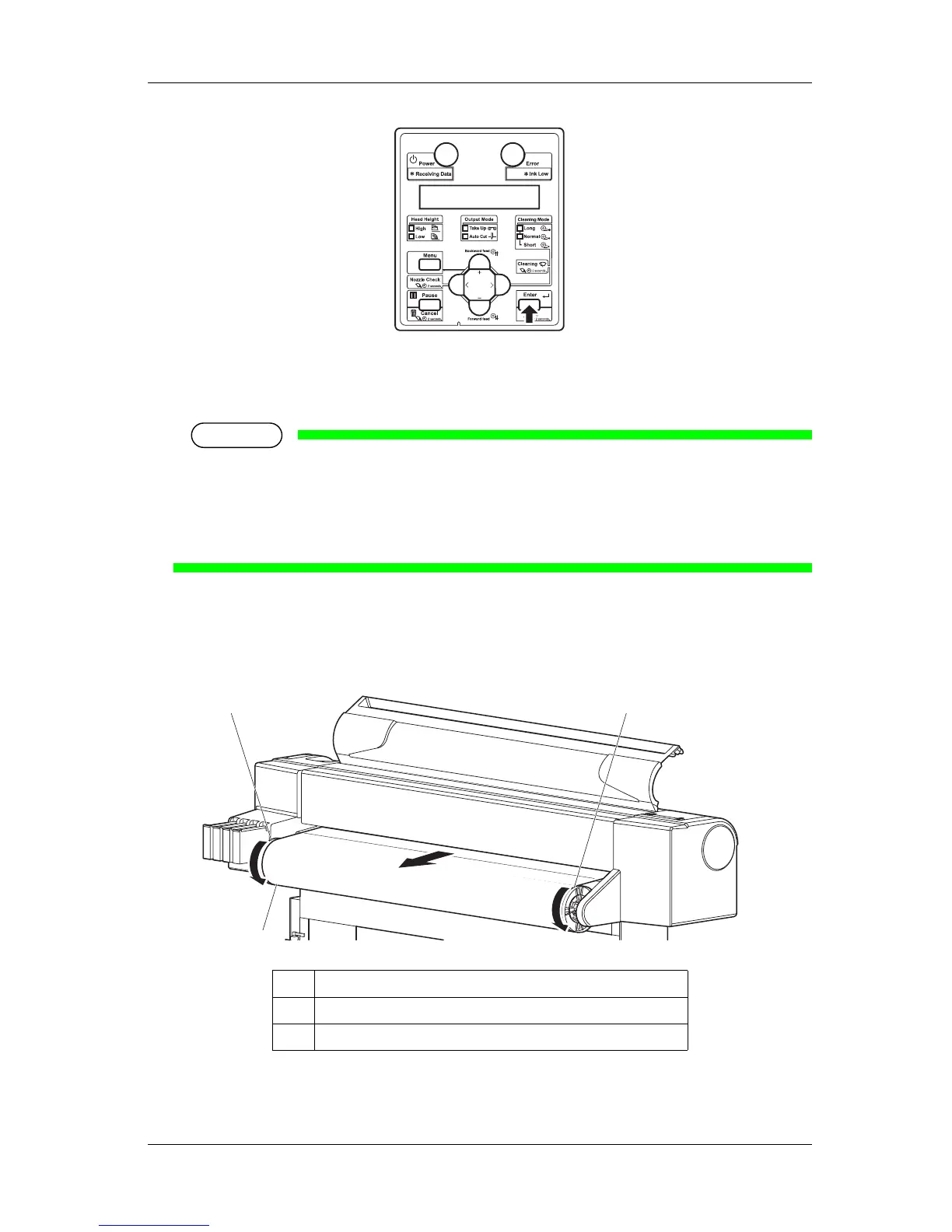
4. When using the roll media, turn the scroller by hand to rewind the roll media and eliminate any slack.
• Media set is complete.
No. Name
1 Roll media
2 Scroller
1
2
2















 To Next Page