3 Before using VJ-1324 OPERATION MANUAL
3-28
3.5 Test print
Follow the procedure below to perform Test printing to confirm that the printer works correctly.
1. Turn ON the printer and load the media.
3.4.2 Setting Roll Media
2. Confirm that the printer functions normally.
3. Display the Test Print menu on the operation panel.
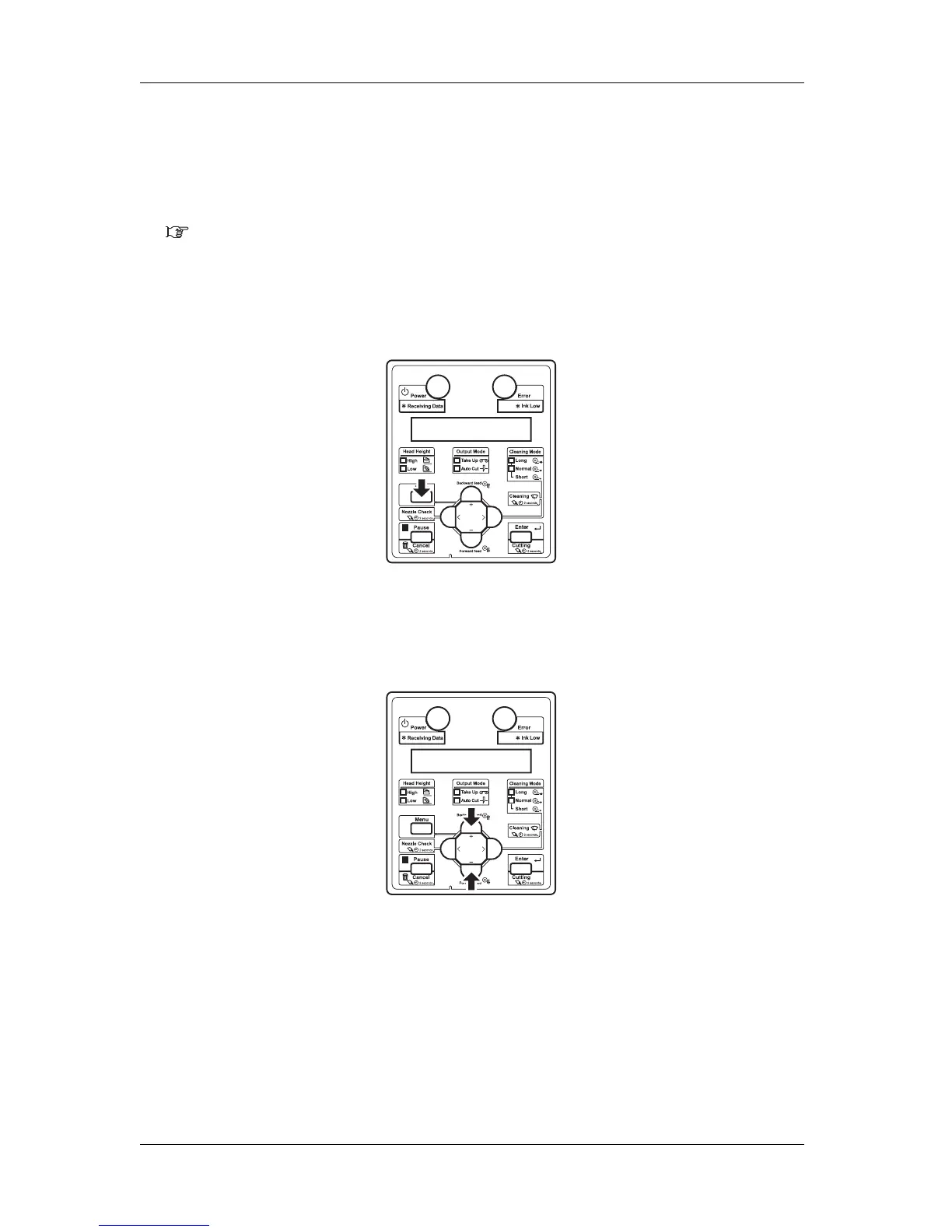
a. Press the [Menu] key on the operation panel.
• "Menu 1: Setup>" is displayed on the operation panel.
• The operation panel shifts to the Setup menu display.
b. Press the [+] key or [–] key to select "Menu2: Test Print>".
c. Press the [>] key on the operation panel.















 To Next Page