VJ-1324 OPERATION MANUAL 3 Before using
3-29
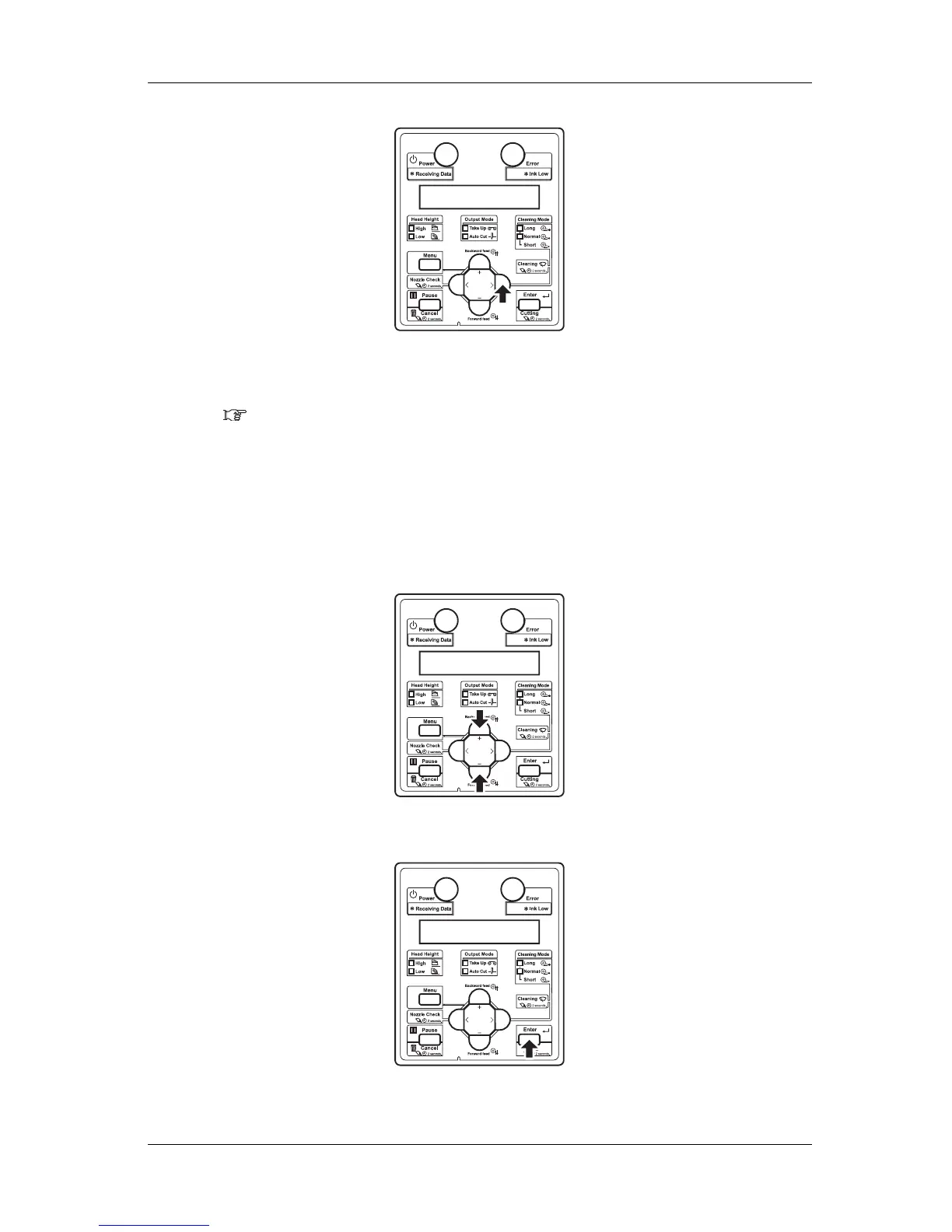
• "Test1: Nozzle Check" is displayed on the operation panel.
• The display shifts to the Test Print menu.
5.2 Test Print Menu
4. Press the [+] key or [–] key on the operation panel to select an item for printing from the following
items.
• Nozzle Check
•Mode Print
• Setup List
5. Press the [Enter] key on the operation panel.
• Start performing Test Print for the selected item.















 To Next Page