Activation
Step 1:
w w w. myPOS.eu
Merchant Services > POS
Terminals
Step :
Once connected to the Internet, your D210 device needs to be activated
before you start accepting payments with credit or debit cards through it.
Every D210 device has a unique serial number which is used by the myPOS to
identify on which device a payment transaction is being accepted.
During the activation procedure, the myPOS links the serial number of your
new D210 device with your myPOS account. Once your new D210 has been
activated, every transaction accepted through it will be credited to your
myPOS account.
You can link more than one D210 devices to one e-money account. In this
case, payments accepted through all myPOSterminals, will be credited to
one myPOS account.
Activation code
The activation procedure is a one-time process and requires an activation
code generated by the myPOS to be entered manually by you on your D210
device.
If you do not have an myPOS
a c c o u n t , p l e a s e r e g i s t e r o n
and fo l l ow the
instructions. Once you have been
successfully registered, the system will
automatically generate an activation code
for you. If you have an myPOS account
already, please log in to your account and
go to the
menu. Click on “Activate POS
device” in order to generate an activation
code.
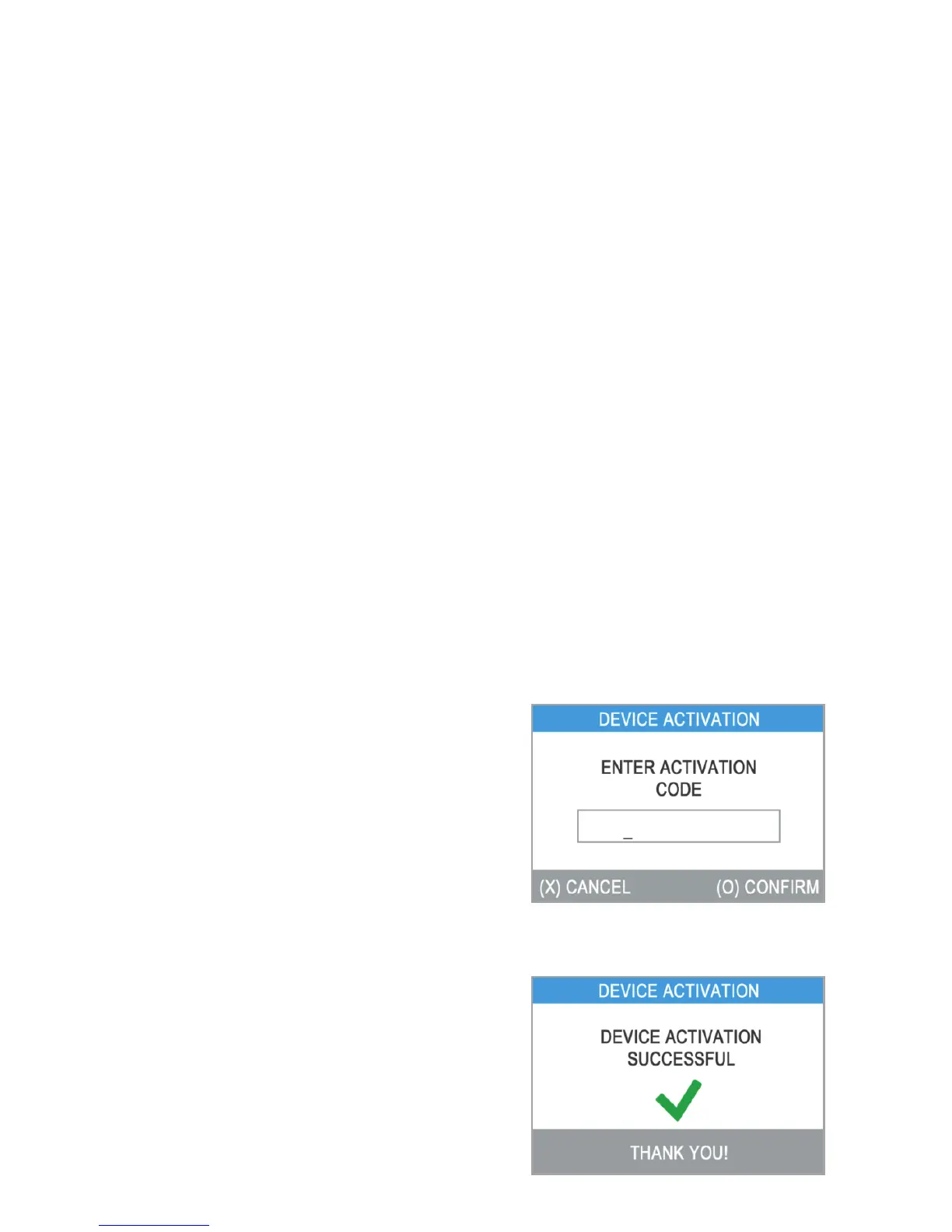
Please enter the activation code
on the D210 device and press the green
key (O). Your D210 device must be
connected to the Internet in order to
complete the activation process.
2
EN 12|



 To Next Page