money account.
C. Windows Phone 8.0 or later
If you are using a mobile phone which runs Windows Phone 8.0 or later, you
can connect your D210 ONLY via Wi-Fi (Personal Hotspot).
To connect via Wi-Fi (Personal Hotspot) activated on your mobile phone,
please follow the procedure described in the “How to connect your D210
with Wi-Fi” section. The iPay Mobile application is not required for using this
type of connection but you can download and use it for managing your e-
money account.
Using D210 with a wireless (Wi-Fi) router
Make sure your Wi-Fi router is connected to the Internet. In order to connect
your D210 device to your Wi-Fi router, please read carefully the information
below. Please be aware that the supported encryption methods for Wi-Fi
networks are WPA and WPA2.
For proper operation of the D210 device, please make sure that:
your router does not have any
network traffic restrictions or filters
your router does not require setting a
special TCP/IP configuration on your
network devices (D210 will use the
default settings only)
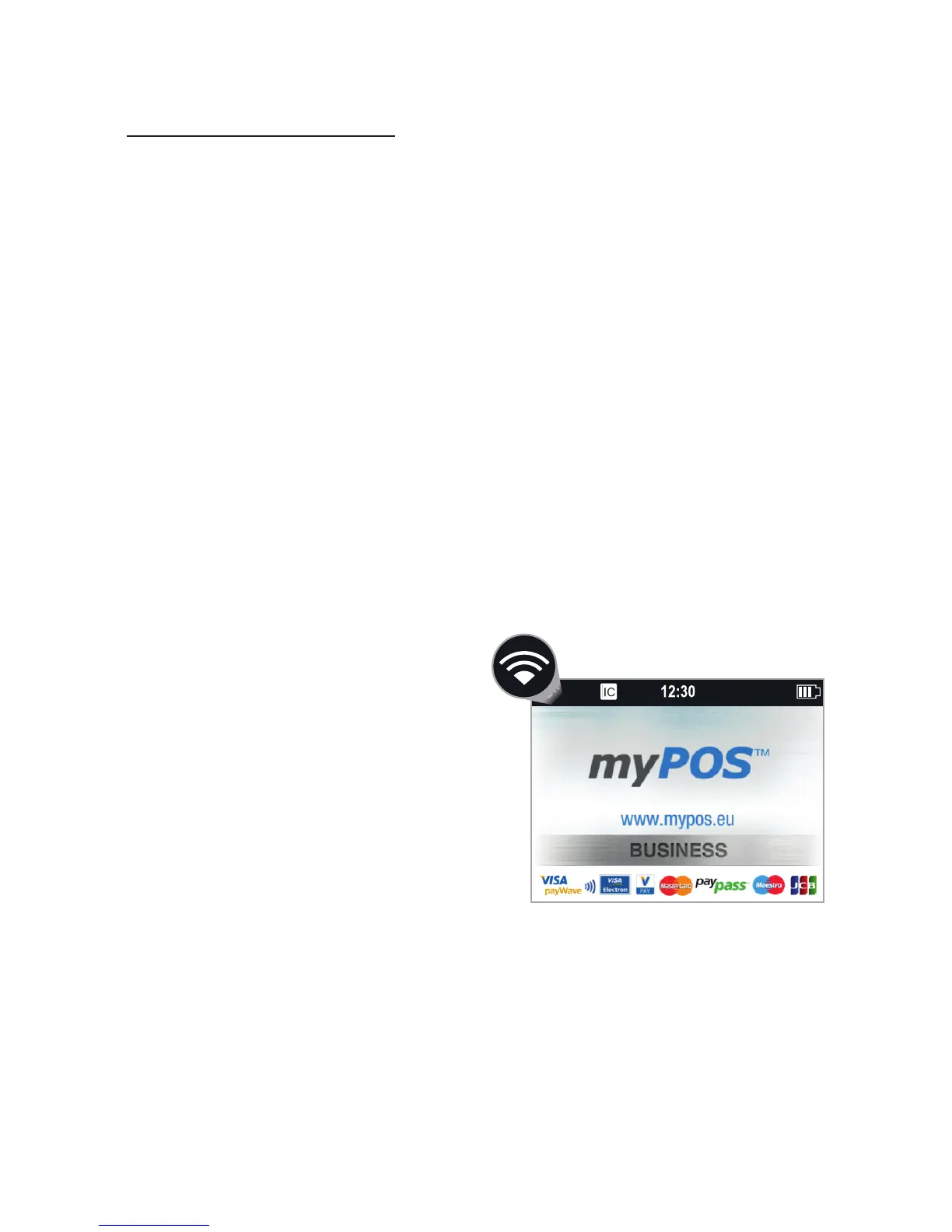
network signal is strong enough. The
network signal strength is indicated
via a Wi-Fi signal icon located in the
upper part of your D210 screen.
To connect via a Wi-Fi router, please follow the procedure described in the
“How to connect your D210 with Wi-Fi” section.
џ
џ
џ
EN 5|



 To Next Page