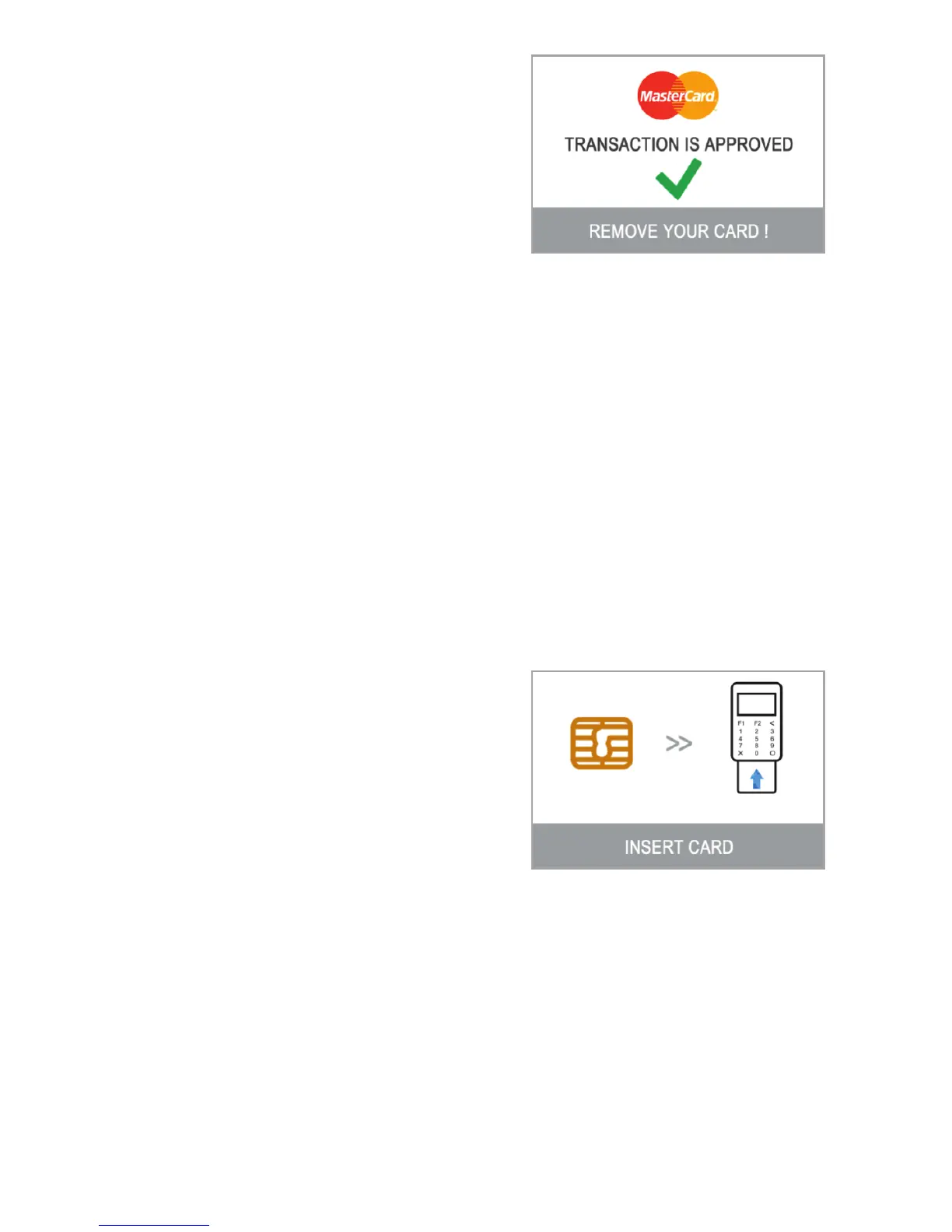
terminal will display a confirmation
message: “TRANSACTION IS APPROVED”.
At this point, you can remove the card
from the reader and return it to the
customer.
The D210 device will automatically
print the merchant's copy of the receipt
for the approved SALE transaction. Then the terminal will wait 3 seconds,
beep and start printing the customer's copy of the receipt.
Processing Magnetic Stripe Cards
If your customer's card has only a mag stripe on it, please follow the
procedure below after you enter and confirm the amount of the transaction.
Magnetic stripe cards are swiped with the magnetic stripe side facing up
using the reader located at the right side of the D210. Make sure the card is
inserted properly and the bottom of the card runs firmly along the bottom of
the card swipe and that the card is swiped at an even speed. The speed of
swiping the card must not be too slow, as this can sometimes cause
problems when the terminal is reading cards.
If a CHIP card is swiped as a magnetic one,
the terminal will display the following
screen.
Please, insert the card with the CHIP facing
up into the reader located at the bottom
of the D210 and follow the steps for
accepting CHIP cards laid out in the
previous section.
Complete the transaction as described in Step 3 of the previous section.
Processing Contactless Cards (PayPass or payWave)
The contactless (NFC) technology is gaining popularity and it is very likely
that many of your customers will hand you such cards. Your D210 device can
accept two types of contactless cards - PayPass and payWave, issued by
MasterCard and VISA respectively.
Step :3
EN 16|



 To Next Page