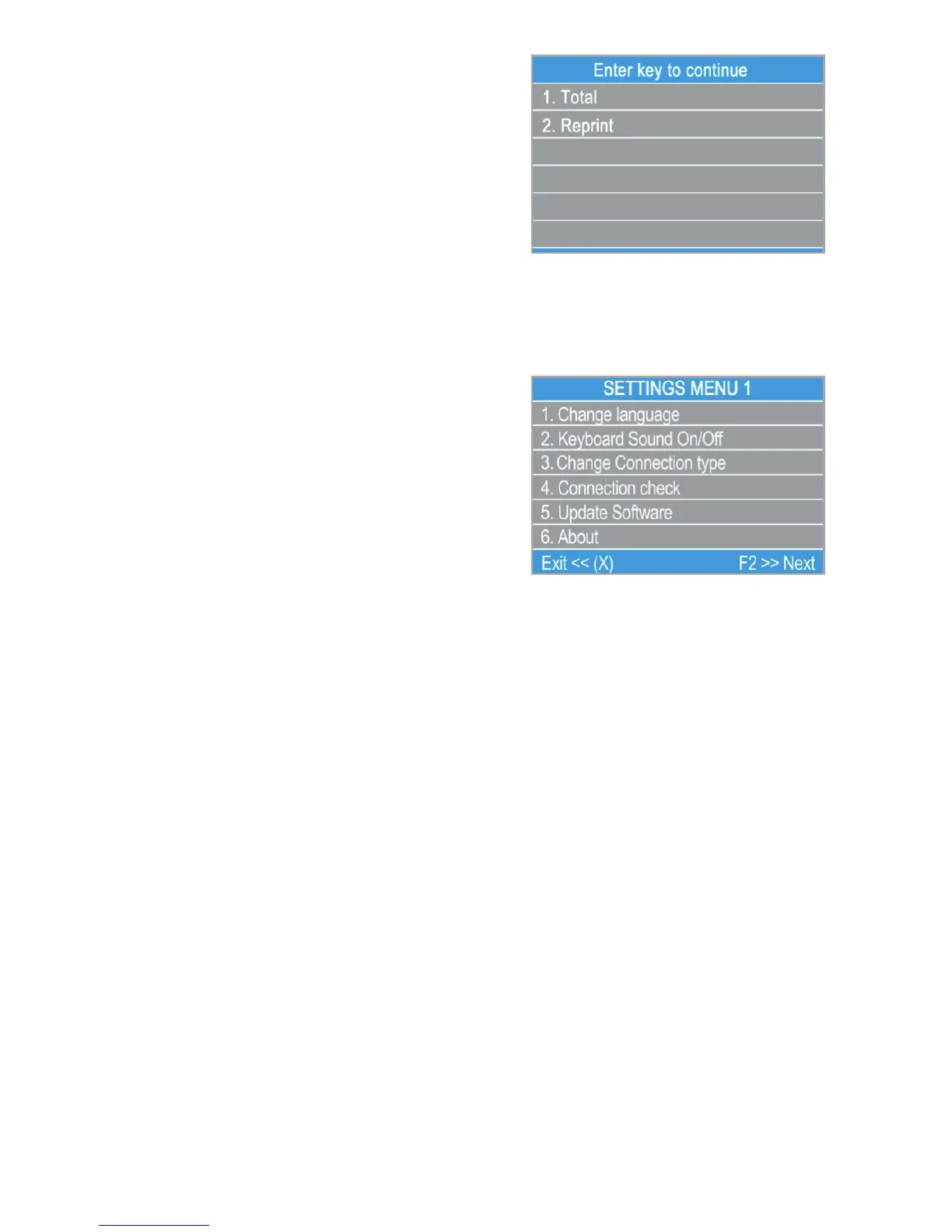
should press the green button (O) Clear.
By pressing (2) on the keyboard you can
reprint the report for the previous period.
F2 – SETTINGS menu
SETTINGS menu is organized in two screens with the following options:
SETTINGS MENU1 shows the list of
supported settings for your D210 device:
1. Change Language
You can change the language of the
menus and messages on your D210
terminal. The D210 will display a list of all
available languages.
2. Keyboard sound ON/OFF
You can turn Off or On the sound when key is pressed of the D210.
3. Change Connection type
From this option you can change the chosen network connection. The D210
will scan for available devices and will display a list with their names on the
screen.
4. Connectivity check
Use this option to check if your D210 device is properly connected to
internet and test the communication with myPOS.
5. Update software
From time to time a new version of the software running on your D210 has
new versions released. You can check for software updates at any time by
selecting using option.
If there is a new software version, the device will display the new version,
how many files will be downloaded and their size. You can confirm and start
the update procedure or cancel it and update the device later.
EN 20|



 To Next Page