M5
17
13. BIKE-TO-BIKE INTERCOM
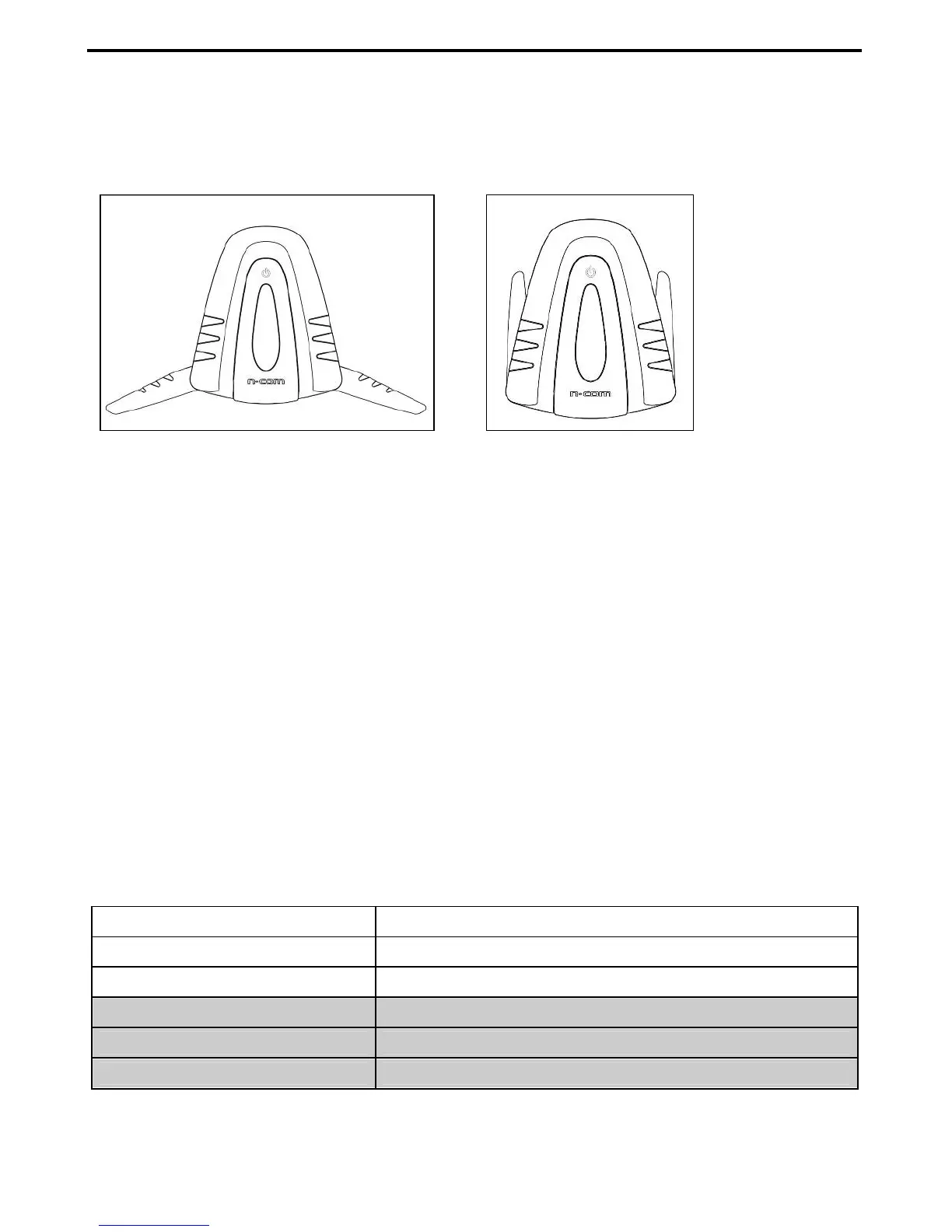
The N-Com system is used for bike-to-bike communication up to a distance of about 500 m (open
terrain, no obstacles). For proper operation of bike-to-bike communication, you need to open the
antennas of the e-box M5, as shown in the figure.
Fig. 20 Fig. 21
The M5 system entails the use of a default “STANDARD” commands configuration, or the use of a
“FRIENDS” configuration that can be turned on from the N-Com Wizard or dedicated App.
The difference between the two configurations lies in the number of motorcycles that can be hooked
up: the STANDARD configurations allows up to 3 different motorcycles to be hooked up to the M5
system, while the FRIENDS configurations allows up to a total of 6.
Important: If you use the FRIENDS configuration, you need to visit the N-Com website and download
the dedicated commands diagram (section Download/Command Summary Diagram).
N.B.: The range and quality of the communication may vary significantly depending on the presence
of obstacles, weather conditions, magnetic fields.
N.B.: The range of the communication varies depending on the N-Com systems used.
13.1. Bike-to-Bike Intercom Affiliation (Standard configuration)
Make sure the M5 is turned off;
Put both systems A and B in Setting Mode (press the “BACK” key and keep it pressed for 4
seconds, until the red LED starts to flash quickly);
On system A, press the command related to the “setting position” where you wish to store
system B;
Pairing up CHANNEL 1 Briefly press “n”.
Pairing up CHANNEL 2 Press the “n” key twice.
Pairing up CHANNEL 3 Press the “n” key three times.
Pairing up CHANNEL 4 Briefly press “
on
”.
Pairing up CHANNEL 5 Press the “
on
” key twice.
Pairing up CHANNEL Press the “
on
” key three times.
N.B.: Channels 4-5-6 can be paired up and used only by activating the FRIENDS configuration.



 To Next Page