(Revised 2015-09-28) Page 68 of 157
Bridging – Unicast Addresses, Continued…
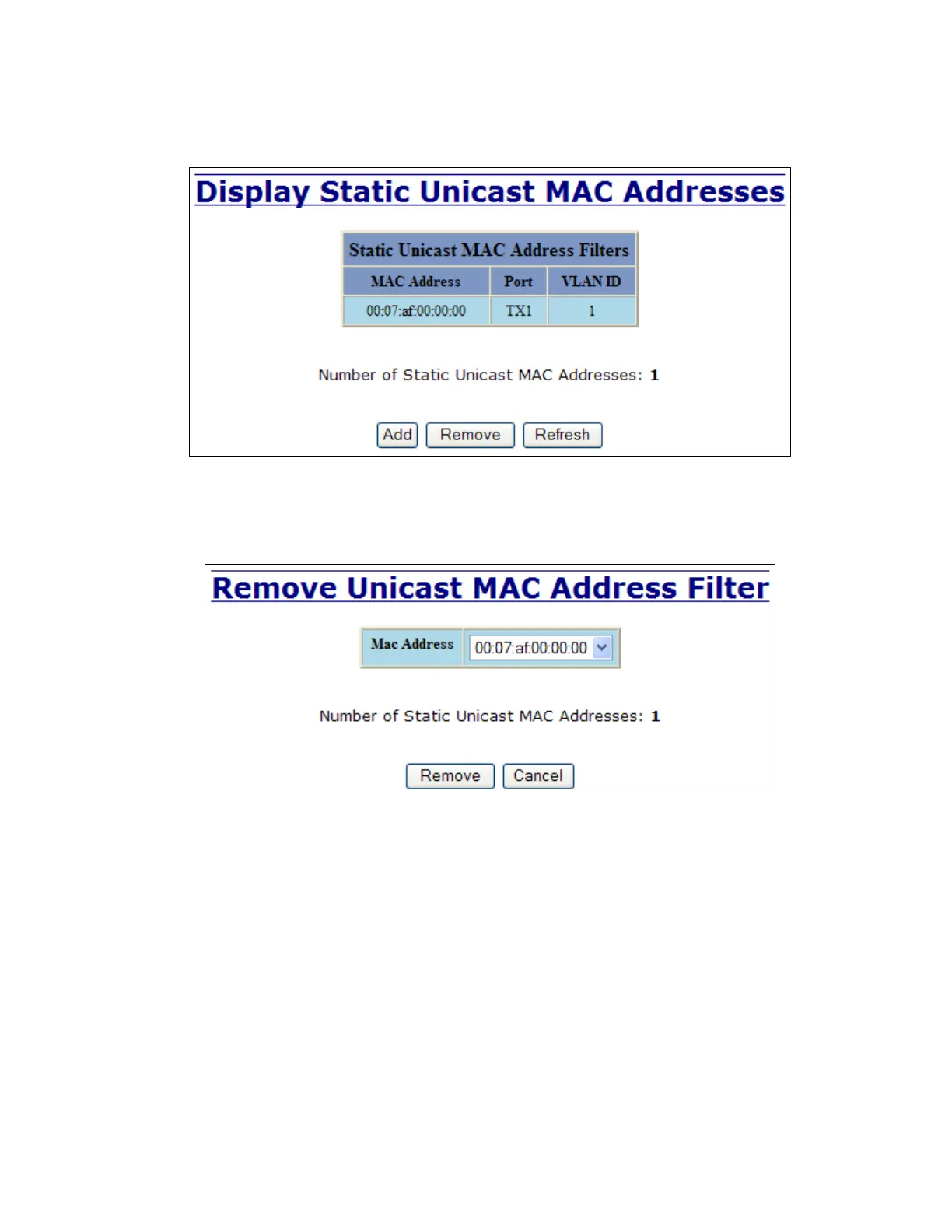
Once a static MAC address has been added, it will be displayed in a list on the main page under Unicast
MACs tab.
Following the Remove button on the example above, an administrator can select a static MAC address from
the list using a pull-down menu. After selecting the MAC address, the administrator needs to press the
Remove button on the page to remove the entry



 To Next Page