(Revised 2015-09-28) Page 83 of 157
N-View – Configuration
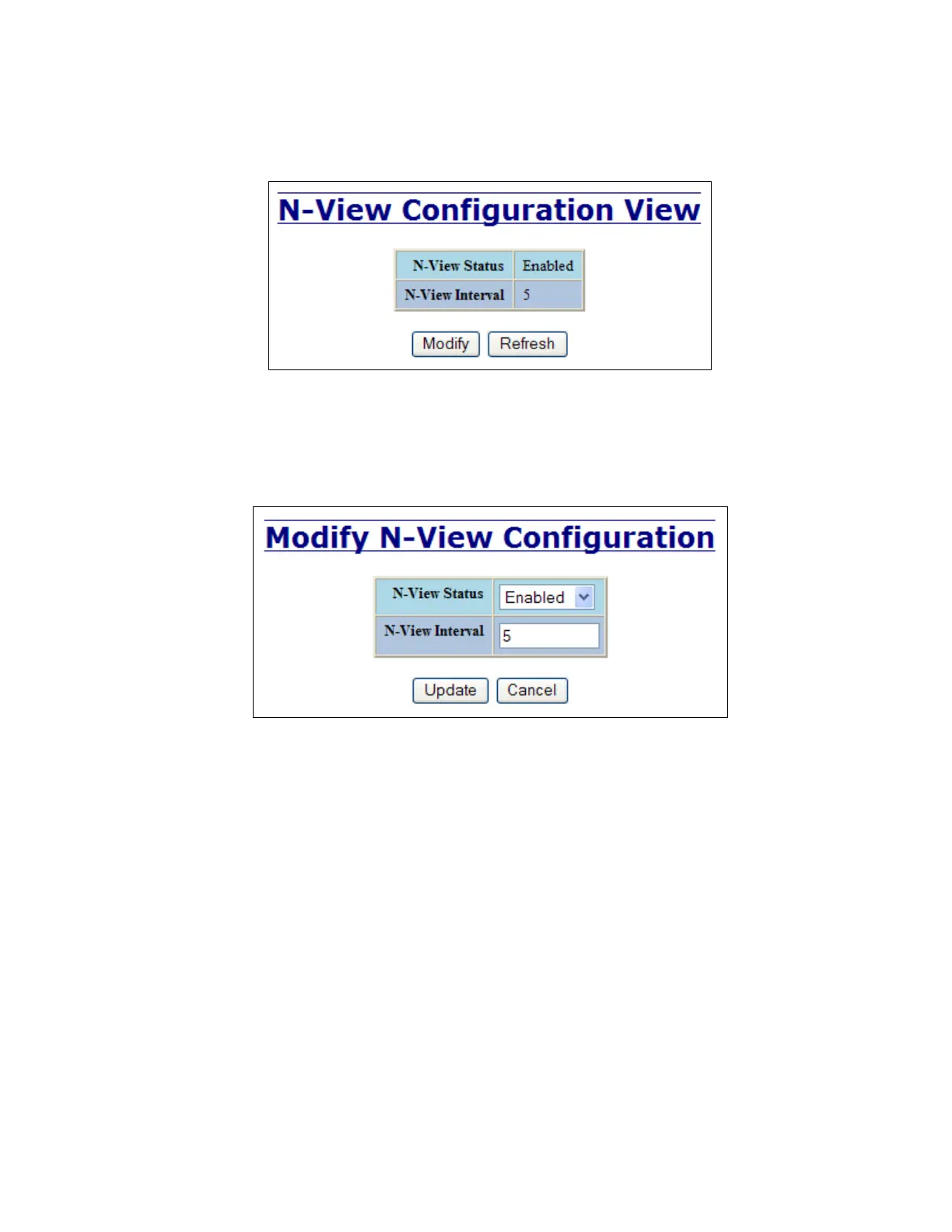
The Configuration tab under the N-View category will display two basic variables for N-View, the status
and the interval between packets.
Following the Modify button on the above example, the administrator can modify the variable to change the
frequency with which N-View reports information. Increasing the interval will slow the update rate.
Decreasing the interval will allow N-View to report more frequently. Additionally, you may Disable or
Enable N-View altogether.



 To Next Page