(Revised 2012-05-01
Page 101 of 170
N-Link – Configuration, Continued…
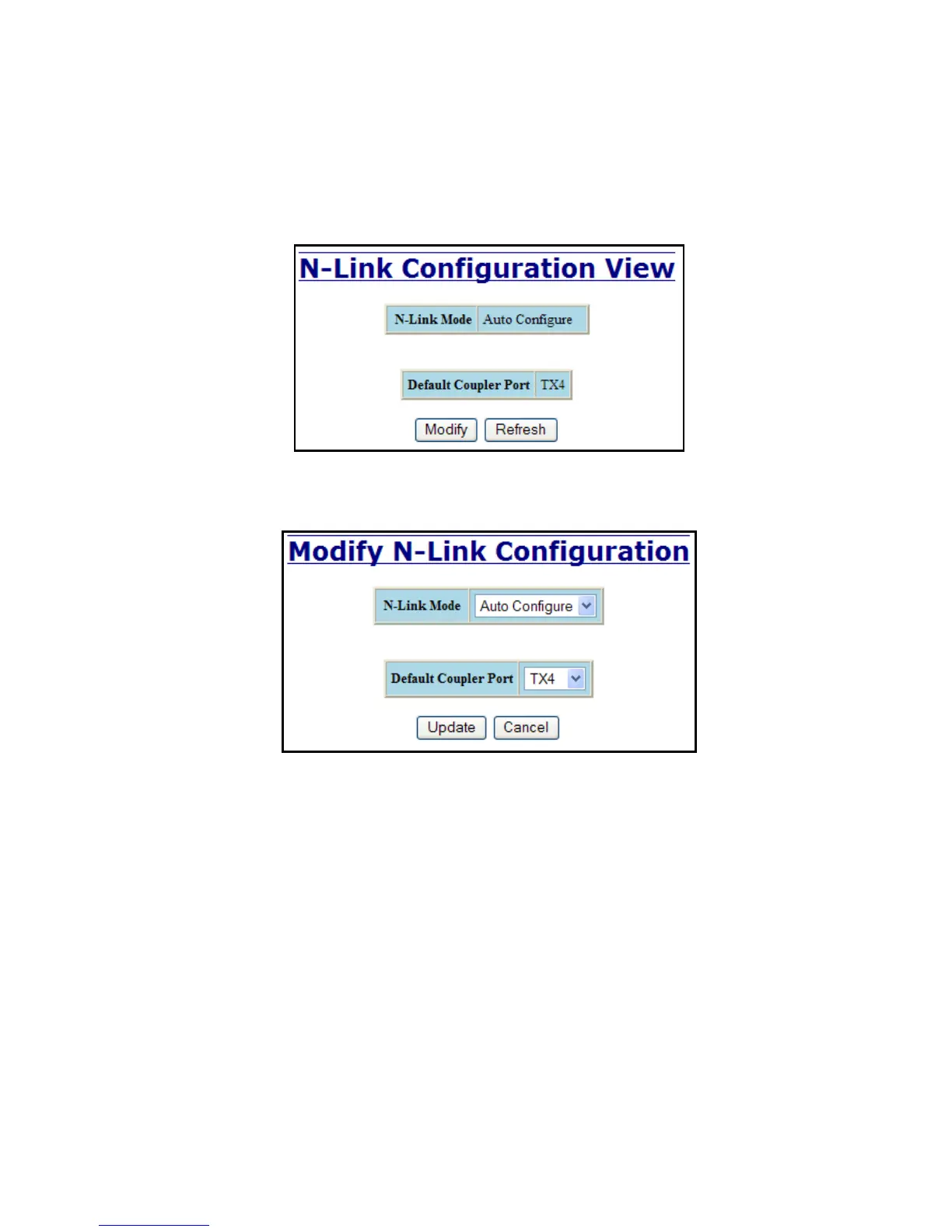
The Configuration tab under the N-Link category will display the configuration settings. By default, N-
Link is in Auto Configure mode and will use TX4 as the Default Coupler port.
Following the Modify button on the above example, the administrator will see a list of configurable fields
for the N-Link configuration, as below.
The port configured as the Default Coupler Port will be used as the Standby Coupler port if the switch
detects an N-Link Master and becomes an N-Link Slave.
Once these fields are filled in to meet the needs of the administrator’s network, the changes may be saved by
clicking the Update button at the bottom of the page.



 To Next Page