RANDOM PLAY
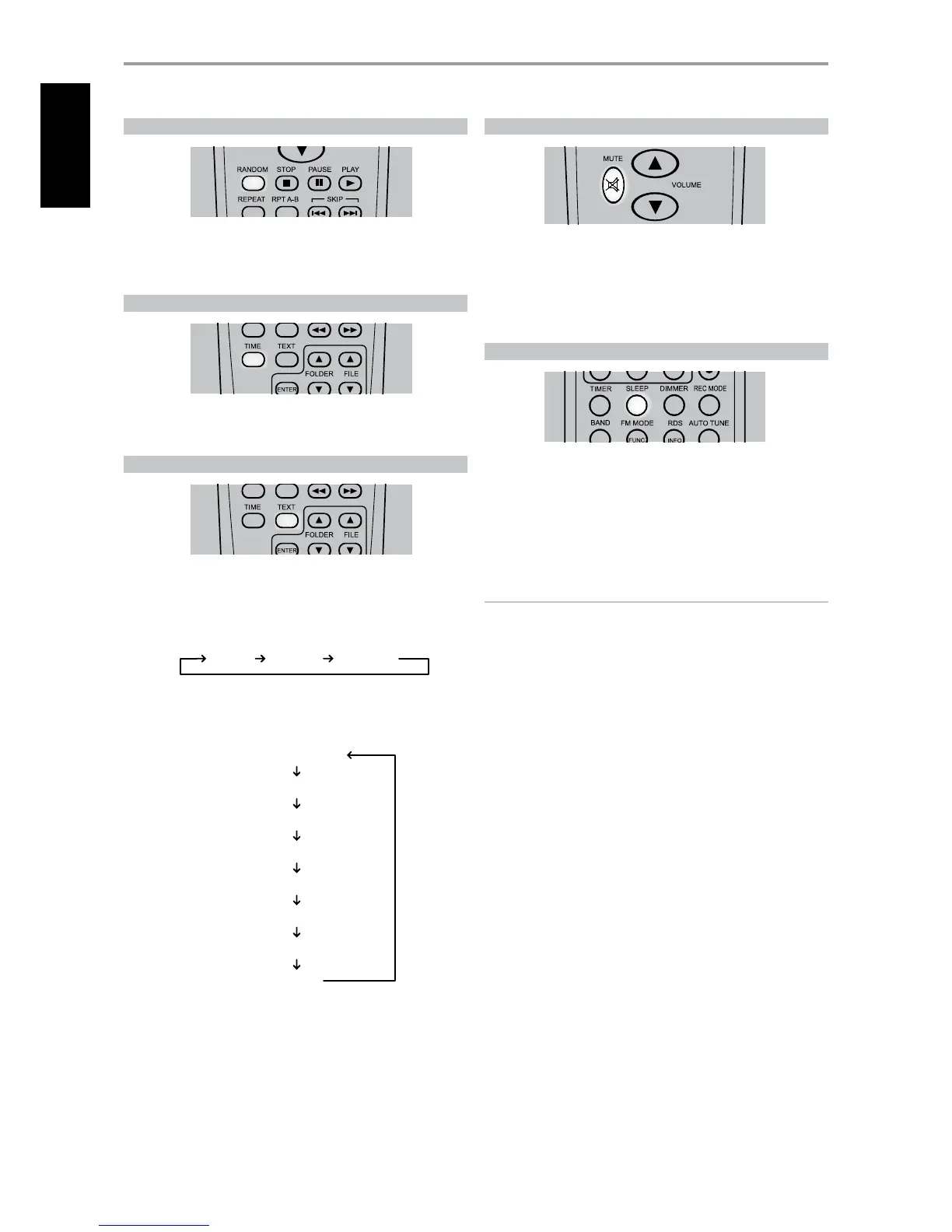
Press [RANDOM] key during playback or stop mode. “Random Play” is shown
in the VFD. Playback of the rst randomly selected track or le automatically
begins. Press [RANDOM] again to return to normal playback.
TIME
During playback mode, toggle [TIME] button to alternatively display the
elapsed time or remaining time of the current track/le.
TEXT
During MP3/WMA playback mode, toggle [TEXT] to display information (if
available) about the current le.
DEFAULT DISPLAY SCROLLING
Song Title Artist Name Album Name
INFORMATION DISPLAY
Default display (scrolling)
Track Number
File Name
Song Title
Artist Name
Album Name
Year
Comment
MUTE
Use the [Mute] key to silence all channels completely. Muting is always
available regardless of the source selections.
Adjusting the VOLUME via the SR 7 or the front-panel knob automatically
releases the mute function. Pressing [MUTE] again will also resume the
current volume level.
SLEEP
The Sleep Mode timer will switch the C 715 to Standby mode automatically
after a preset number of minutes.
1 Toggle the SR 7’s [SLEEP] button to select desired Sleep time - each
press decreases the sleep time in 10-minute increments from 90 to 10
minutes.
2 To cancel the sleep mode, continue pressing SR 7’s [SLEEP] button until
“Sleep” display is turned OFF in the VFD.
NOTES
• The VFD is dimmed when you set the Sleep timer.
• To check remaining sleep time, press [SLEEP] once – the remaining time
will be displayed for 3 seconds and then return to normal display.
OPERATION
USING THE C 715 OTHER FEATURES
24
ENGLISH FRANÇAIS ESPAÑOL ITALIANO DEUTSCH NEDERLANDS SVENSKA РУССКИЙ


 To Next Page