5
6
7
8
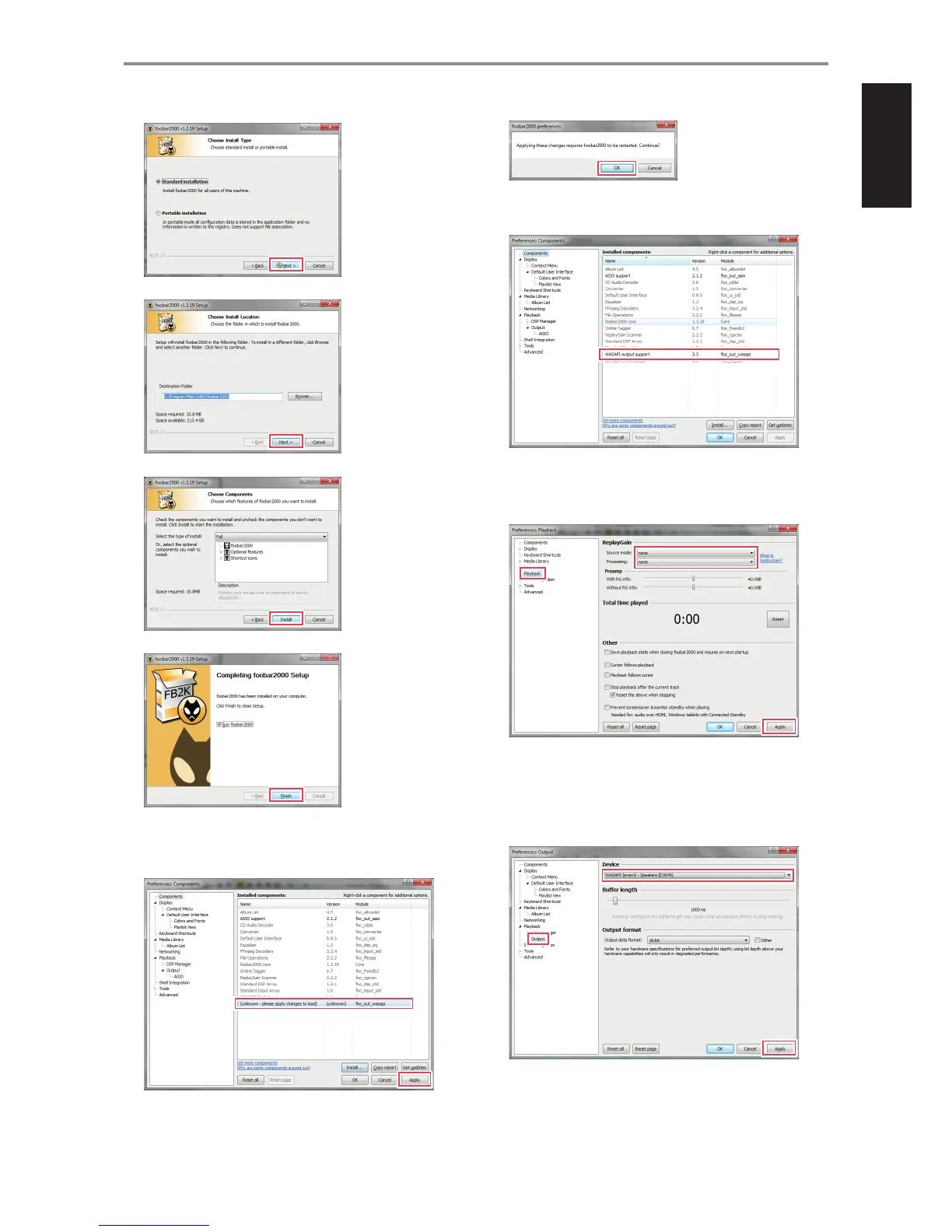
9 Download the WASAPI output plug-in for Foobar2000 from
www.foobar2000.org/components/view/foo_out_wasapi
10
11
12 Run foobar2000. Go to File $ Preferences $ Components.
Conrm that “WASAPI output support” is already installed.
13 Go to “Playback” tab. Under “Replay/Gain”, ensure that both “Source
Mode” and “Processing” are set to “None”. Select “Apply” to conrm the
setting.
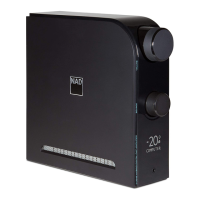
14 Using Type A to Type B USB connector (not supplied), connect D3045
“COMPUTER” port to the corresponding USB port of your computer.
Select “Output” option from “Playback” tab. Under “Device”, select
“WASAPI (event): Speakers (D3045)” or “WASAPI (push): Speakers
(D3045)” and then “Apply”.
OTHER FEATURES
9


 To Next Page