Depending on the media, the following basic function controls of the T 587
can be accessed directly using the BR 1 remote control.
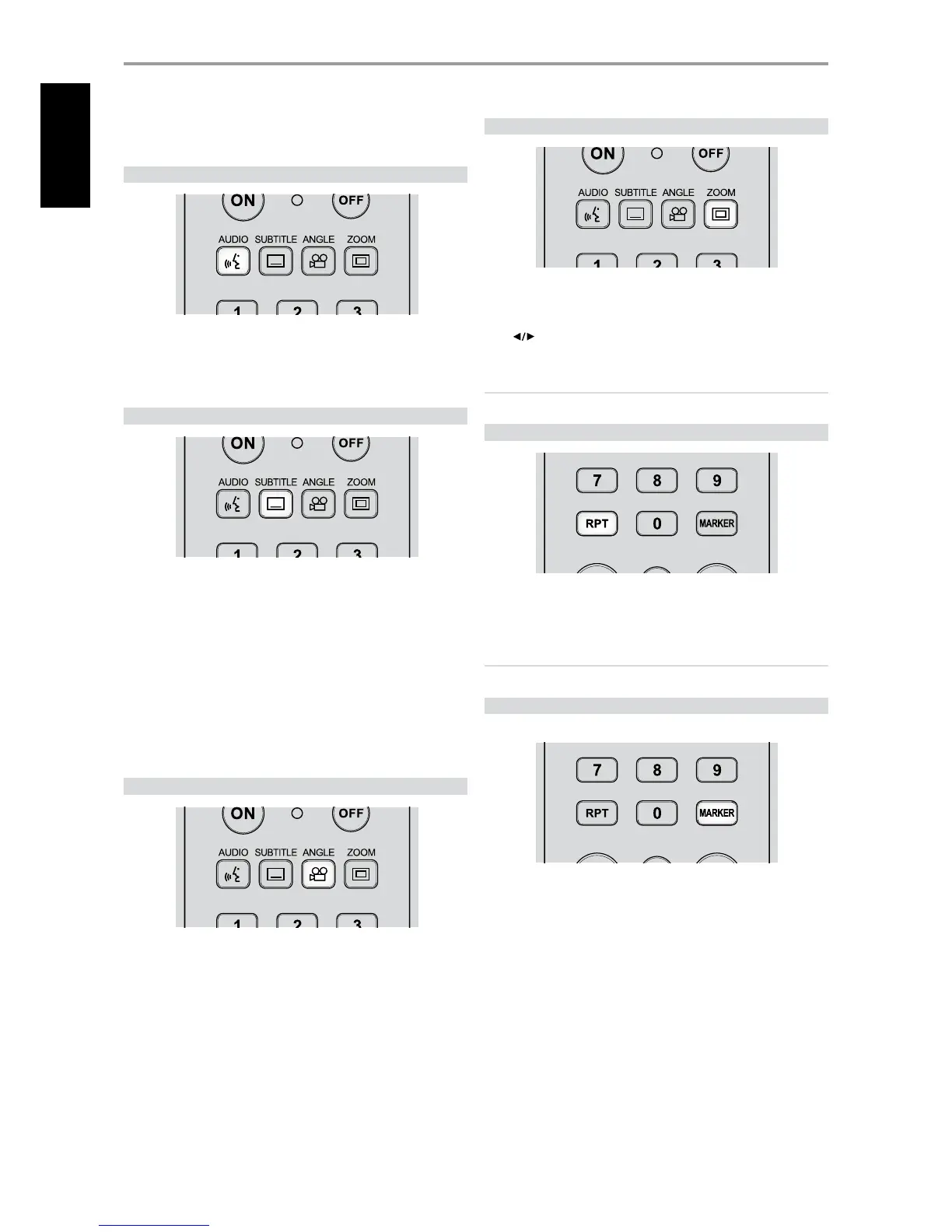
AUDIO
The AUDIO button will allow one to switch the audio language or format
only if the media supports the AUDIO button feature.
Press [AUDIO] repeatedly to select desired audio language or format.
SUBTITLE
It is possible to change the subtitle language to a dierent language from
the one selected at the initial settings. This operation works only with discs
on which multiple subtitle languages are recorded.
1 Press [SUBTITLE] during playback. When no subtitles are recorded, “OFF”
will be displayed.
2 Press [SUBTITLE] repeatedly until the desired language is selected.
When the desired language is not selected even after pressing the button
several times, it means that the language is not available on the disc.
To eliminate the On Screen Subtitles, press [SUBTITLE] repeatedly to select
“OFF”.
ANGLE
Some DVDs may contain scenes that have been shot simultaneously from a
number of dierent angles. For these discs, the same scene can be viewed
from each of these dierent angles using the [ANGLE] button. This function
only works for discs having scenes recorded at dierent angles.
1 Press [ANGLE] during playback. Angle number will be displayed.
2 Press [ANGLE] repeatedly until the desired angle is selected.
ZOOM
Use [ZOOM] to enlarge the video image. Press [ZOOM] during playback or
still playback to activate the Zoom function.
Use [
] to select zoom mode (up to 16 steps). To resume normal
playback, press [ZOOM] repeatedly until “O”.
NOTE
;PPNNBZOPUXPSLPOTPNFEJTDTPSUJUMFT
RPT (REPEAT)
To repeat the playback of a particular track or chapter, press the T 587’s
[RPT] key once. Pressing the same [RPT] key a second time will repeat all the
tracks or title. Turn o repeat mode by pressing [RPT] button a third time.
NOTE
3&1&"5GFBUVSFEPFTOPUBQQMZUP1)050öMFT
MARKER
Use the [MARKER] button to selectively mark or check the track(s) or le(s)
that you wish to playback. Choose “Select Play” from drop down playability
menu (see section above about “PLAYING AUDIO CD/MP3/WMA”) to
playback in chronological order the marked tracks or les.
OPERATION
USING THE T 587 FUNCTION CONTROL
18
ENGLISH



 To Next Page