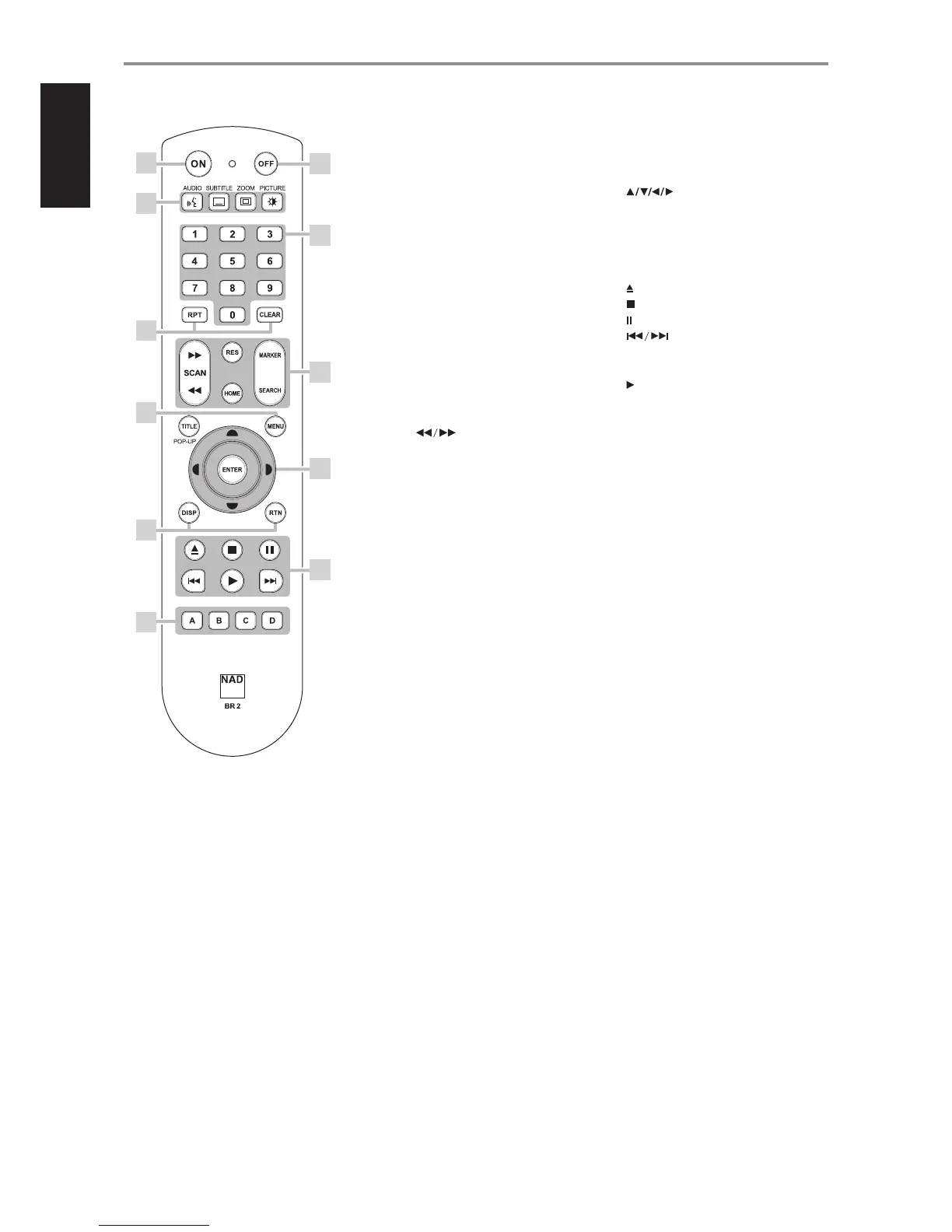
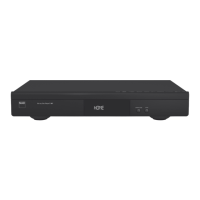
1 ON: Switch T 577 ON.
2 OFF: Switch T 577 OFF.
3 AUDIO: Select an audio language.
SUBTITLE: Select a subtitle language.
ZOOM: Enlarge video image.
PICTURE: Display or exit the Picture Mode
menu.
4 0-9 number buttons: Select numbered
items in a menu.
5 RPT: Repeat track, chapter, title, le, folder,
all.
CLEAR: Remove a marker on the search
menu or a number when setting the
password.
6 SCAN : Fast reverse or forward
search.
RES: Set output resolution of HDMI and
Component Video output.
HOME: Display or exit HOME menu.
MARKER: Mark desired scene for selective
playback.
SEARCH: Display or exit the search menu.
7 TITLE/POP-UP: Display DVD title menu or
BD-ROM pop menu, if available.
MENU: Access menu on a DVD disc, if
available.
8 : Select an item in a menu.
ENTER: Acknowledge menu selection.
9 DISP: Access on-screen display.
RTN: Exit from a menu window.
10 : Opens and closes the disc tray.
: Stop playback.
: Pause playback temporarily.
: Go to beginning of current/
previous track, le or chapter; go to next
track/le/chapter.
: Start playback.
11 A,B,C,D : Navigate or select BD-ROM menu,
if applicable; Page up/down PHOTO and
MUSIC menu list.
IDENTIFICATION OF CONTROLS
BR 2 REMOTE CONTROL
1
3
5
7
9
11
10
6
4
2
8
10
ENGLISH FRANÇAIS ESPAÑOL ITALIANO DEUTSCH NEDERLANDS SVENSKA РУССКИЙ



 To Next Page