To produce the same SPL meter reading (or subjective loudness), use the remote’s keys to adjust each speaker.
NOTE
• All speakers must be in their nal locations before level-setting.
• Your subwoofer (if any) should be set with its integral crossover defeated, or if undefeatable, set to
its highest-possible frequency if you are using the T 775's Subwoofer output. Final subwoofer-level
adjustment “by-ear,” using music and lm sound material, is frequently useful.
• Due to the eects of room acoustics, matched-pair speakers (front; surround; back) will not always
calibrate to exactly the same level oset readings.
You can exit ‘Test’ mode at any time by pressing key, bringing you back to ‘Speaker Setup’ menu. You
can also press the ‘TEST’ key to discontinue the ‘Test’ mode.
SPEAKER DISTANCE
Your system’s speaker distance settings are a subtle but important renement of your setup. Informing
the T 775 of the loudspeaker-to-listener dimensions of each speaker automatically imposes the correct
delays, optimizing imaging, intelligibility and surround-sound ambience. Enter your dimensions with
precision within about 1 foot (30 cm).
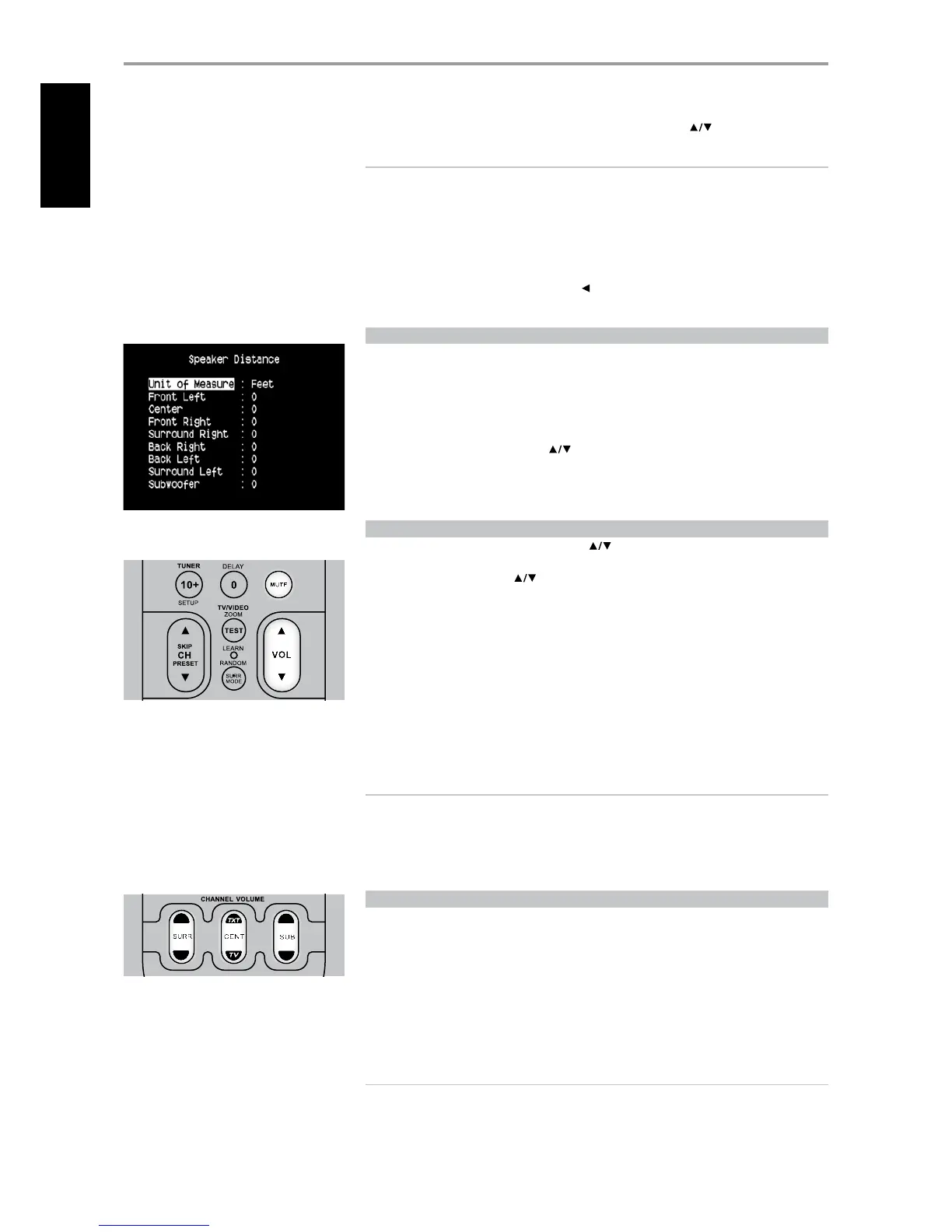
SETTING SPEAKER DISTANCE
While at ‘Speaker Distance’ menu, use the keys to individually set Front Left, Center, Front Right,
Surround Right, Back, Surround Left and Subwoofer to the distance measuring from your principal
listening position to the front surface of their corresponding loudspeakers. Distance can be set up to 30
feet or 9.1 meters Distance can be displayed as feet or meters selectable at the ‘Unit of Measure’ item.
ADjUSTING THE VOLUME
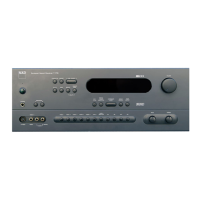
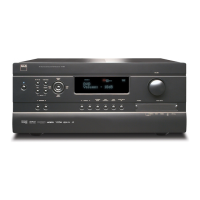
In addition to the Volume knob, use the HTR 3’s VOL to adjust the “master volume” of the T 775 raising
or lowering the channels altogether. A momentary keypress will change the master volume by 1 dB
increments. If you hold down VOL , the master-volume change will “run-on” until the key is released.
Since recordings vary considerably in overall average level, there is no imperative to listen at any
particular master-volume setting. A setting of -20 may sound “as loud” from one CD or DVD as -10 does
from another.
The T 775 will power-up from Standby mode at whatever master volume setting was last used;
however, if the prior setting was greater than –20 dB, the T 775 will power up at –20 dB. This prevents
inadvertently beginning a session at excessive volume.
MUTING THE SOUND
Use the HTR 3’s ‘Mute’ key to silence all channels completely. Muting is always available regardless of
the source or listening mode selections.
NOTE
• Changing input or listening-mode selections does not release muting.
• Adjusting the master-volume upward via the HTR 3 or the front-panel knob automatically releases
the mute function.
• The T 775’s OSD will show the Master volume setting as a line graphic with a numeric display in dB
relative to the reference level.
ADjUSTING CHANNEL LEVELS ‘ON THE FLY’
You can make changes to the relative levels of center, surround and subwoofer outputs without
having to go into the ‘Speaker Levels’ menu. This is very convenient in circumstances like increasing (or
tone down) a lm’s dialog level by raising (lowering) the center channel or reducing excessive deep
bass (or enhance deep bass) by lowering (raising) the subwoofer level.
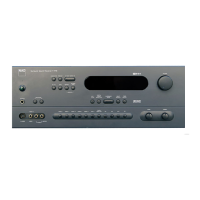
Use the HTR 3’s ’SURR,’ ‘CENT’ and ‘SUB’ keys for direct-access level adjustment of these channels over a
range of ±6 dB.
The surround back channels (if any) adjust in lockstep with the surround channels.
NOTE
Level settings adjusted ‘On the Fly’ are added or subtracted to the setup levels established at the
T 775 level-calibration routine as invoked by the HTR 3 ‘Test’ key. However, selecting any Preset will
revert the channel levels to those stored in the preset. It will also take T 775 o the levels set via
Audyssey calibration.
OPERATION
USING THE T 775 SETUP MENU


 To Next Page