CHAPTER III THE INTERIOR
Operational section
PART 1 – HOME SCREEN AND MENUS
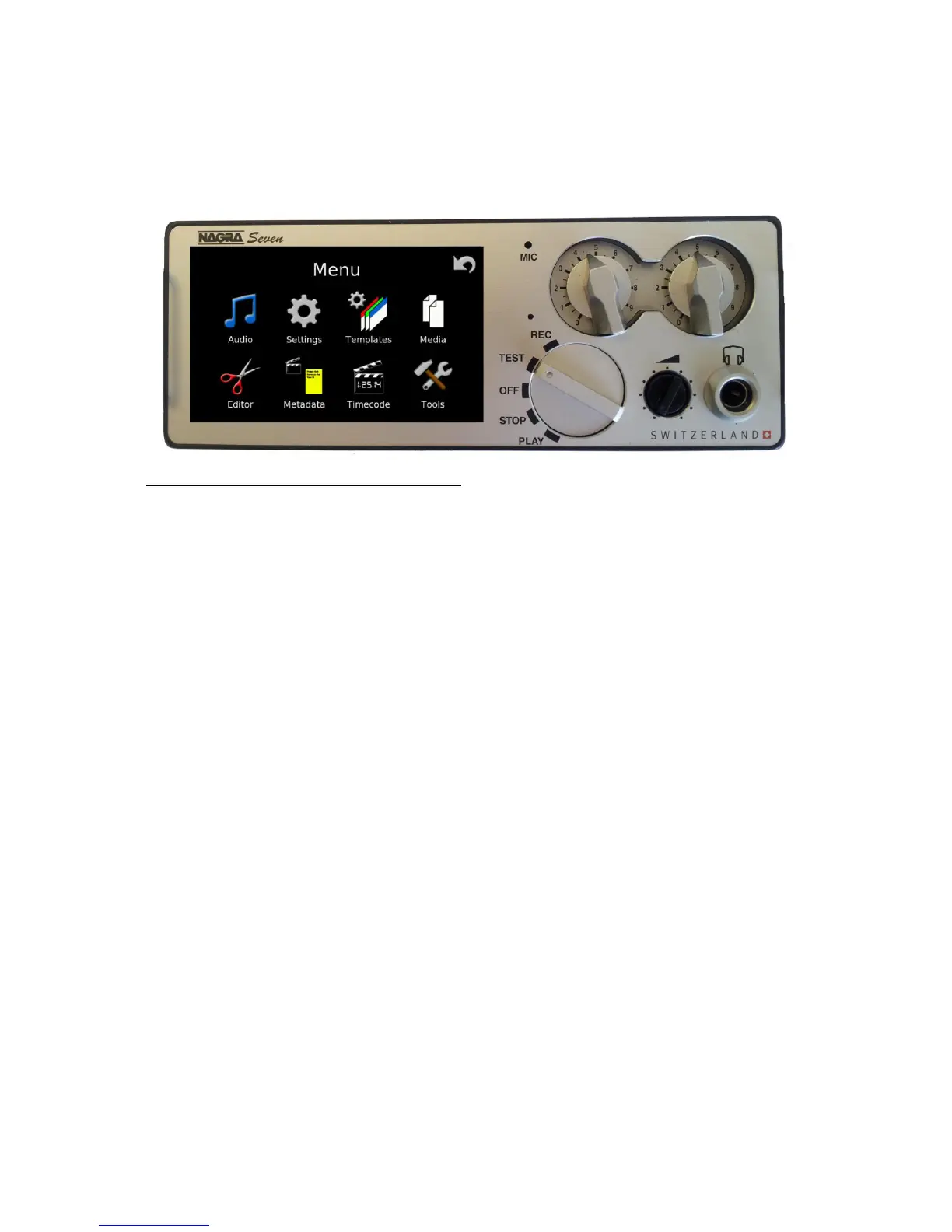
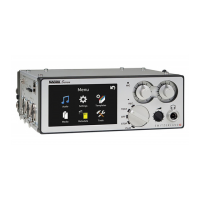
The screen or display of the Nagra Seven is the main user interface and has the following tasks:
Display operational information to the user
Display and modify the parameters of the recorder (Menus)
Allow control of the unit as well as communication (Short-cuts)
As the display is the heart of the communication interface between the user and the recorder, the screens and
different functions are explained in detail in the following pages.
The “home” screen, is adaptable depending on the users desires. Certain elements are fixed but other items
can be displayed depending on the position of the main function switch and the icon programming chosen by
the user:


 To Next Page