Copy (Manager) Status
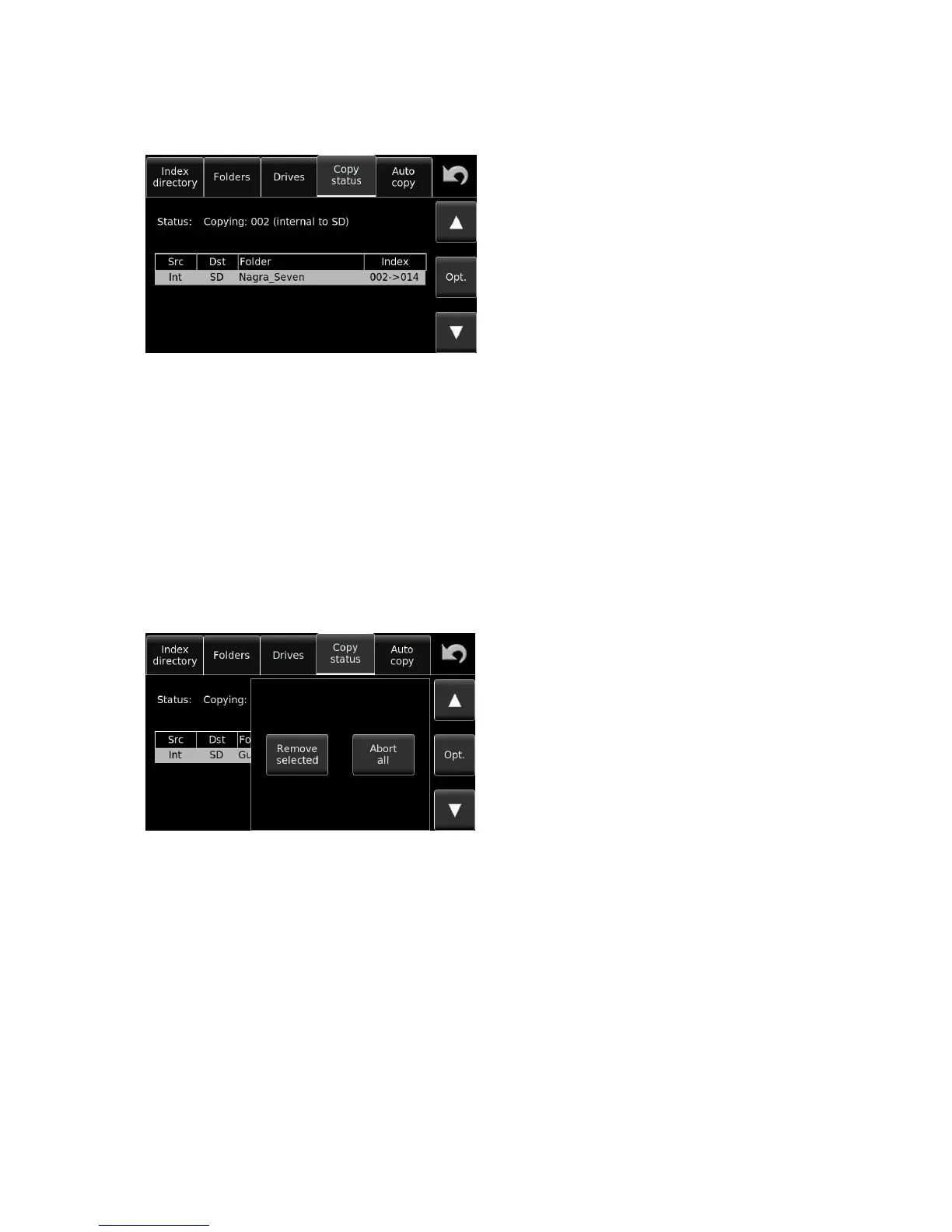
The copy manager display shows what the copy process is doing.
This example shows the copy status screen currently
copying file 002 from the internal Micro SD to the
SD. There is only one “item” in this copy list.
Operational modes of the copy manager
MODE DESCRIPTION
IDLE: The copy list is empty, no copies are running, no errors on previous copy.
COPYING: The copy process is running.
SUSPENDED: The Nagra Seven is in record mode and the current copy destination is the
same drive as the working folder (copy will always go to the other drive). The copy is
suspended to avoid file fragmentation on the disk and to guarantee a reliable
remaining recording time.
Copy manager commands
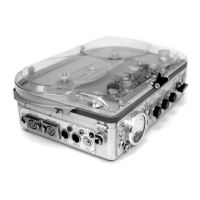
Pressing the OPT button while copying is underway will open the following screen:
Remove Selected: Remove specific files from the copy list.
Abort all Stop the copy action and remove all additional items from
the copy list.


 To Next Page