Icon selection
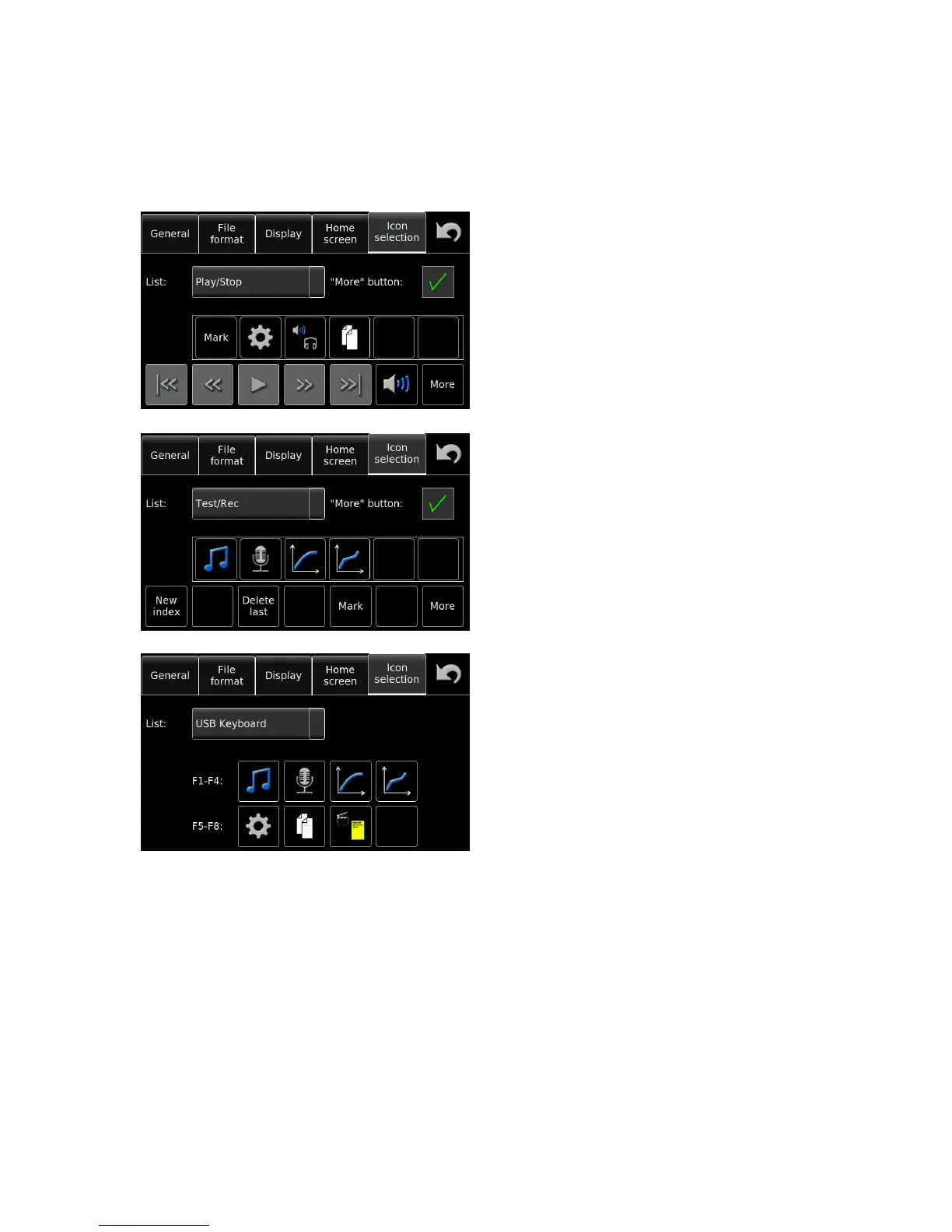
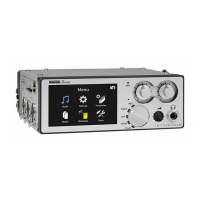
The Nagra Seven offers programmable shortcuts which will put different icons on the main display for rapid
access to different user definable features of the recorder. Different displays can be adapted for the PLAY /
STOP and TEST / REC positions of the main selector. Checking the “More” button will allow the 6 additional
icons to be displayed on the main display.
PLAY / STOP screen:
Programming of any button is made by selecting the
desired position and then choosing the function from
the drop down menu.
TEST / REC screen
USB keyboard shortcuts can also be programmed
in this window.


 To Next Page