Monitoring Menu
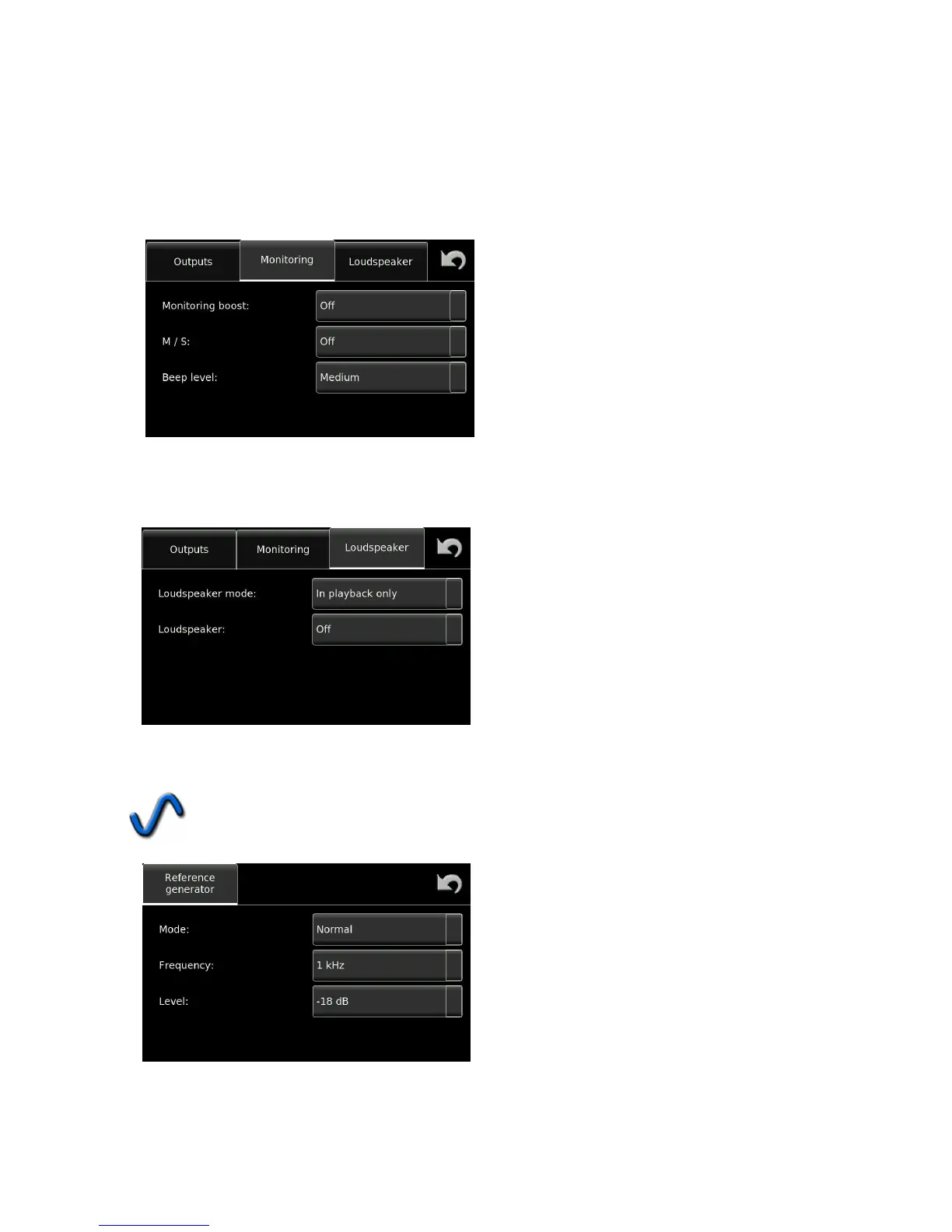
For the monitoring section, an additional headphone boost can be added to increase the headphone output
level. The M/S decoder can be turned ON or OFF. The M/S decoder will only decode the headphone output
into a L/R signal and will have no effect on the recording or the line outputs.
The level of the Beep signal can also be adjusted in this menu. The beep will be audible to indicate that a
command has been correctly interpreted, or to signal a warning.
Loudspeaker Menu
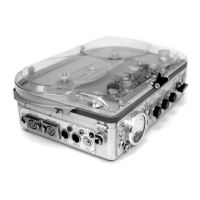
The loudspeaker menu allows the user to decide when the internal loudspeaker of the recorder is active. It can
be ON, OFF or only in playback to avoid feedback when in TEST mode.
Ref.Gen.
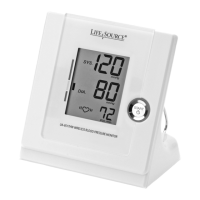
The internal reference signal generator can be programmed in frequency, from 500 Hz, 1 kHz and 2
kHz. The level can also be set from -6 dB to -20 dB in 2 dB steps and it can be selected to toggle ON /
OFF or be a momentary signal.


 To Next Page