Display Screen Information
Current time:
Shown in HH:MM:SS format. The internal clock is set in the menu mode.
This is independent of time code (if fitted). This data will be used for the
time information of a recorded index.
Media / folder:
Shows where the recordings will be stored. The media can be either the
internal micro-SD card (INT) or the extractable SD card (SD) or USB memory
(USB). After the “:” the name of the selected folder on the current media is
displayed, and is where the files will actually be stored.
Remaining time:
Indicates the remaining recording time on the selected media depending
on the current recording file format and media free size.
Power source / status:
EXT : External power supply is connected
LiPo: Lithium Polymer pack
NiMH: Rechargeable cells
DryC: Regular alkaline cells
The battery status icon shows the remaining battery reserve.
Monitoring format:
Indicates the audio headphone monitoring format currently selected.
Possible indications are: M (Mono), ST (Stereo), L / R (Left or Right) and MS
(Mid/Side)
Modulometers:
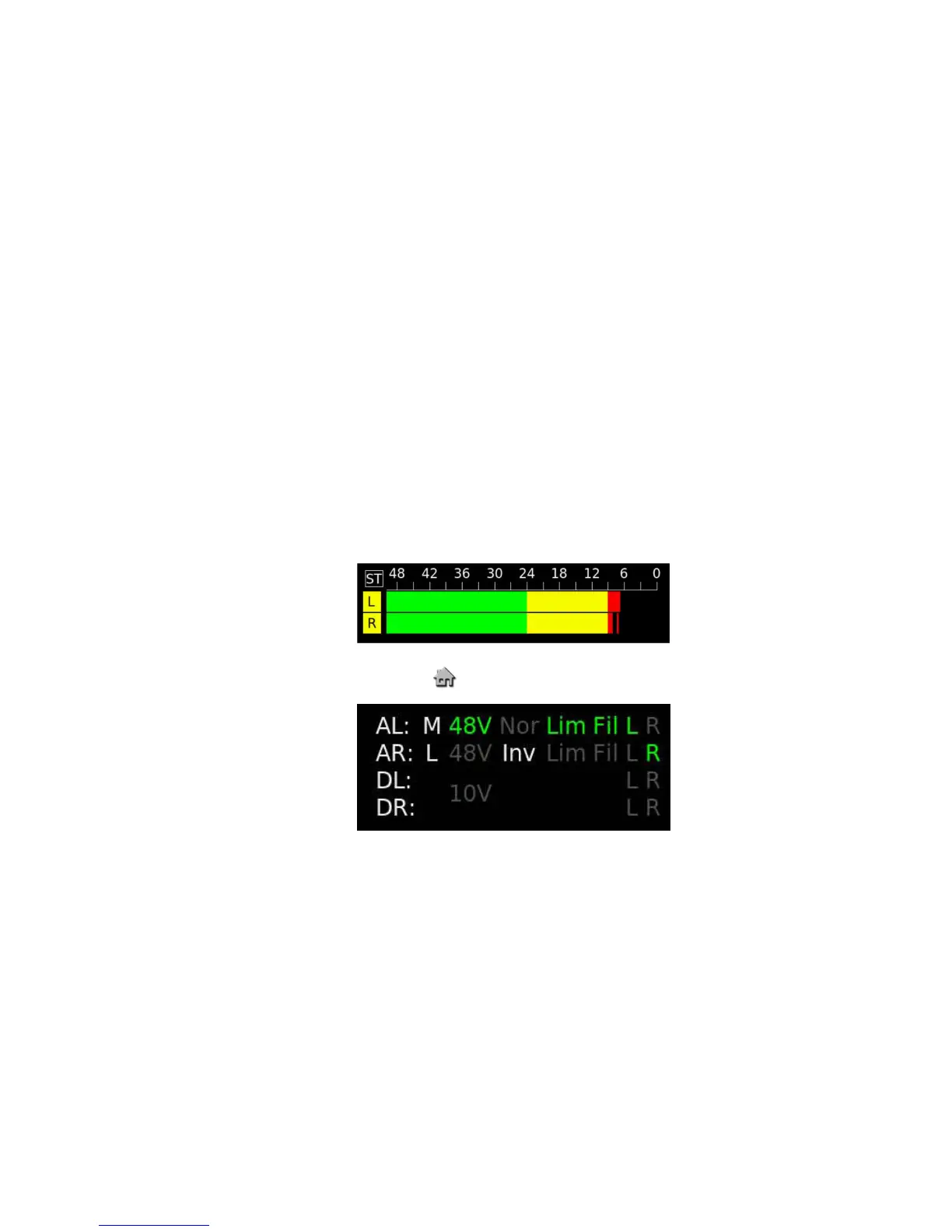
Standard level metering over a 50 dB range. Touching on the modulometer
display will show the “Highest Level” or “Hold Max.” peak level reached
since the last reset, and touching / pressing for 5 seconds will reset the
“Hold” display to -50dB.
Activation of the audio limiters is shown by the L / R modulometer signs
having a yellow background as shown below.
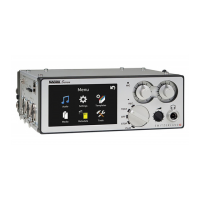
Menu mode:
Pressing the will select the MENU mode.
Status section:
Inputs Source Phantom Phase Limiter Filter Track
Analog L (AL) M: Mic +48V NORmal LIM FIL L
Analog R (AR) L: Line INVerted R
Digital L (DL)
Digital R (DR) 10V (AES 42 powering)
keys :
Either transport keys or “action buttons” according to main function switch
position.
Progression line:
A white horizontal bar across the bottom of the display (from left to right)
shows the progression of the playback through a file and the width of the
display is a % representation of the file.


 To Next Page