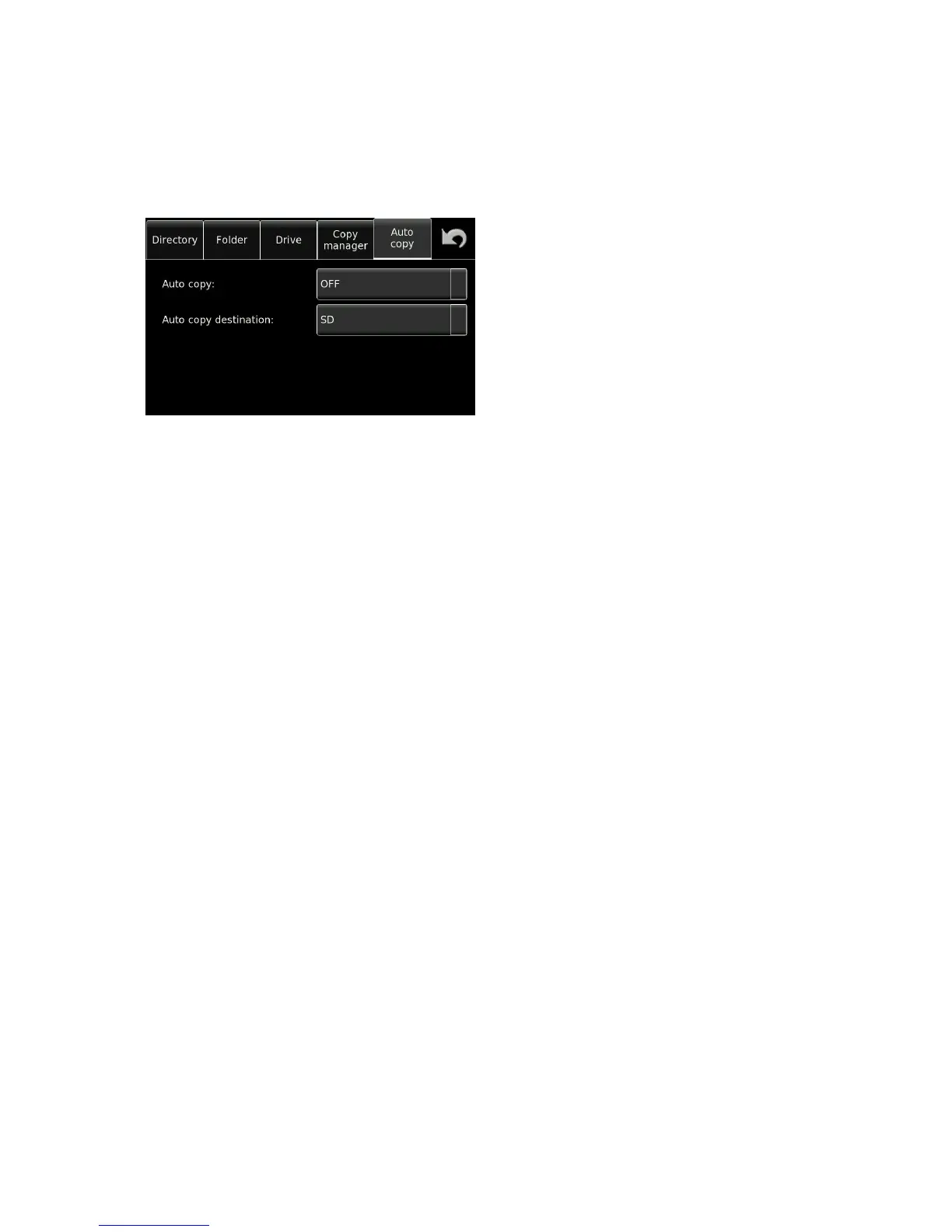
Auto Copy
The Auto copy feature can also be considered as an automatic back-up of the current recordings, and once
activated, requires no further user input. This will enable the automatic copying of all recordings, into a folder
bearing the same name as the current working folder on the working drive. This folder will be automatically
created on the destination media. This mode will also copy the report file if selected.
Note: In the event of a copy error, the auto copy will not be executed until the copy error has been
resolved, as the copy process has been interrupted. A corresponding error message will be displayed.
If alterations are made to the metadata, or a false start is made, then the metadata will automatically
be corrected on the copy. This may even be done after the event on the condition that the
destination file exists on the drive and that it is of identical size.


 To Next Page