10
Setting
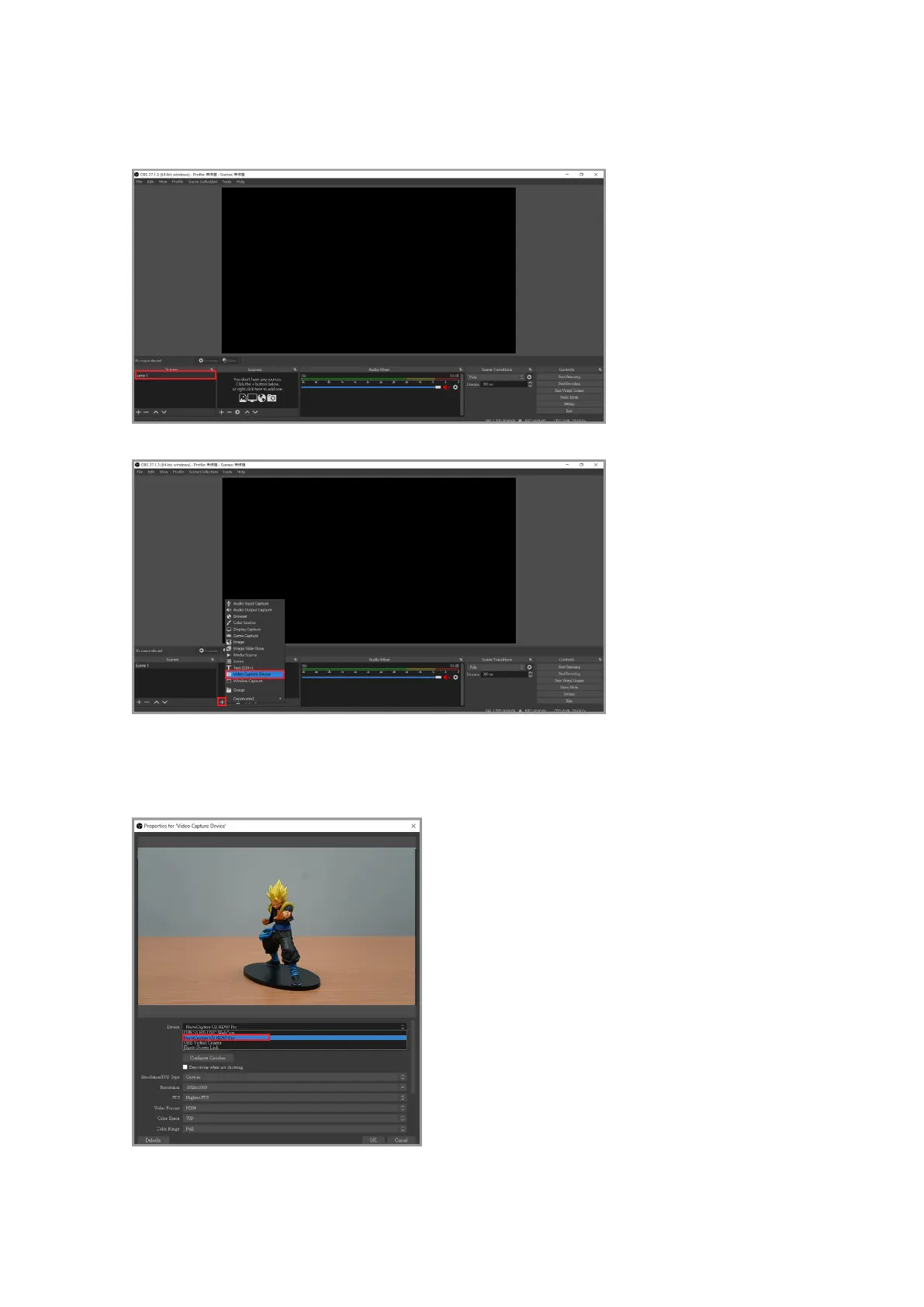
After opening OBS, rst select “scene” in the bottom left corner. You can create multiple
sets of scenes if you want to play multiple sets of videos or live content.
Then click [Plus button in the red frame] > [Video capture device] > [Set source name] > [OK].
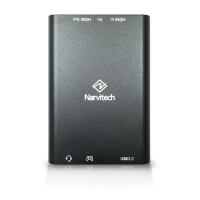
Select "NarviCapture U2 HD60 Pro" under "Device" in the window
1. To remove the camera UI elements on the preview screen, you will need to nd a solution for
your device. (Keyword: Clean HDMI).



 To Next Page