12
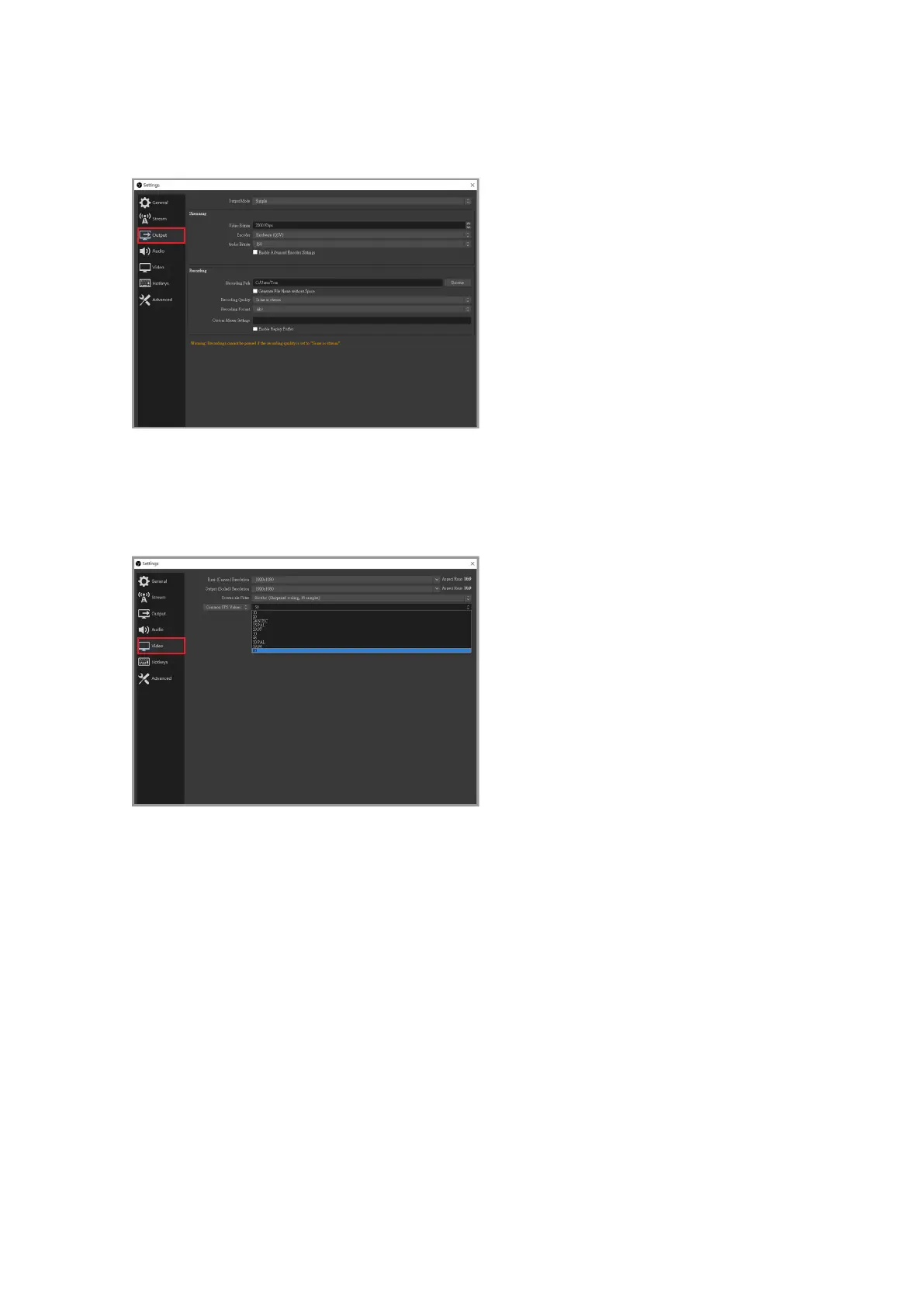
Click "Output" in the menu on the left, here it is recommended to set the bit rate to
2000~2500 Kbps. Increasing the bit rate will aect the CPU performance and network
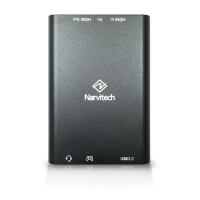
Click "Video" in the menu on the left, and you can adjust the output resolution of the live
image according to your personal preferences (default: 720p). It is recommended that you
have at least 15Mbps of upload bandwidth for live streaming at 1080p (you can test your
internet speed through Google Fiber).



 To Next Page