Trex™ HD Monitoring Amplifier User & Service Manual
38
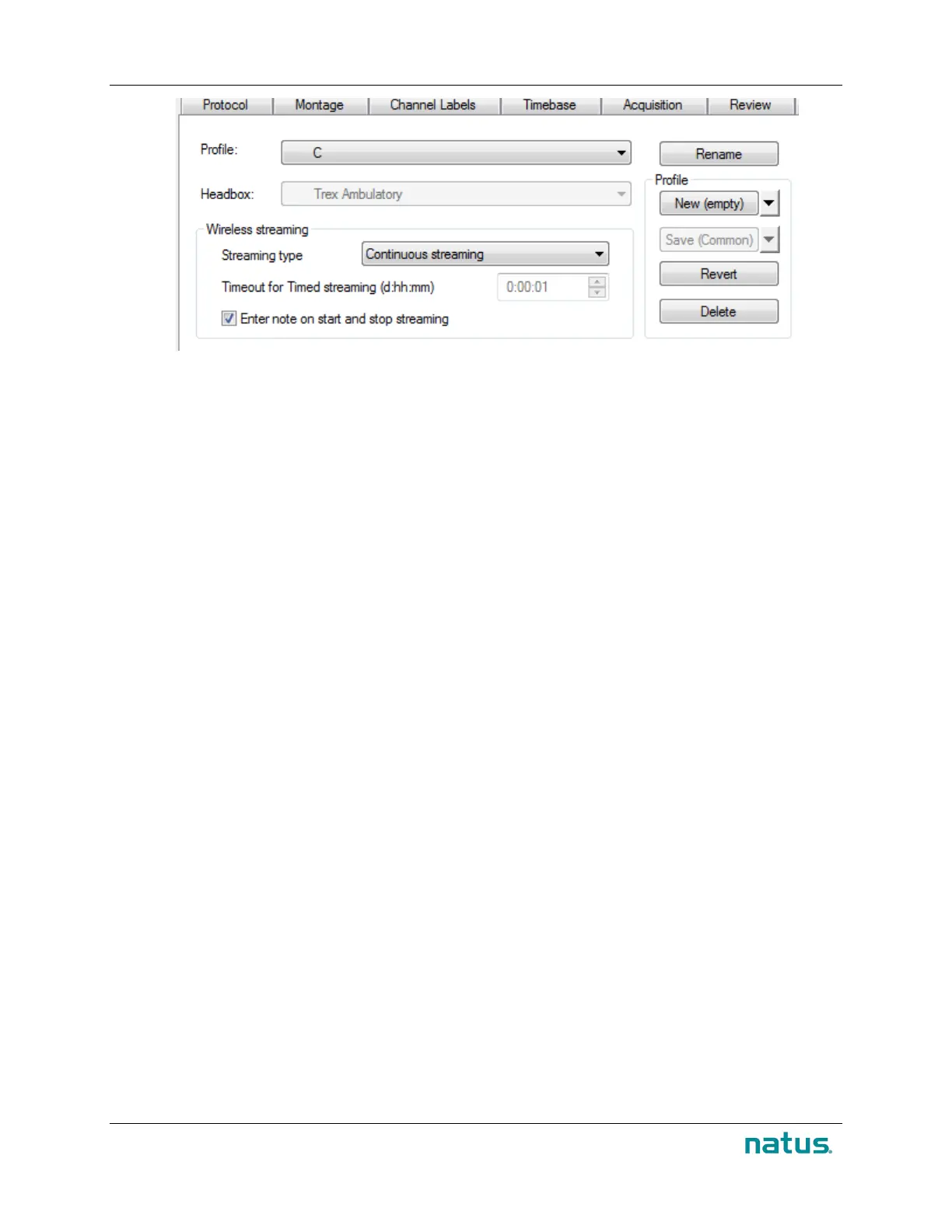
In NeuroWorks EEG, click Edit > Settings > Acquisition (tab) and enable the following settings prior to
starting a new study:
1. Check to enable Start ambulatory study when HB disconnected.
2. Add appropriate Streaming Profile to the Acquisition Profile
Next steps:
• Ensure the amber light on the Trex HD is flashing to indicate it is recording to internal memory.
• Connect a fully charged battery pack to the Trex HD (optional).
• Review the Patient Guide (p/n 019691) with the patient.
9.1.3.2. Monitor an ambulatory study
To initiate monitoring after ambulatory recording has started, ensure the Trex HD Monitoring is within 10m
(32ft) of the tablet computer and:
1. In the live (Wave) window, click the Start Streaming icon, or simply disconnect the USB
cable connecting the Trex HD headbox to the tablet
2. If you need to extend the streaming time, click the Extend Time icon.
3. To manually stop the live stream, click the Stop Streaming icon.


 To Next Page