NV30/NV40 Operations and Maintenance Manual Operating the transmitter
Page 2-82 Issue 3.3 2014-12-10
• All Other Settings - Allows the user to adjust all settings not mentioned above, except for
administrating user accounts.
5. Press Apply to assign the new permissions to the selected user.
Removing an account
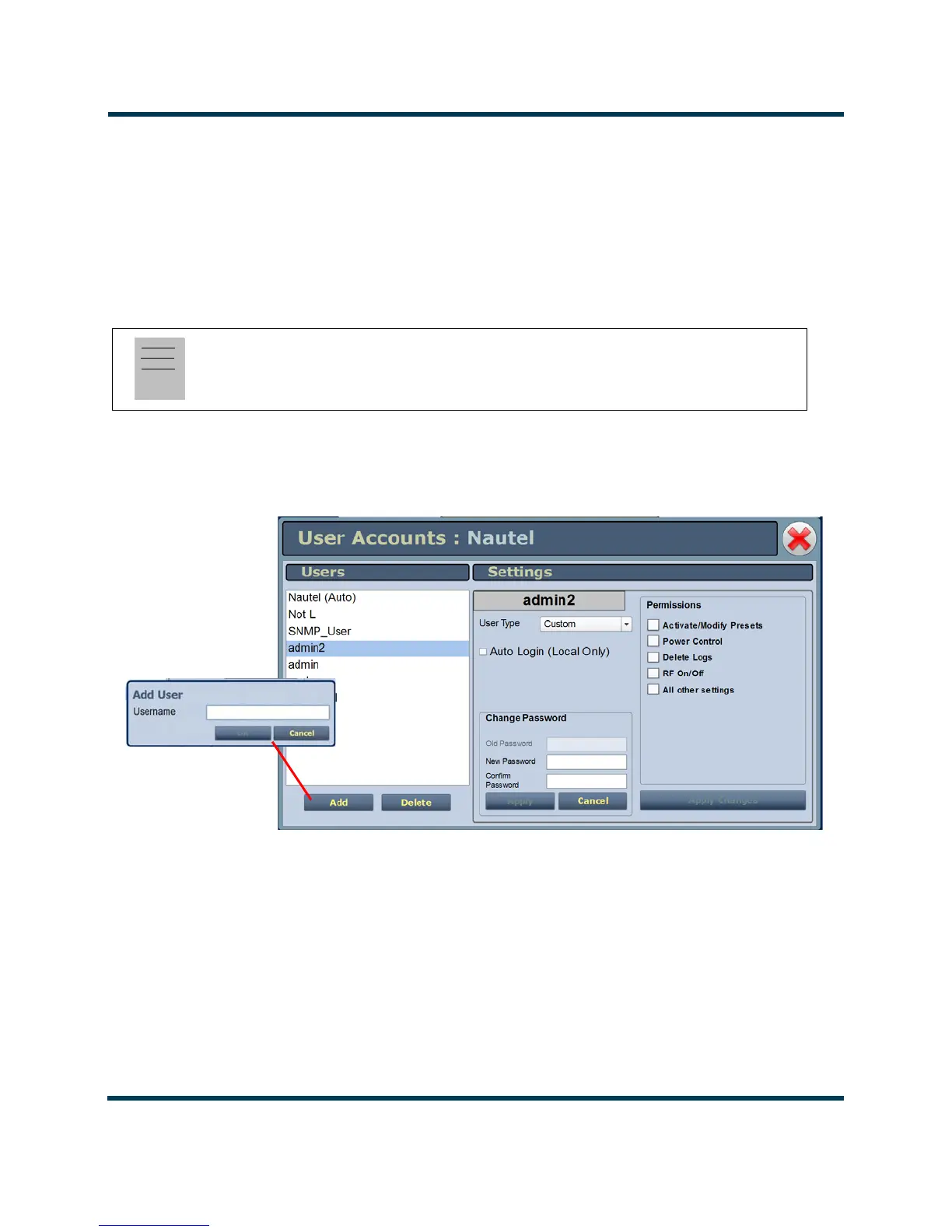
To remove a user account, select the desired user from the Users list and press the Delete button. A
verification prompt will appear. Press Yes to proceed or No to cancel the deletion.
Figure 2.62: User Accounts Page Layout
Note:
Do not delete the SNMP_User account from the list of users.



 To Next Page