NV30/NV40 Operations and Maintenance Manual Operating the transmitter
Issue 3.3 2014-12-10 Page 2-15
Menu page - describing transmitter operations
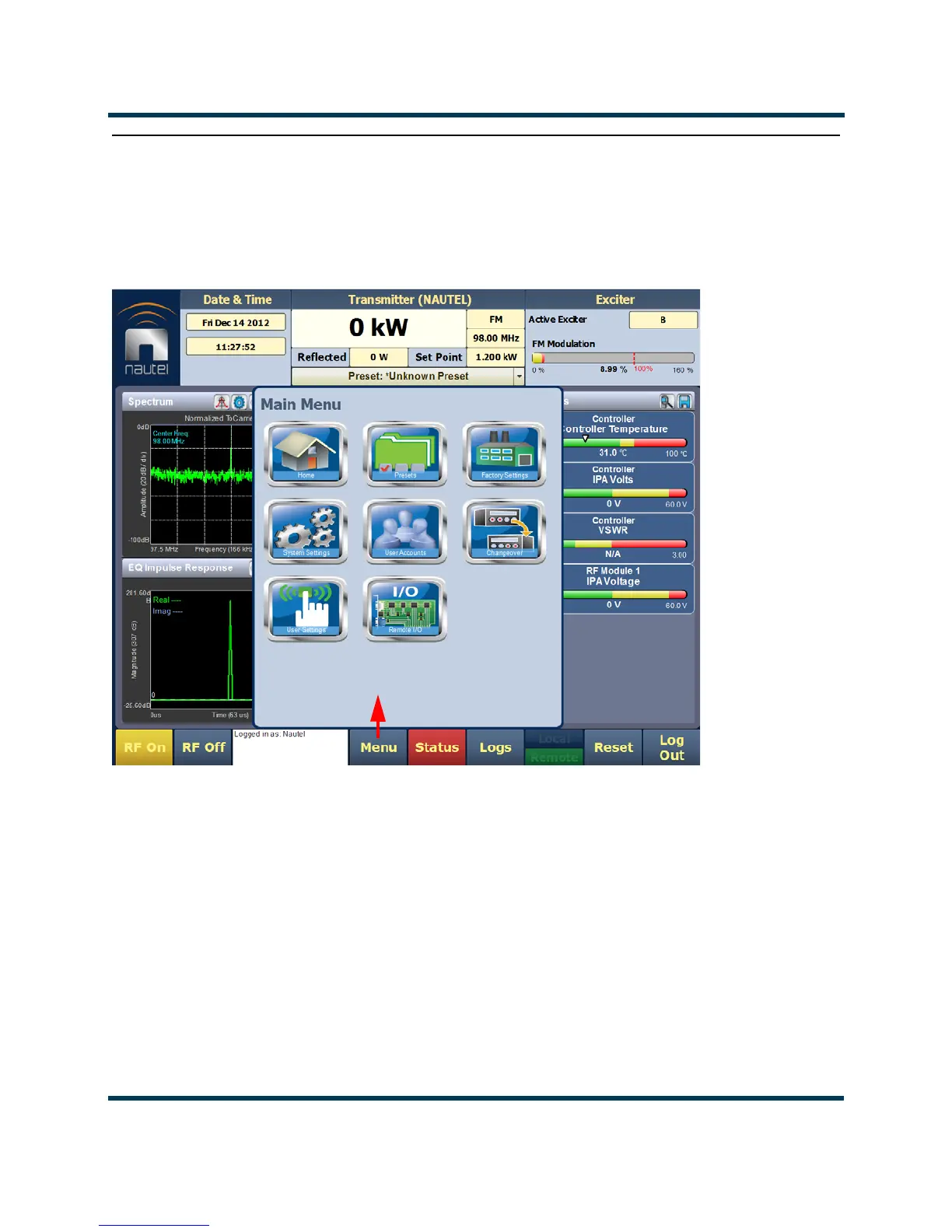
From the Home page, press the Menu button to view the Menu page (see Figure 2.7). The Menu
page displays icons that link to pages that control various transmitter operations.
Figure 2.7: Menu Page
Select Home to return to the home page (see Figure 2.6 on page 2-14).
Choose Presets to open screens related to presets (see Editing or creating presets on page 2-45).
Select Factory Settings to view various parameters relating to the transmitter (see Factory Settings
on page 2-61).
Press System Settings to access pages that allow users to reboot the AUI or active exciter, perform
software upgrades, configure IBOC Settings, set Audio Input Calibration, configure FM Polarity
etc. (see System Settings on page 2-70).



 To Next Page