NV30/NV40 Operations and Maintenance Manual Operating the transmitter
Page 2-22 Issue 3.3 2014-12-10
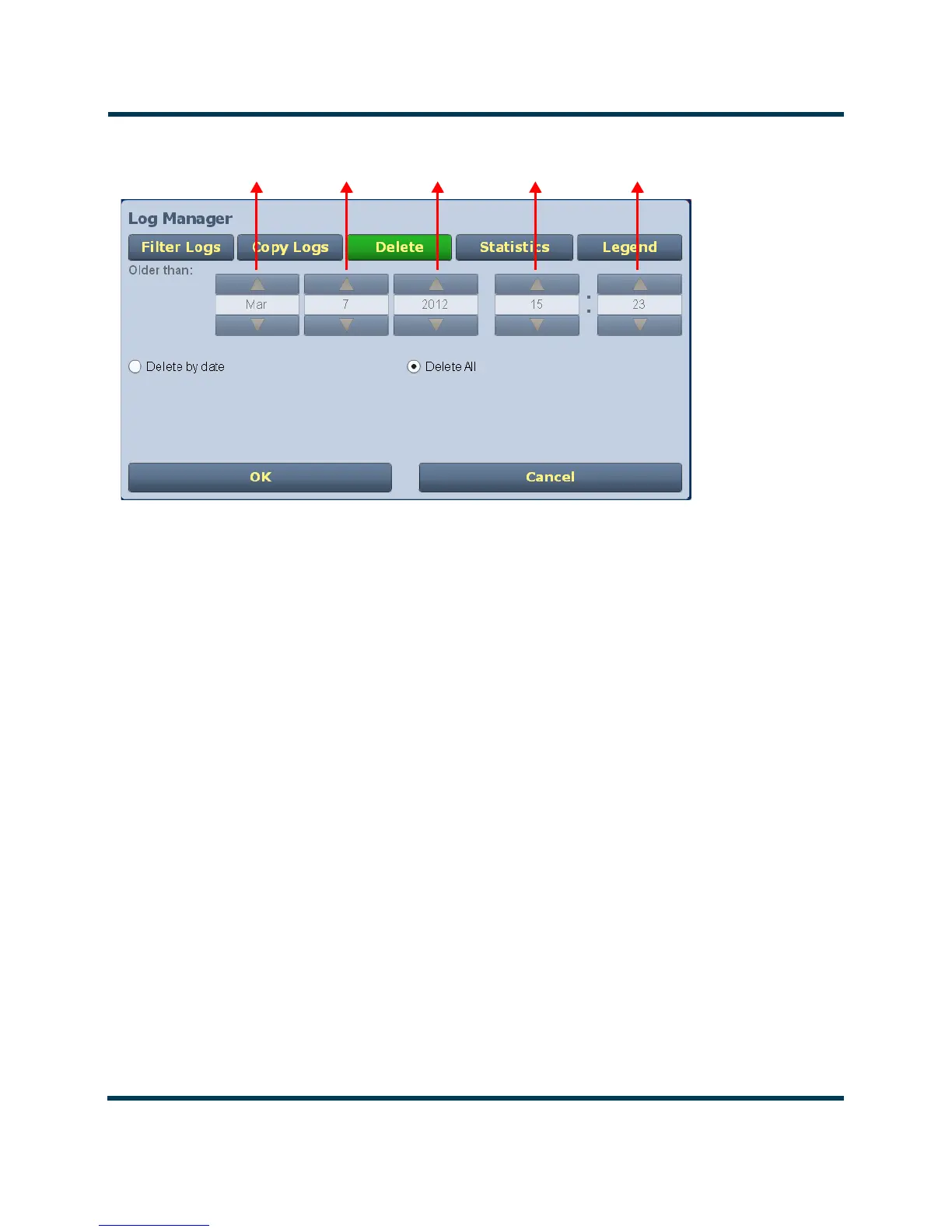
Figure 2.12: Log Manager - Deleting Logs
Viewing log statistics
Users can view statistical information on the events being displayed by clicking on the Statistics
button in the Log Manager (see Figure 2.13 on page 2-23). The Statistics screen groups similar
events that occurred within the filtered period as well as the time and date of the earliest and latest
event occurrence for each event type. Use the scroll bar to move through the list or the up and down
arrow buttons to the right of the scroll bar (if applicable). If the event log display spans more than ten
rows, use the arrows on the side of the display to scroll to page up or down. The Statistics page will
look similar to the Logs page display but has additional headings (see Figure 2.13 on page 2-23):
–Device - refers to the device that is associated with the alarm i.e. Exciter, Controller, RF
Module, etc.
–Event - describes the alarm (e.g., Local/Remote switch)
–Severity - identifies the seriousness of the alarm.
–# Events - reveals the number of times the same alarm has occurred for the same device.
Month Day Year Hours Minutes



 To Next Page